
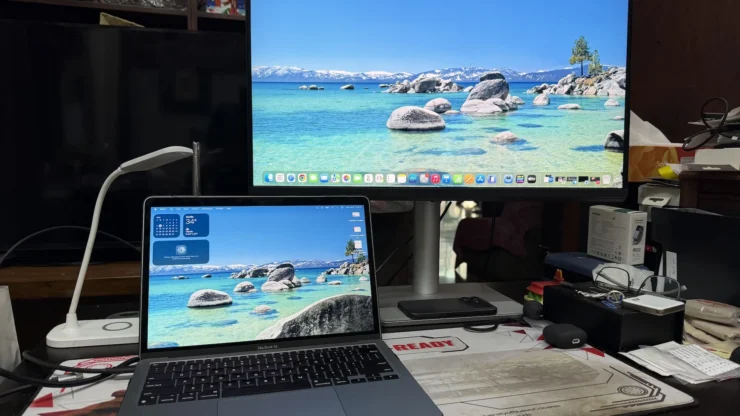
One of the bane of Mac users is having an external monitor. The only available display made by Apple is so bloody expensive that most users have no other choice but to look for other brands without a bite of the fruit. With third-party monitors, the issues occur from hardware to software compatibility especially the accuracy of the display which multimedia artists rely on. Enter the BenQ MA270U Mac Monitor.
BenQ is a Taiwanese electronic company who produces displays, PC peripherals and consumer electronics for the past few decades. They even had a mobile phone division back in the 2000s. Here in the Philippines, they’re focusing on Monitors including the MA series which were launched last May. We were sent a BenQ MA270U for review so please go ahead and read my review.
Table of Contents
BenQ MA270U Mac Monitor Specs:
| Panel Size: | 27″ |
|---|---|
| Panel Type: | IPS |
| Resolution: | 4K UHD 3840×2160 |
| Display Surface: | Nano-Mate Anti-Glare Coating |
| Brightness: | 400 nits |
| Contrast Ratio: | 1200:1 |
| Response Time: | 5ms |
| Display Colors: | 1.07 Billion Colors |
| Connectors: | 2 x HDMI 2.0; 1 x
USB C PowerDelivery 90W, DisplayPort Alt Mode, Data
; 2 x
USB Type-A Downstream USB 3.2 Gen 1, 5 Gbps, power charging 7.5W; 1 x
USB Type-C Downstream USB 3.2 Gen 1, 5 Gbps, power charging 15W
|
| SRP | P32,495.00 |
The Built and Design
Unlike the Apple Studio Display, I already expected I have to assemble the BenQ MA270U. Fortunately, this Mac Monitor is easy to setup. I didn’t use any tools nor open the manual included in the box. There were three cables included: power cable, Type-C USB and HDMI. I was able to borrow a MacBook Air of my friend so all I needed are the power cable for the monitor and the Type-C cable.
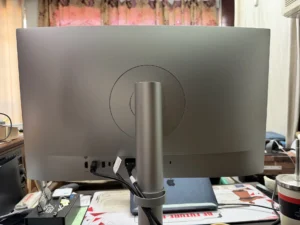
After assembling the BenQ MA270U Monitor, I really think it could pass as an Apple product. Everything except the screen looks like it was made of aluminum. It isn’t. The MA270U is made of different materials from a premium type of plastic (probably polycarbonate) to steel. Tapping the back of the monitor is definitely made of hard plastic coated with a silver finish to look like an Apple product.
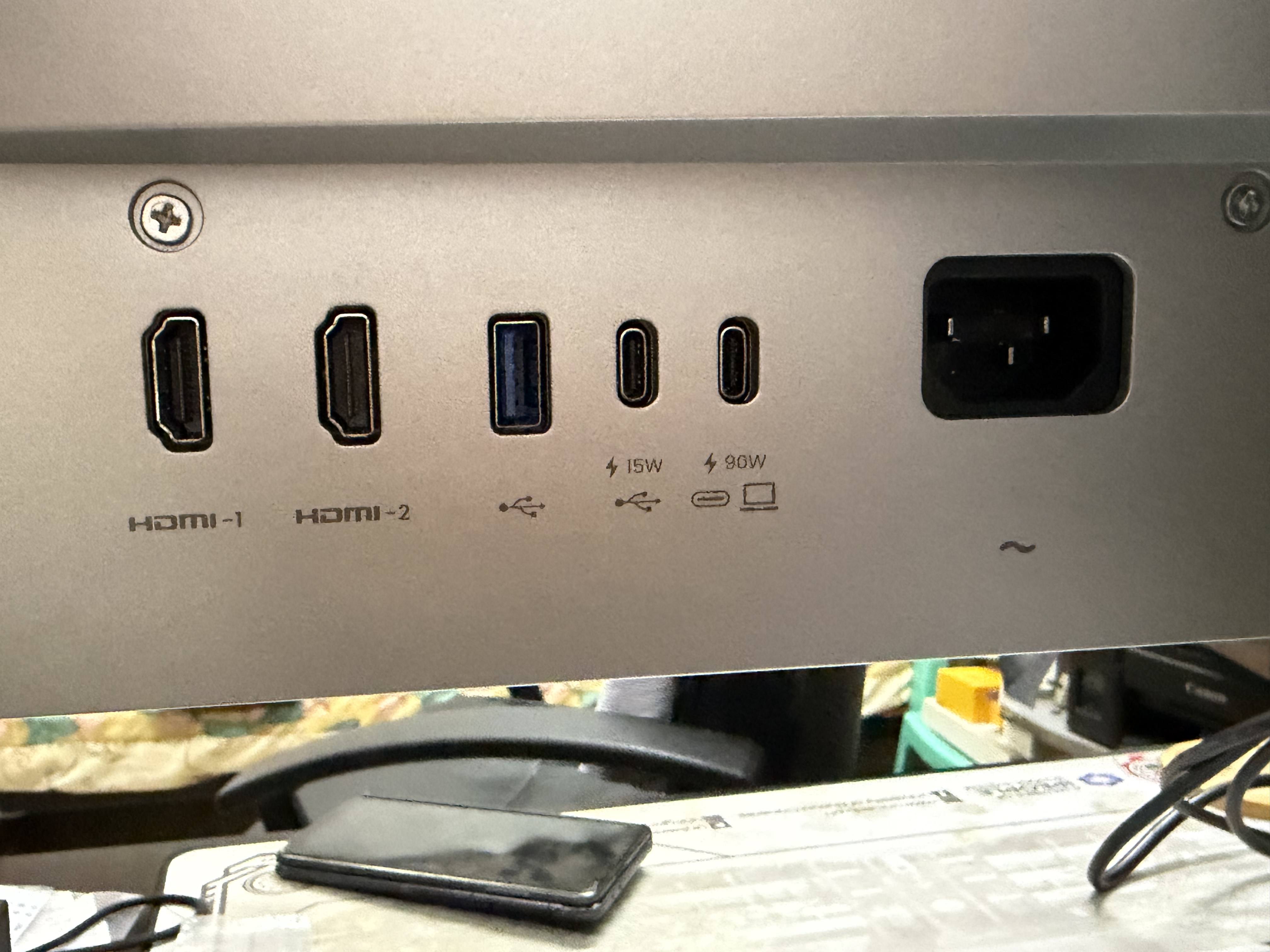
As far as I know, nothing was copied from Apple. In fact, the curved back of the monitor reminded me of other monitor brands for PCs. Found at the lower back are ports for two Type-C USB for DisplayPort/charging for MacBook and charging other devices, Type-A USB, and two HDMI 2.0.


On top of the monitor are ventilation grills and bright intelligence sensor which automatically adjusts its screen brightness based on the room’s lighting conditions. Underneath it are the stereo speakers, 3.5mm headphone jack, another Type-A USB, power button with LED and a 5-way joystick.


What holds the BenQ MA270U is a cylindrical stand made of steel. I was impressed with the way it was designed. The monitor can be swiveled left or right, tilting it upwards or downwards, adjust the height of the monitor or rotate it to 90 degrees. It adjusts to the way you work easily. The monitor does not wobble thanks to its design.


The base of the BenQ MA270U is wide, spacious and sturdy enough to hold the 27″ monitor. In front of it is a rubber pad where you can place your MacBook, iPhone or any device.
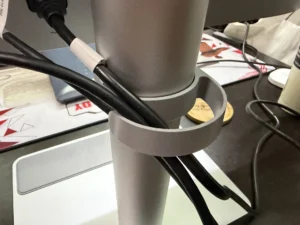
BenQ added a cable management loop ring that can be inserted in the stand. This is a nice touch which Mac users would appreciate to keep the neatness of their setup.
The Display and Sound
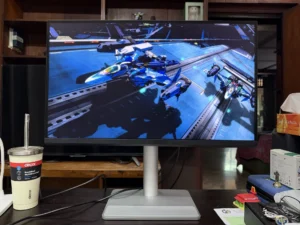
As the model number suggests, the BenQ MA270U comes with a 27-inch 4K IPS Display. For those who are not using a Mac, you might be asking why do they need to have this monitor rather than any other monitors available in the market?
The usual reason is they need to match their Macs’ display colors with their monitors without having to go through the trouble of calibrating. This is true with the BenQ MA270U. With the help of their BenQ Display Pilot 2 app that can be downloaded from the BenQ website, setting up your Mac with the BenQ monitor would be a breeze. We’ll discuss it in a little while.

The bezels are noticeably thin except for the bottom which has the BenQ logo. Sadly, a camera is not built-in and you’ll need to attach one for video-conferencing. I don’t know if 27″ is small for users, but I find it large enough for me to have different stuff on my screen. If you need a bigger display, there is a 32″ variant available.
The BenQ MA270U supports 99% sRGB color space and 95% of the Display P3 gamut. I can say that color accuracy of the BenQ MA270U is excellent, matching the colors of the MacBook Air 13 M2 I’m using. Whether I’m working on the side of the MacBook or on the MA270U editing a photo or video, the colors stay the same. Whatever I load on the screen always appear bright and crisp. Small details are easier to spot too. It’s also good to report that unlike other PC monitors in the market, BenQ’s Mac Monitor doesn’t have backlight bleed on its edges.
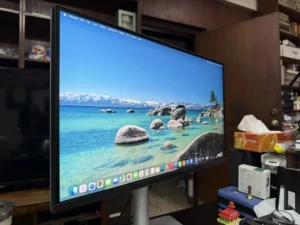
The Nano Matte Panel of the monitor helps in reducing glare in work areas that are really bright. I initially had doubts that it will affect the display quality but there were none at all. Nano Gloss is also available for users who prefer them more than Matte Panel.
Under the BenQ MA270U are a pair of 3W stereo speakers which sounded pretty good in my opinion. It sounded clearer and the bassline of the songs I listened to were better than the MacBook Air. I prefer using the BenQ’s speakers for watching Disney+ videos or listening to Apple Music. However, if you need a monitor that supports spatial audio, you have no choice but to get the Apple’s Studio Display.
The Performance


Before I received the MacBook Air M2 I borrowed, I actually used it first with my ASUS Zenbook A14. I realized nowadays it’s better to have a second screen with all the work (especially those that are still pending huhuhu) I have on my plate. I also used my iPhone 17 Pro Max and iPad Mini 6th Gen with the BenQ MA270U. This just shows the monitor is very suitable whether it’s in the Apple Ecosystem or not.


I mentioned earlier the Display Pilot 2 app, which I believe is a godsend. After I connected the USB to the MacBook, the app was able to detect it and its model. Next thing I knew, the BenQ display already lit up and acted as my second screen. Heck, all of these done and I didn’t even break a sweat! While most Macs nowadays are running on silicon, you’ll be glad to know it also supports the older Macs on Intel processors as long as it runs on at least MacOS 13 Ventura and connected via Thunderbolt or Type-C USB.
What I find helpful for daily productivity is the Desktop Partition that lets you use different types of partition layouts to maximize your monitor’s large screen. You can have Pages set on the left side and Safari on the right side of the monitor then play Apple TV on full screen on your Mac. When the monitor is rotated to portrait mode, it automatically changes the screen’s orientation. Make sure “Auto Pivot” is enabled in the Display Pilot 2 for this function to work.
The MA270U has a 5-way joystick under the display to adjust screen brightness or volume. You don’t need to do that anymore because you can already use the brightness and volume controls on your Mac.
Lastly, I’m glad it can charge the MacBook while connected to the monitor. It also worked with my Zenbook so I didn’t need a separate charger to power these laptops.
Oh, if you’re a gamer, the MA270U only has 60Hz refresh rate. If you need more than that, look for a gaming monitor.
DR’S CONCLUSION
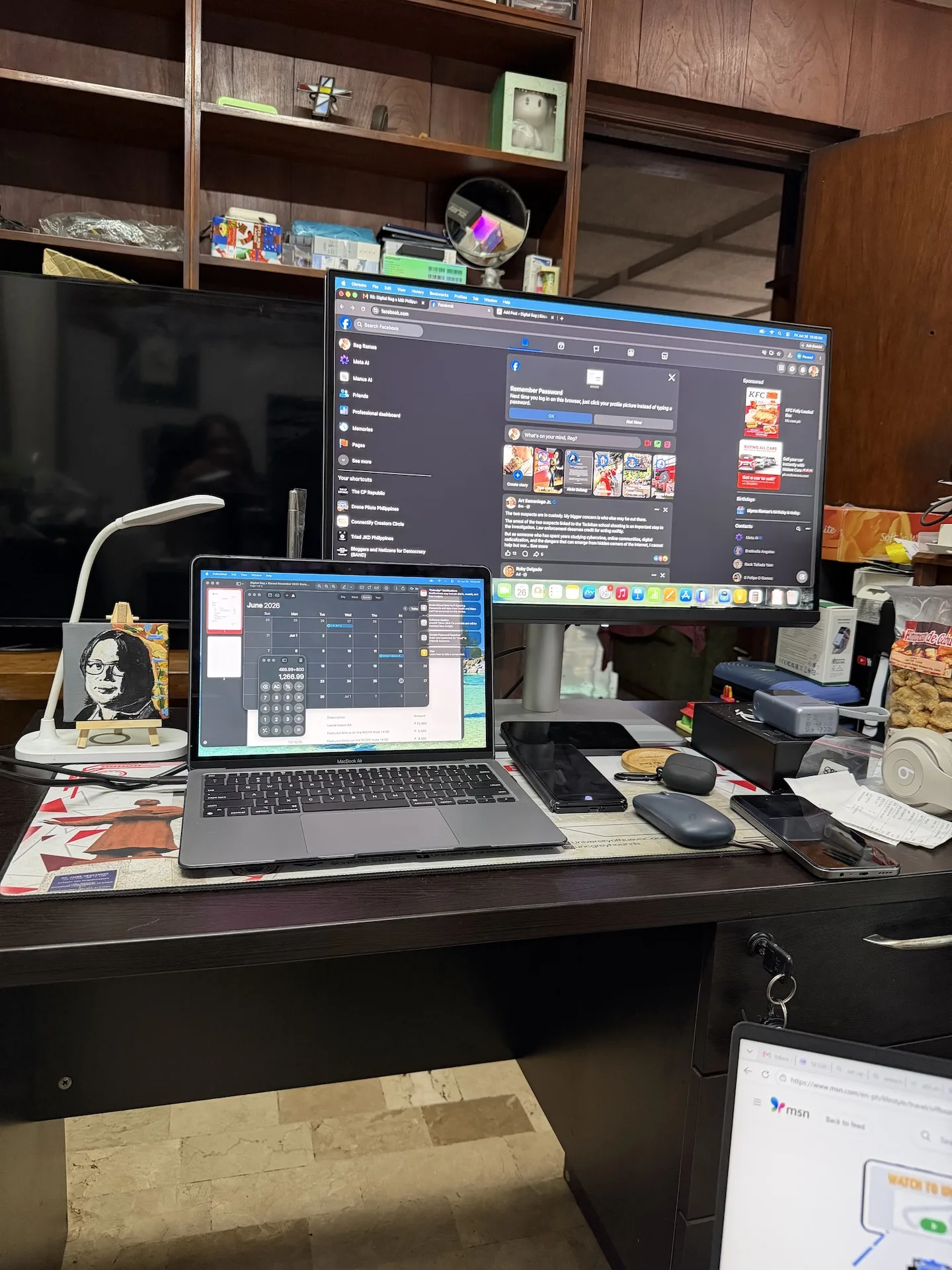
The BenQ MA270U is a very good alternative to Apple’s own display. If I were a Mac user, I would be lured to buy one even if I don’t need it. I said that because this monitor only retails for P32,495.00! That’s around P70,000 cheaper than the base variant of the fruit brand.
The BenQ MA270U is highly recommended for multimedia creators or editors as well as users who values productivity. All the more you’ll need to have this if you are in the Apple Ecosystem as the MA270U fits right in with all your other Apple products.
For more information about the BenQ MA270U, visit BenQ’s website.