
I have never reviewed a tablet from Xiaomi. Normally I review their phones but never on any of their tablets. After they announced the Xiaomi Pad 8, I had a chat with their Marketing Head and he told me it was really good. In fact, it was so good he highly recommended I try it out. I couldn’t say no of course. A couple of days later, a Xiaomi Pad 8 unit was sent to my home office.
I wasn’t looking for a tablet for myself. It is actually for my daughter who requires a powerful processor with a pen input. Would the Xiaomi Pad 8 suit us both?
Table of Contents
Xiaomi Pad 8 Specs:
| OS: | HyperOS 3 based on Android 16 |
|---|---|
| Processor: | Qualcomm 3.21GHz SM8735 Snapdragon 8s Gen 4 (4 nm) Octa-Core Processor; Adreno 825 GPU |
| Display: | 11.2″ 2136 x 3200 IPS LCD Glossy with 144Hz refresh rate |
| Wireless Connections: | Bluetooth 5.4, Wi-Fi 802.11 a/b/g/n/ac/6/7, dual-band, IR |
| Memory: | 8GB+256GB |
| Connectors: | USB Type-C 3.2, OTG |
| Cameras: | Rear Camera: (Main) 13 MP, f/2.2 Front Camera: 8 MP, f/2.3 |
| SIM Card Slots: | None |
| Battery: | 9,200 mAh 45W Wired 5W Reverse Wired |
| Price: | 8GB+128GB: Php 25,999 8GB+256GB: Php 32,999 |
The Unboxing
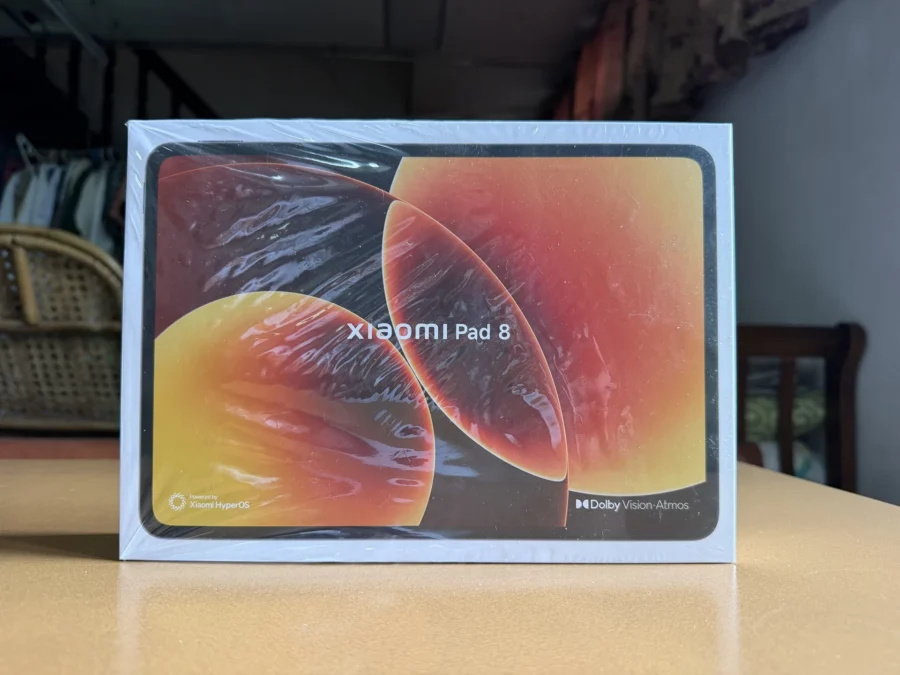
The box shows the image of a Xiaomi Pad 8 which is almost the same size of the actual tablet.
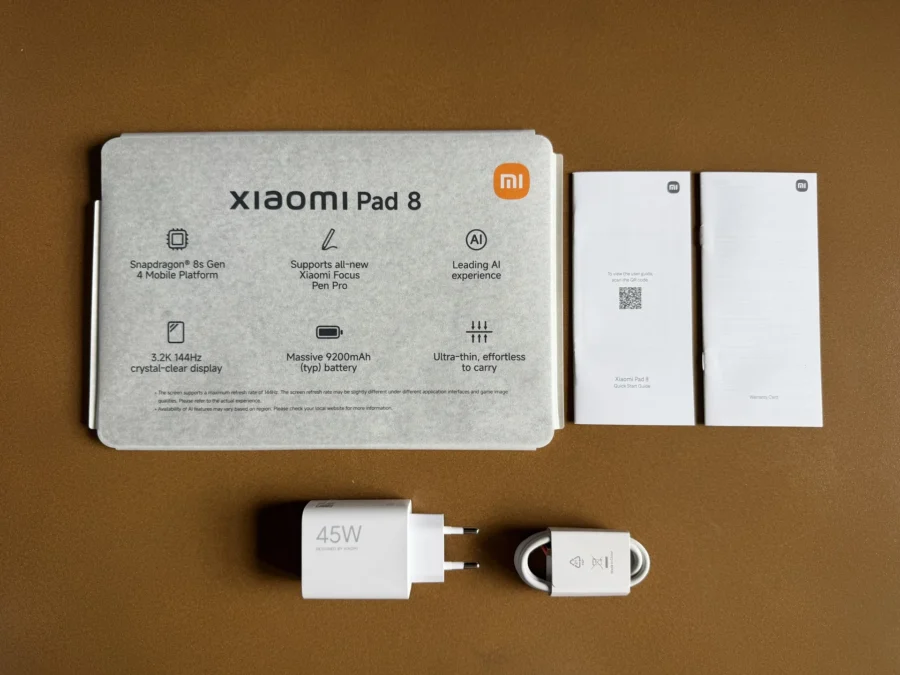
Found inside the box are the Xiaomi Pad 8, Type-C USB Cable and a 45W Charger Head.
The Built and Design
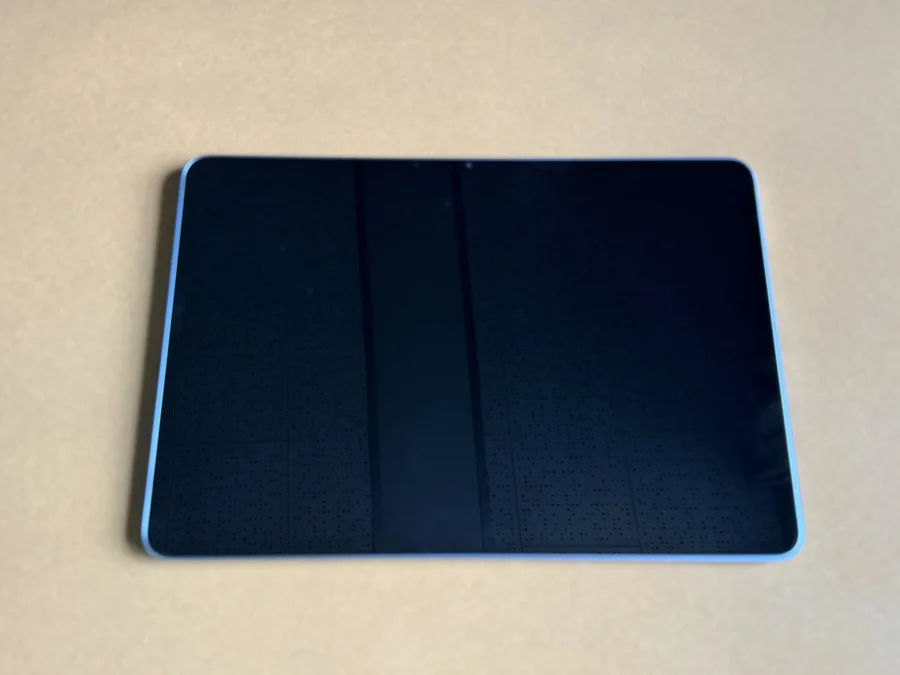
I was in awe when I picked up the Xiaomi Pad 8 from its box. It was so slim and lightweight! Honestly, I couldn’t believe that a tablet of this size is 5.75mm ultra thin and only weighs 485 grams. It’s made of all-aluminum unibody that gives me an idea this is not an ordinary tablet Xiaomi has came up with.
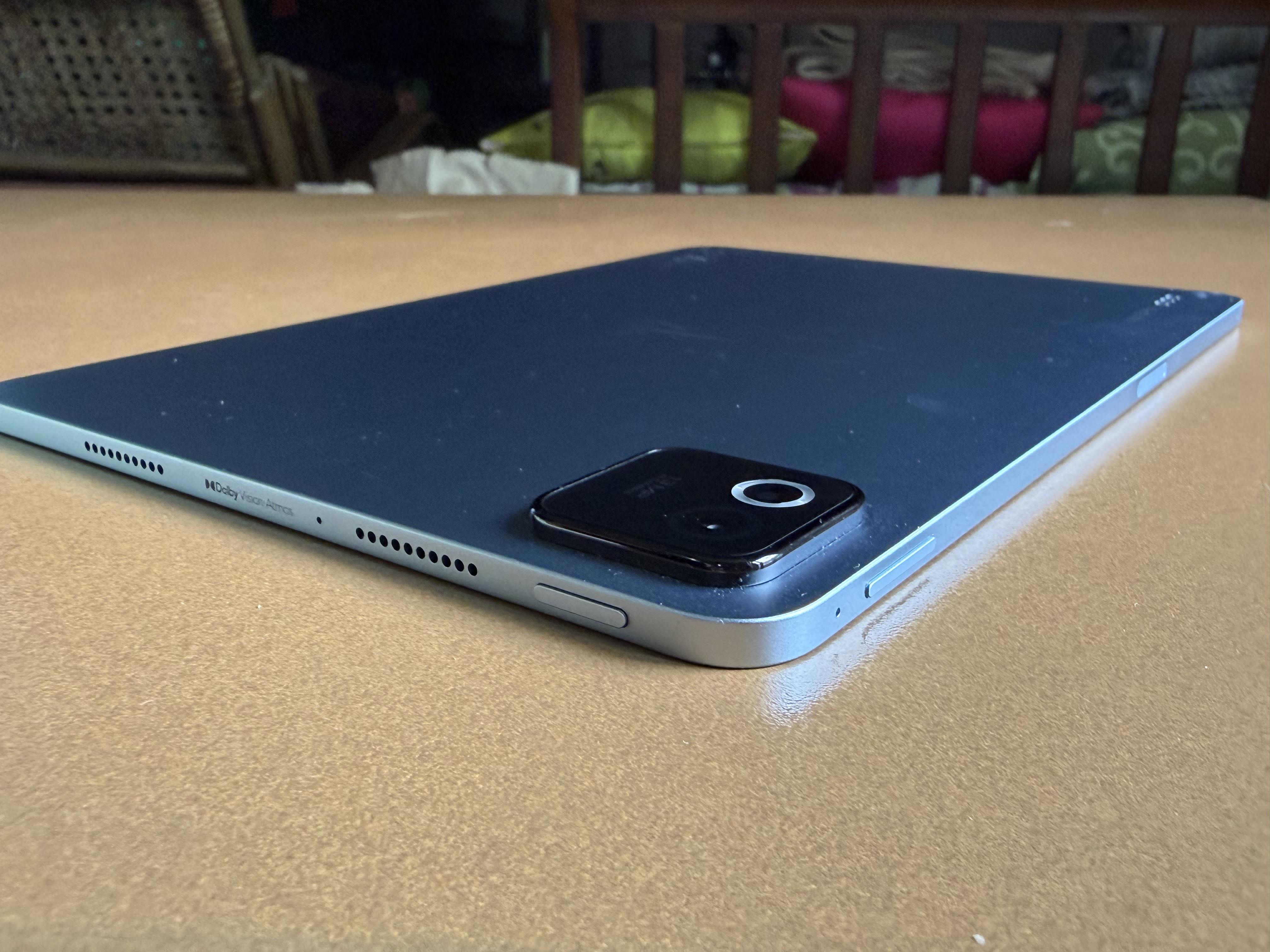
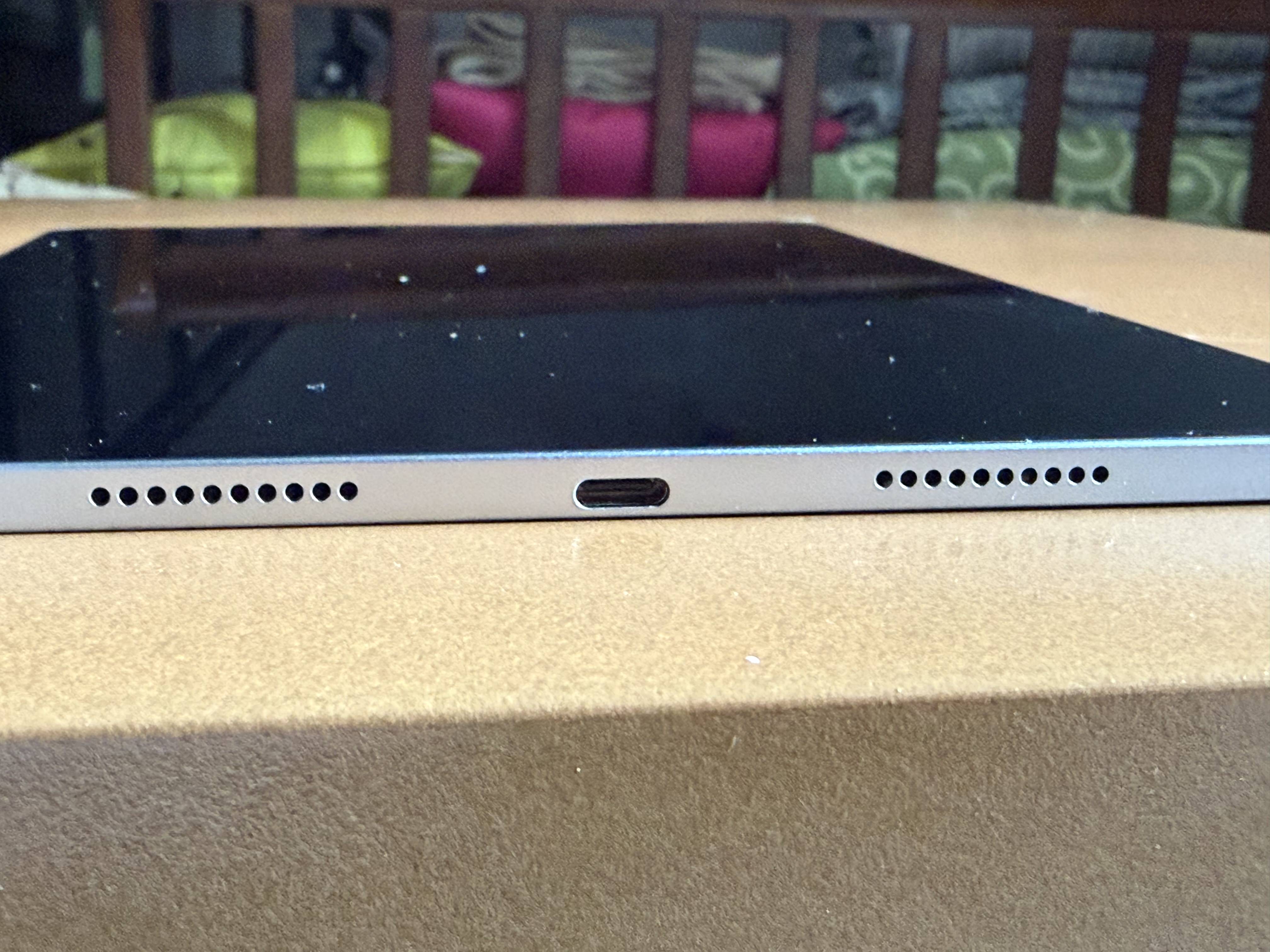
On the top of the Pad 8 is a volume rocker and a charging area for the Xiaomi Focus Pen Pro while each side has a pair of stereo speakers. A USB Type-C port is located in between the speakers of the tablet’s right side.
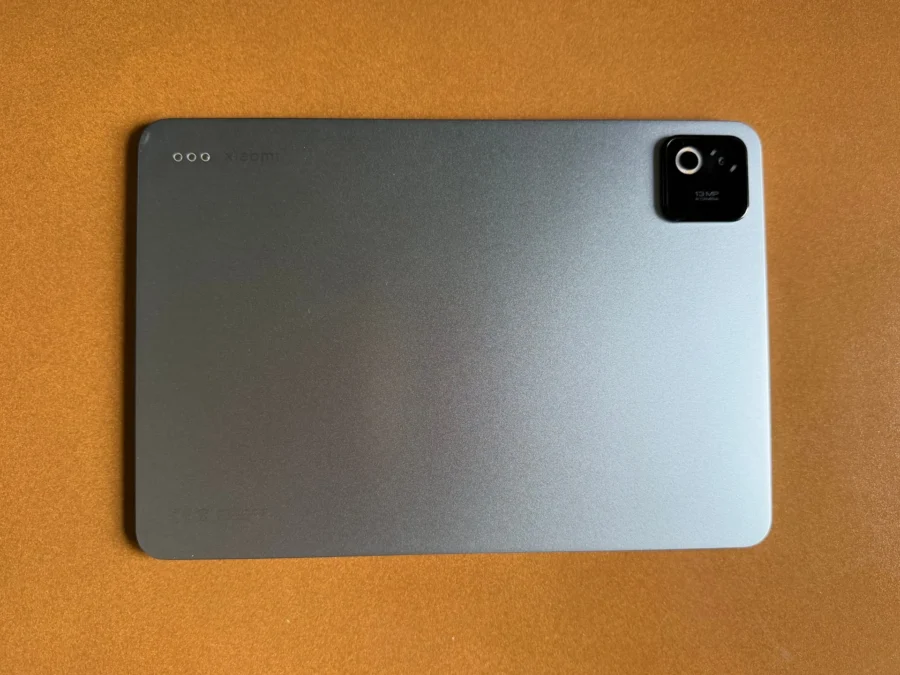
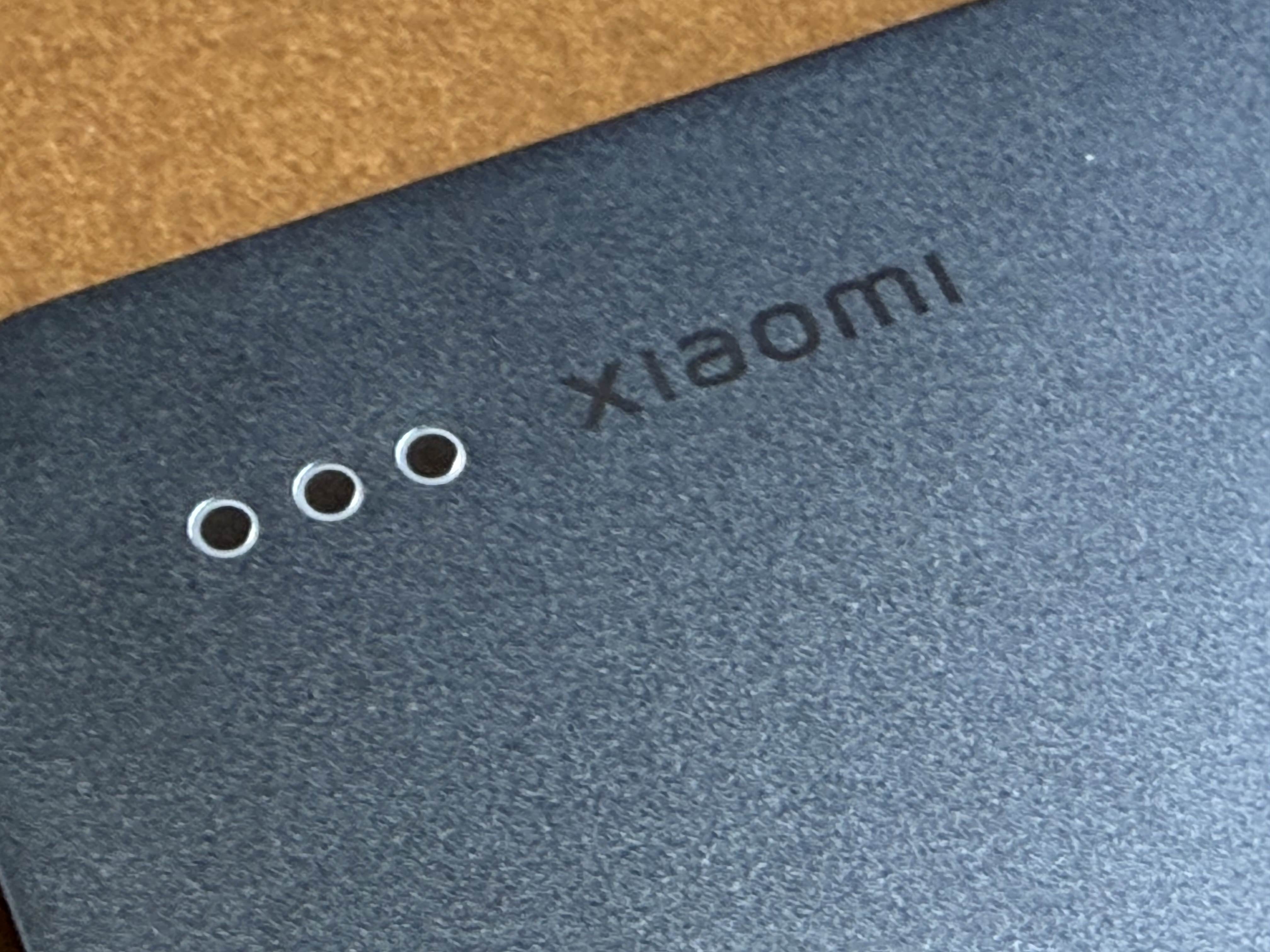
At the back is a camera in a small module and pogo pins for the Pad 8’s accessories like the Xiaomi Pad 8 Focus Keyboard. I received a Gray colored unit but personally I would prefer either the Pine Green or Blue unit.
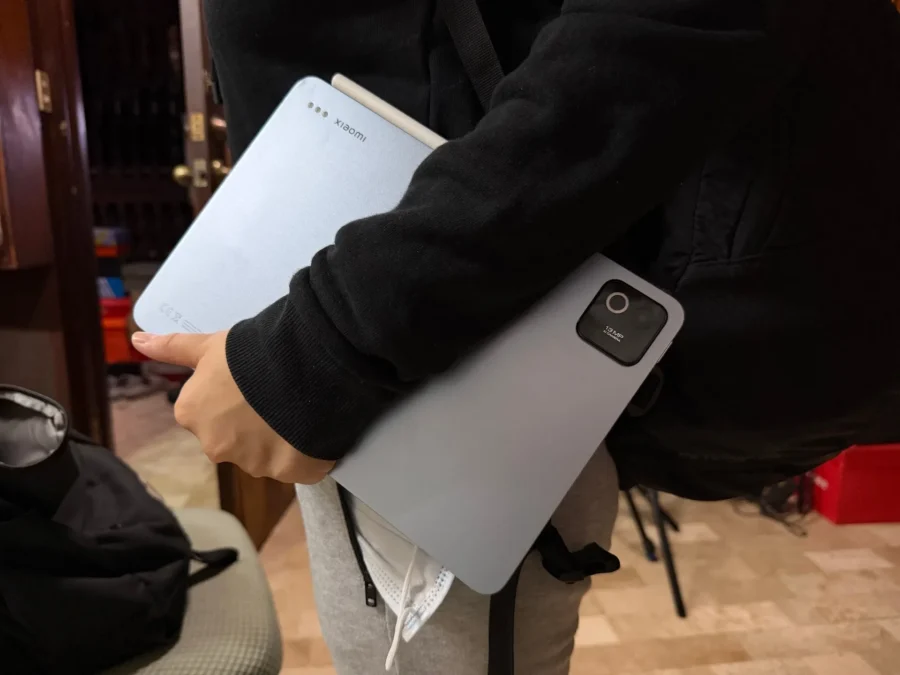
Thanks to its weight and slim form factor, I’d always bring the Pad 8 everywhere. I wasn’t troublesome for me to carry it along with my other gear. What bothers me though is the camera bump. It tends to wobble whenever I lay down the tablet on my table.
The Display and Sound
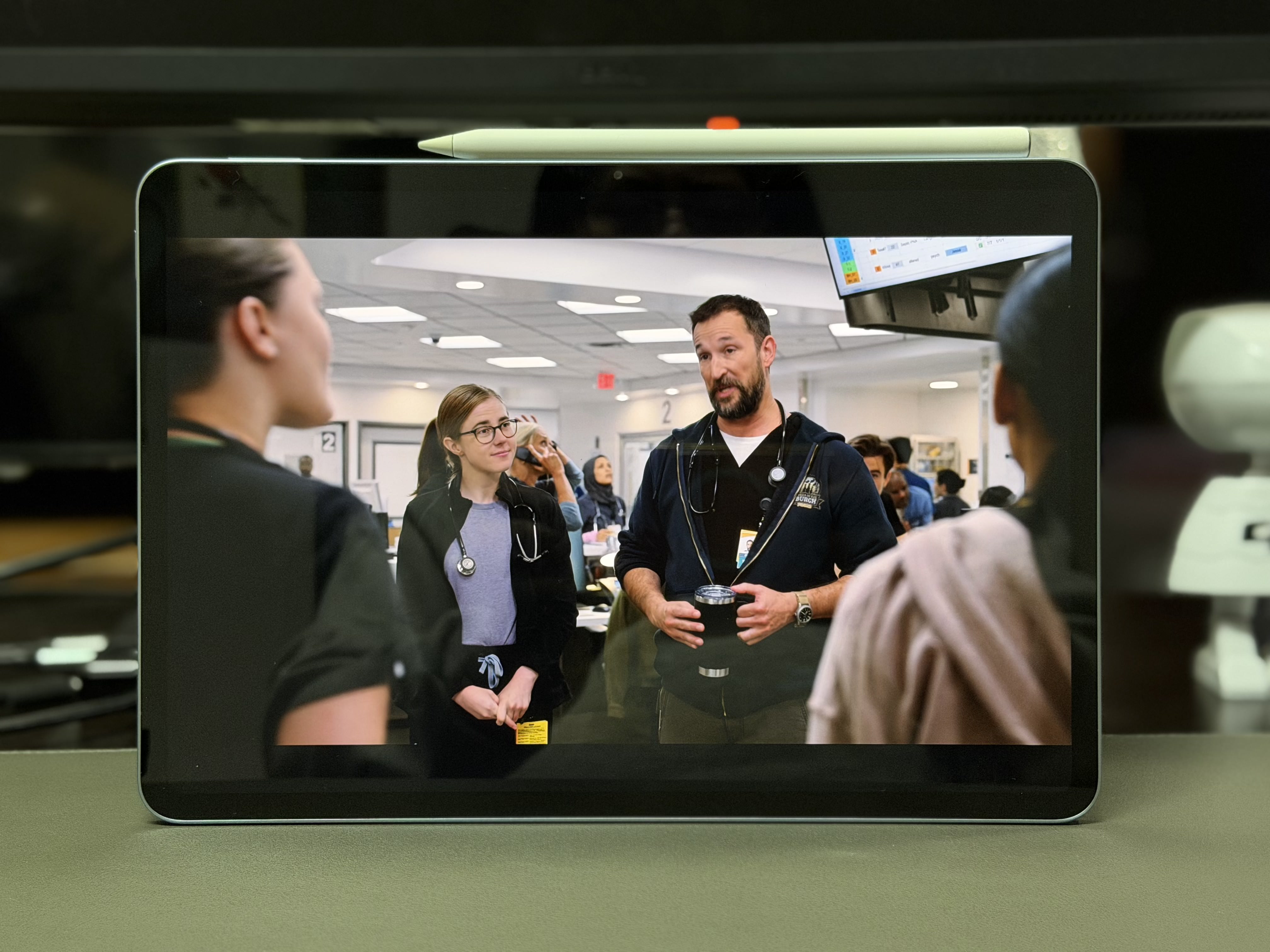
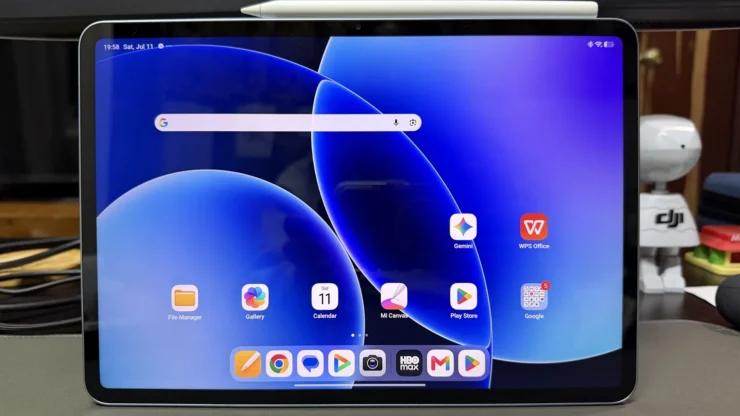
I find it impressive that Xiaomi was able to squeeze an 11.2″ 3.2K IPS LCD with a refresh rate of 144Hz. Its bezels are quite obvious but they aren’t that big like the old tablets years ago. The reason for this is to prevent users from touching the screen while holding it. On top of it is a camera for video conferencing.
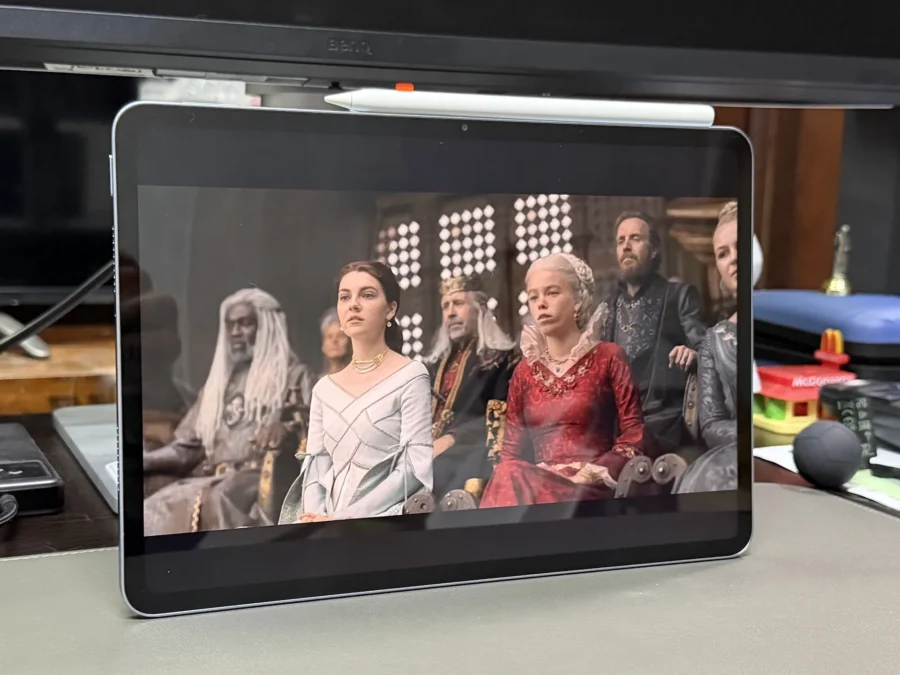
I really appreciate the Xiaomi Pad 8’s display. It’s bright, vibrant colors kept me glued to the tablet watching streaming videos. What bothers me sometimes is its glossy reflective screen which turns it into a mirror as I would only see myself instead of a video I’m watching outdoors. Xiaomi does have a matte glass version but it is only available on the Pad 8 Pro.
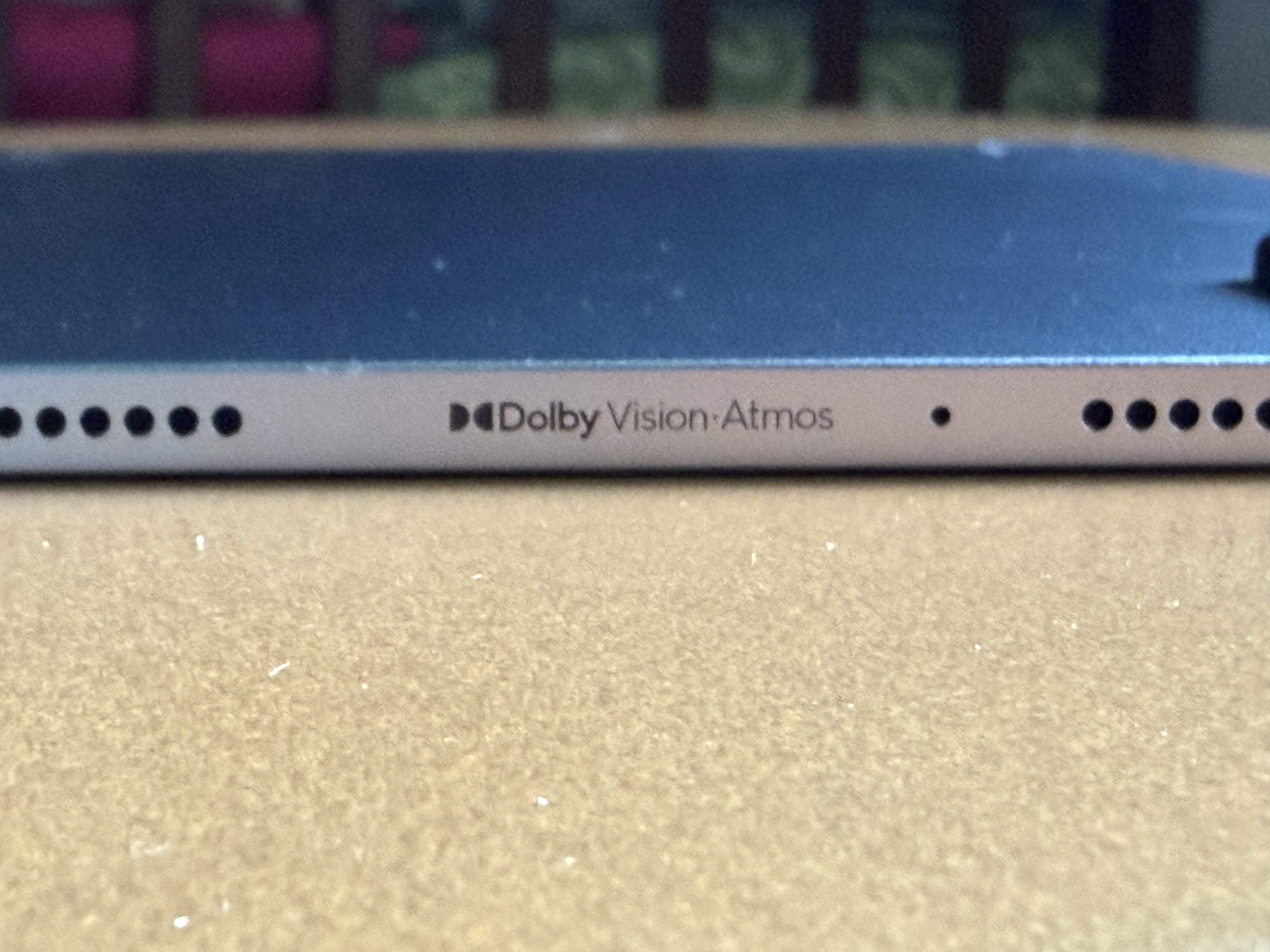
The Xiaomi Pad 8 is equipped with Quad Speakers tuned by Dolby Atmos. So far this is the best set of speakers I’ve heard in a tablet. The vocals were really good and bass is deep. I maxed out the volume through its 200% volume boost and I didn’t notice any distortion.
Xiaomi Focus Pen Pro
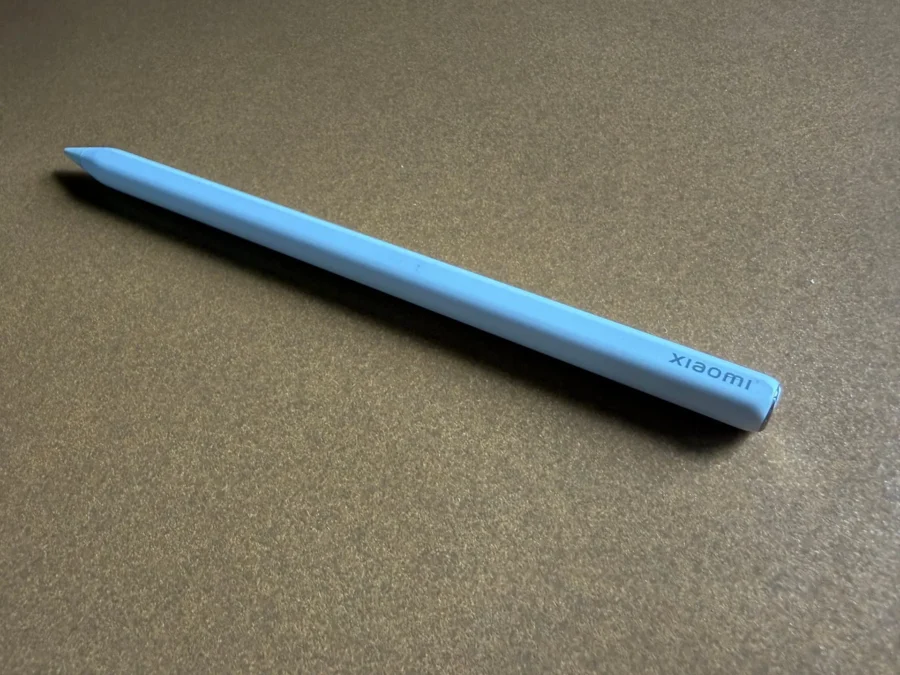
Xiaomi also sent me the new Xiaomi Focus Pen Pro upon learning that my youngest daughter is into digital artworks. Although she’s in Sydney, Australia now for studies and won’t be able to test it personally, I asked my niece who is also an active tablet user to do the honors.
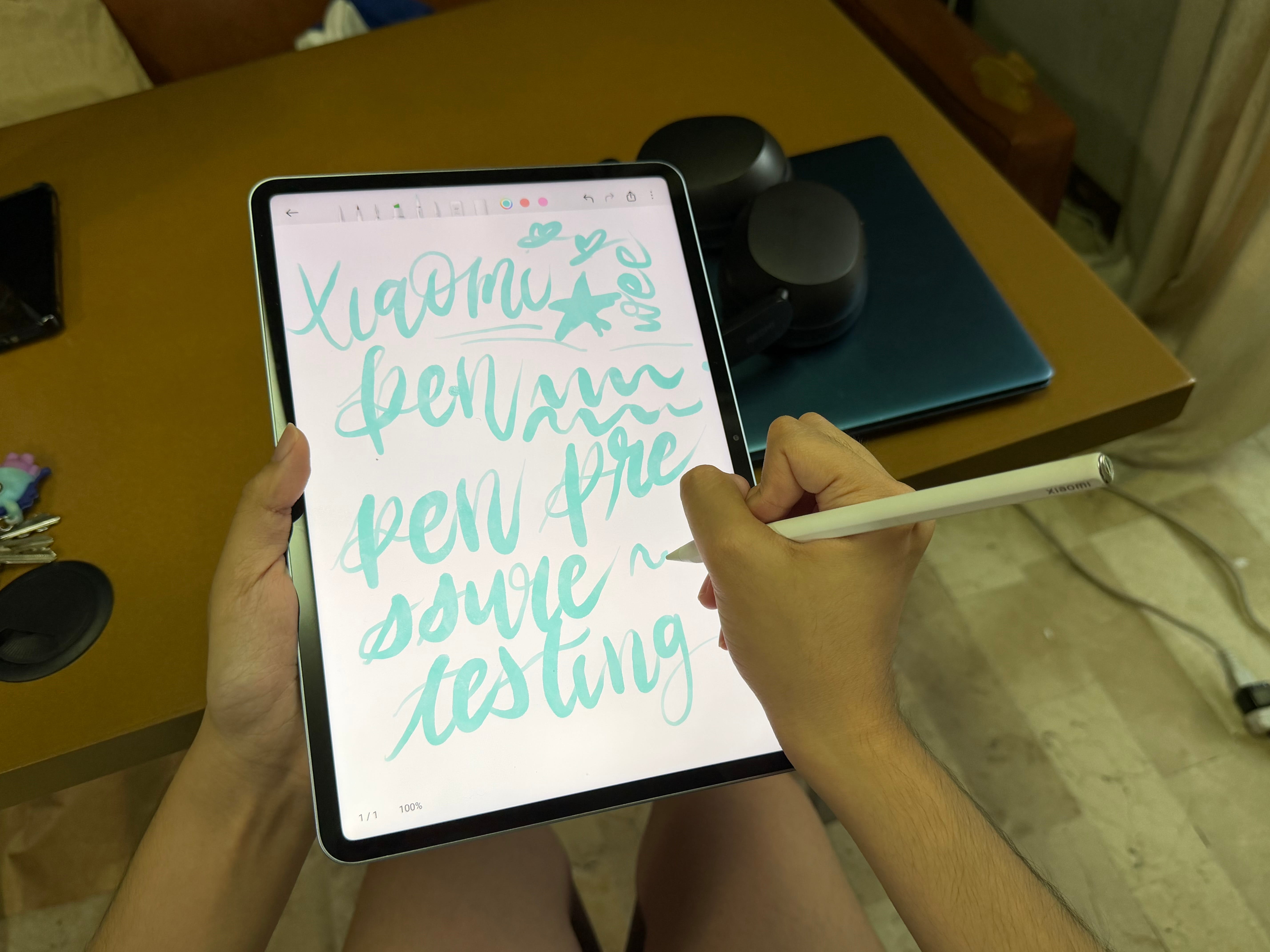
The Xiaomi Focus Pen Pro has the same size of an ordinary pen. It doesn’t have physical buttons, what it has are finger gestures that activates different functions. I let my niece do her thing and she kept on praising the Pad 8. The Focus Pen Pro had good resistance on the glossy screen especially when changing pressure on the pen. The pen was not too smooth to draw and is comfortable to write with, thanks to the pen’s weight. Haptics are convenient when drawing because she didn’t have to lift the pen to put pressure on the button. She also found the sliding gestures helpful when adjusting the thickness of the brush.
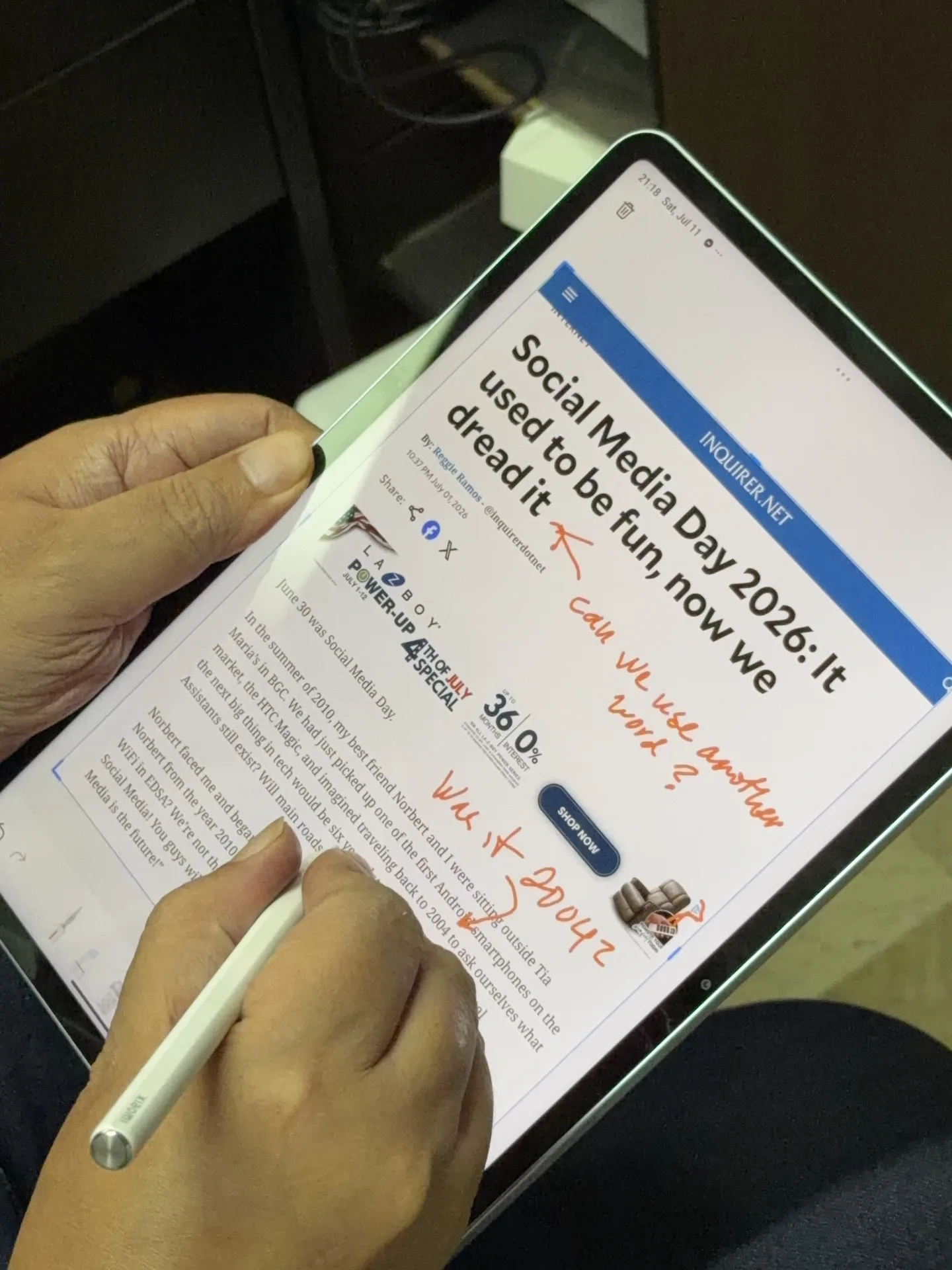
Having the Xiaomi Focus Pen Pro is not only a useful accessory for digital artists, but also for professionals to aid in their productivity. I use it to write notes in freestyle form or answer forms and emails. The handwriting recognition is superb as it got my words around 95% correctly. With the gentle pinch feature on the Focus Pen Pro, I am able to take screenshots of a specific portion of a website, write some notes on it then save it later for research.
Charging the Xiaomi Focus Pen Pro can be done by attaching it on the top of the Pad 8.
The Performance
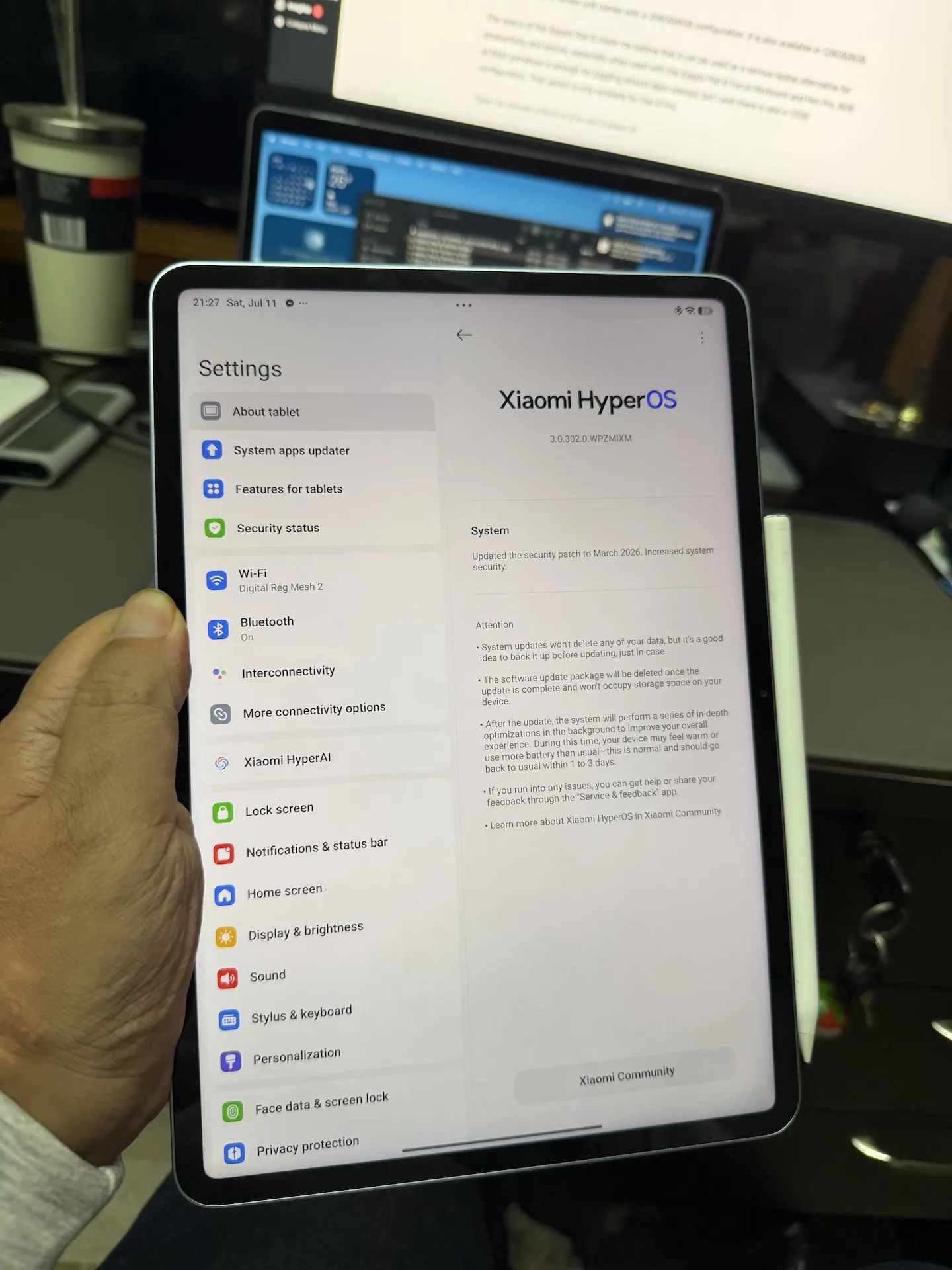
You know what else impressed me with this Xiaomi Pad 8? Its processor. Powered by a 3.21 GHz Qualcomm SM8735 Snapdragon 8s Gen 4 paired with Adreno 825 graphics, I already consider this enough for me to handle everything I or my daughter would do.
Here are the benchmark scores of the Xiaomi Pad 8:


Our Xiaomi Pad 8 review unit comes with a 256GB/8GB configuration. It is also available in 128GB/8GB.
The specs of the Xiaomi Pad 8 made me believe that it can be used as a serious laptop alternative for productivity and leisure, especially when used with the Xiaomi Pad 8 Focus Keyboard and Pen Pro. 8GB of RAM somehow is enough for juggling around apps opened, but I wish there is also a 12GB configuration. That option is only available for Pad 8 Pro.
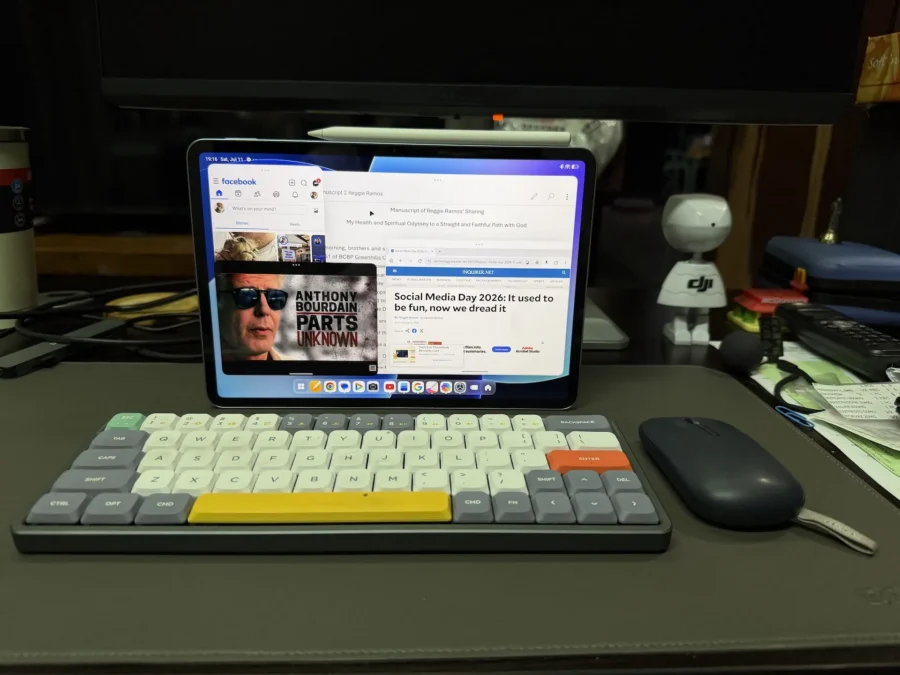
Even without the Focus Keyboard, I paired my NuPhy Air 60 mechanical keyboard and bluetooth mouse to the Xiaomi Pad 8 to type an article. I know I can already work with the existing interface, but Xiaomi gives users an option to switch to Workstation mode changing the resolution of the tablet’s interface into a desktop. The familiarity of having a desktop interface makes it easier for users who are mostly familiar in using a PC, giving them a true PC-like experience. Multi-tasking is better because you can have 4 app windows appearing all at the same time.
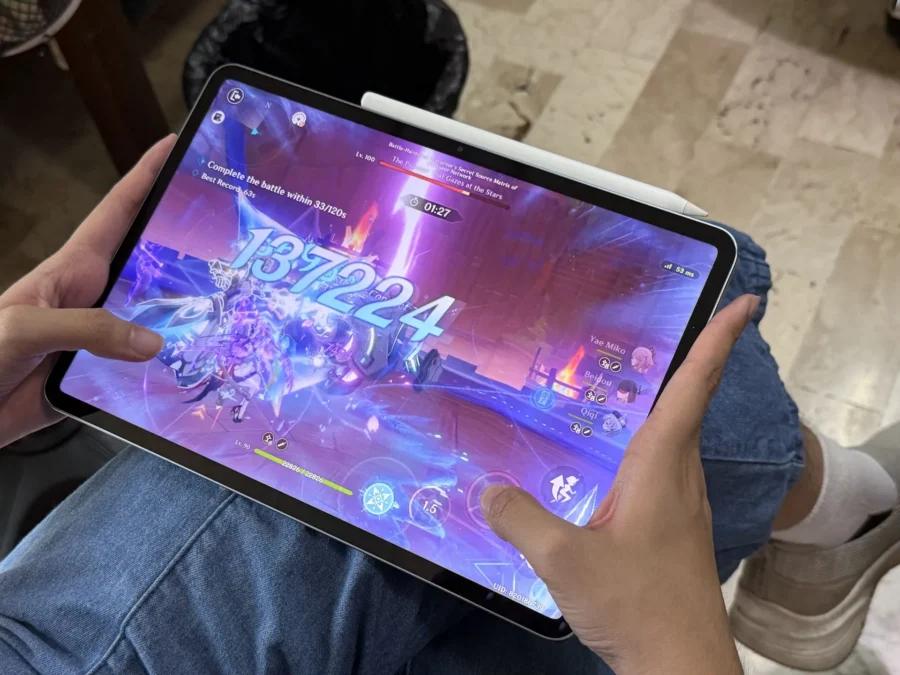
With the Snapdragon 8 Elite, playing AAA games is a no-brainer. Genshin Impact on high settings was very, very playable. We experienced a couple of fps drops after an hour of playing which didn’t bother us anyway. MOBA is definitely playable with this tablet.
Running the show on the Xiaomi Pad 8 is the Xiaomi HyperOS 3 based on Android 16. Animations were smooth and performance is great. There were a couple of things that made me quite disappointed. It’s not able to render some apps properly, particularly Facebook. I have high expectations for this but it’s just like any other Android tablet that shows a stretched-out Facebook app. Second is the limited areas where I can layout widgets and shortcuts. I couldn’t layout a widget in a center or both widgets beside each other.
The Camera
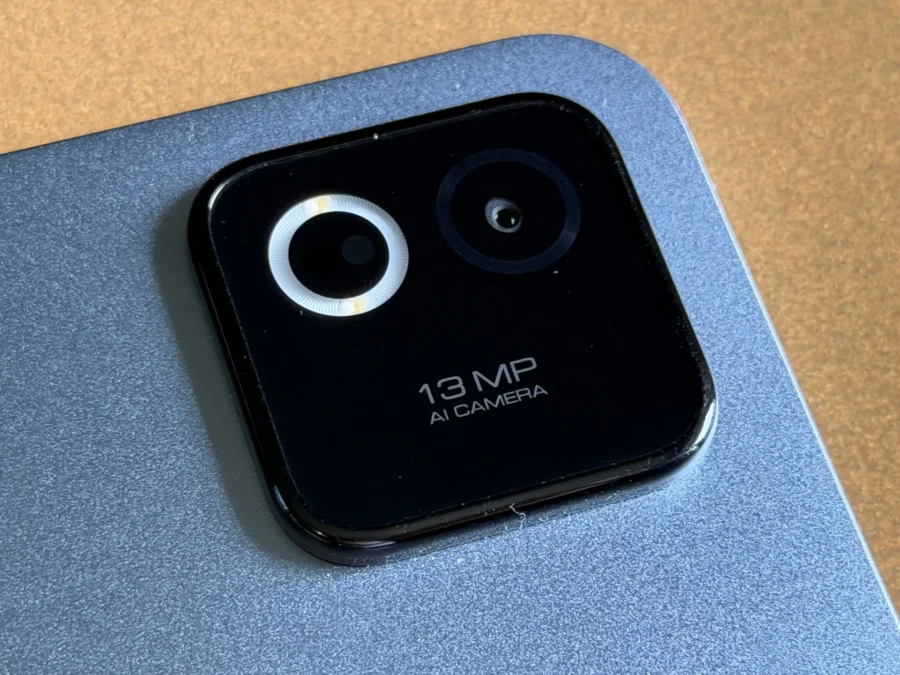
The rear camera of the Xiaomi Pad 8 is 13 Megapixels while the front has 8 Megapixels. I won’t elaborate much on the cameras since they are rarely used by people to take photos.
Photos look decent especially when taken outdoors. Close-up shots or night photos aren’t much recommended. Selfies look decent as long as you have a good amount of light.
Here are a few sample photos taken with the Xiaomi Pad 8.
The Battery Life
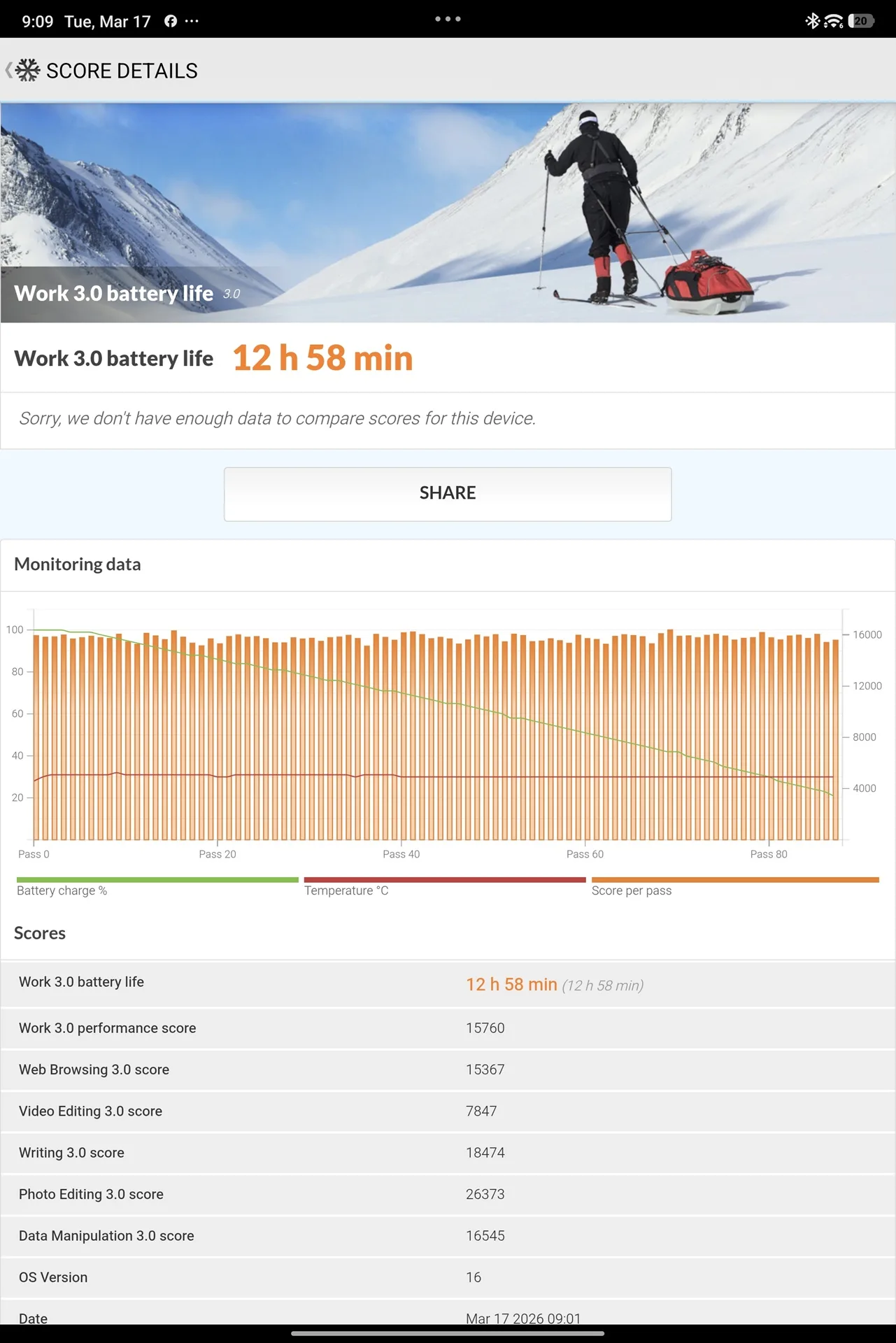
A 9,200 mAh battery is inside the Xiaomi Pad 8. It is one of the largest battery capacities found in a tablet and I’m curious what the PCMark Battery test would say about it. The results showed almost 13 hours and in my actual usage, I could go up to 2.5 to 3 days on an average. Just to be clear, I didn’t use the tablet for the whole time and most of the things I’ve done with it are work related and a couple of hours watching videos.
DR’S CONCLUSION
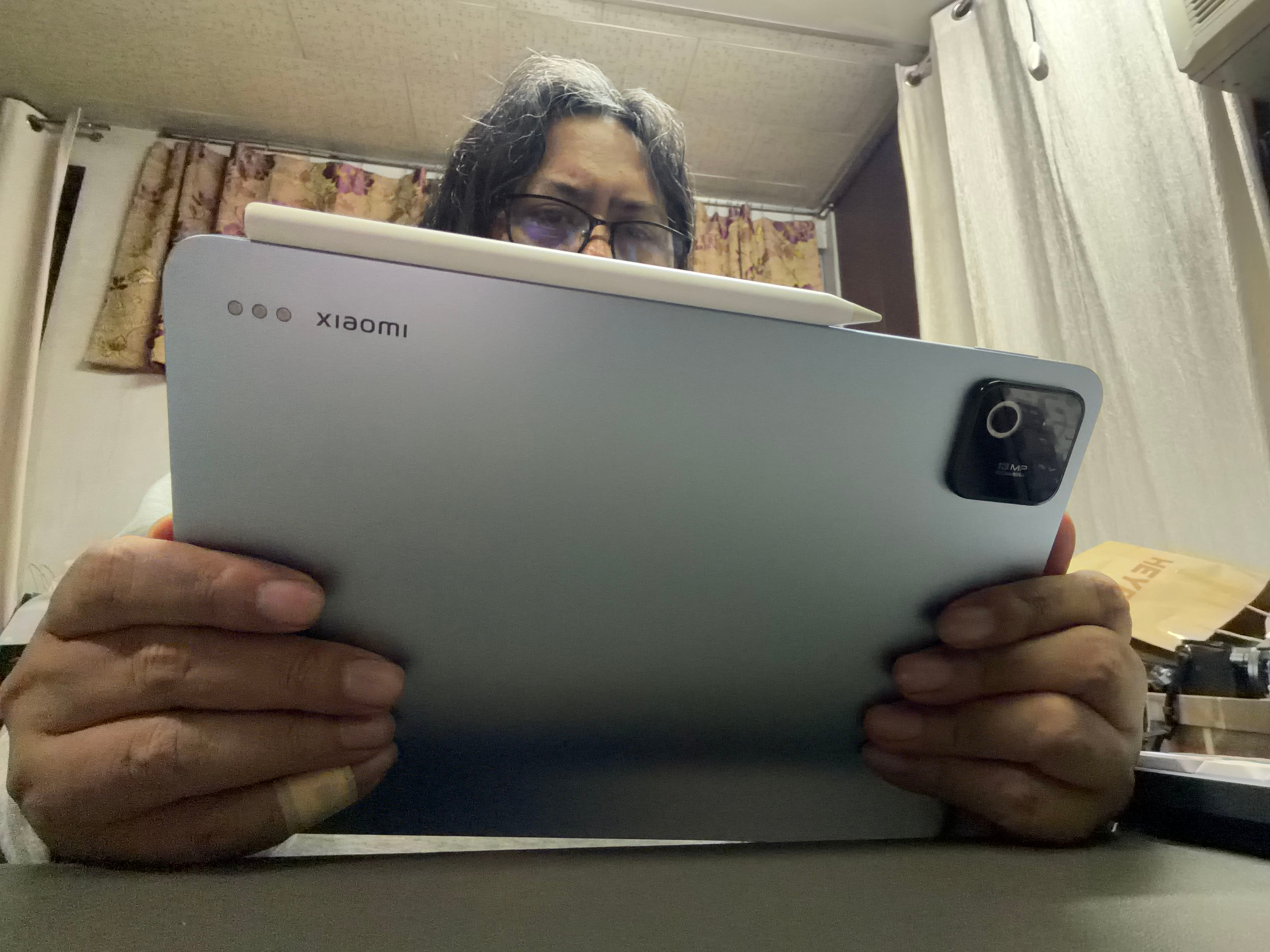
I used to bring my Mini tablet during my trips, but in my recent trips I left it and brought the Xiaomi Pad 8 instead. It wasn’t as small as the Mini but its slim form-factor and weight made me bring it and actually use it inside the plane or in different places of my destination. It was used for work once in a while and leisure for watching Netflix and Disney+ in my dining table or coffee shops. I also used it for zoom meetings with my Online Bible Study group, opening the Bible app, Google Doc and Zoom simultaneously. Unexpectedly, the Pad 8 exceeded my expectations.
It is also a good option for digital artists as it convinced my niece that it is a good alternative to her Korean-branded tablet. If it’s good for her, then it should be good for my daughter too. I sent this review to her in Sydney and we might buy one and the Focus Pen Pro and hopefully she will like it when she comes back in a couple of months.
I’ve been recommending this for months for people looking for a tablet. In my book, it’s probably the best tablet of 2026!