
I’m not really fond of 360 cameras, to be honest. I said the same thing about the DJI Avata 360 when I reviewed it earlier this year, until I recently found it useful for scenic videos and B-rolls. That’s the same thought I have for the DJI Osmo 360 II. We reviewed DJI’s first 360 camera last year, and it holds its own against competitors who had a head start in this market.
Are the new improvements of the DJI Osmo 360 II enough to convince us that they should stay in the 360 camera space?
Table of Contents
DJI Osmo 360 II Specs
| Dimensions | 61×36.3×81 mm (L×W×H) |
| Weight | 183 g |
| Display | 2.0 inches Touchscreen with 314×556 resolution |
| Storage | 105GB expandable with a MicroSD Card up to 1TB |
| Camera | Dual 1/1.1-Inch Square Panoramic Photo: 2:1, 15520×7760 (120 MP) Single-Lens Photo: 4:3, 6400×4800 (30.72 MP) Panoramic Video: 8K: 7680×3840@24/25/30/48/50/60fps 6K: 6000×3000@24/25/30/48/50/60fps Panorama – Selfie Mode: 4K: 3840×3840@25/30/50/60fps 3K: 3000×3000@25/30/50/60fps Single Lens – Video: 4K (4:3): 3840×2880@25/30/50/60fps 4K (16:9): 3840×2160@25/30/50/60fps 2.7K (4:3): 2688×2016@25/30/50/60fps 2.7K (16:9): 2688×1512@25/30/50/60fps 4K (16:9): 3840×2160 @60fps 1080p (16:9): 1920×1080 @60fps 3K (9:16): 1728×3072 @60fps 1080p (9:16): 1080×1920 @60fps |
| Connectivity | 802.11 a/b/g/n/ac/ax; Bluetooth 5.4 BLE 5.4, BR/EDR |
| Battery | 2150 mAh Li-ion 1s |
| Price | Standard Combo: Php 32,9490 Limitless Riding Combo: Php 34,490 Adventure Combo: Php 39,490 |
The Unboxing
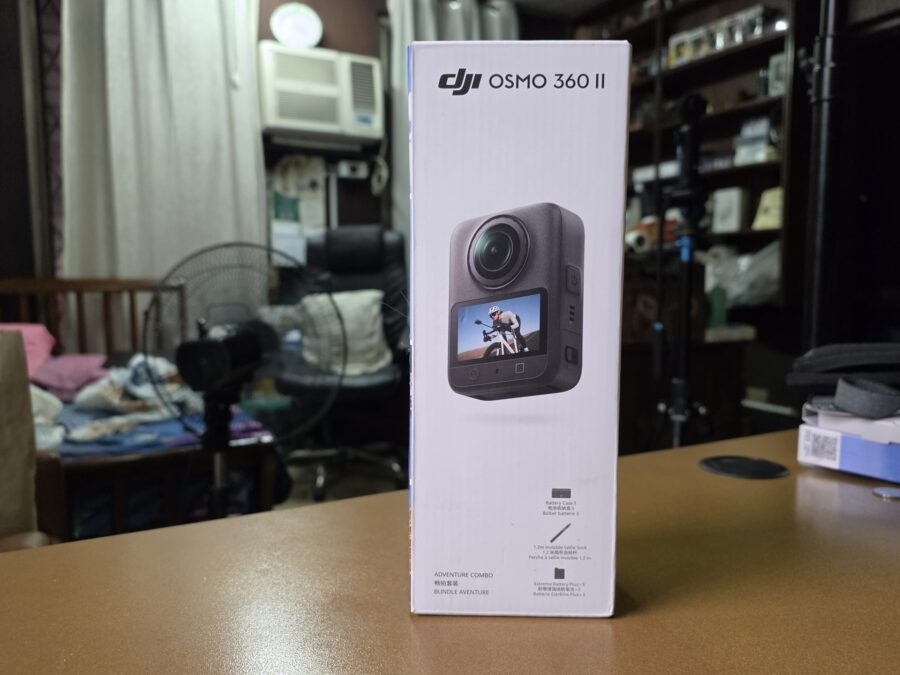
We received the Adventure Combo which consists of complete accessories to start your 360 camera vlogging.
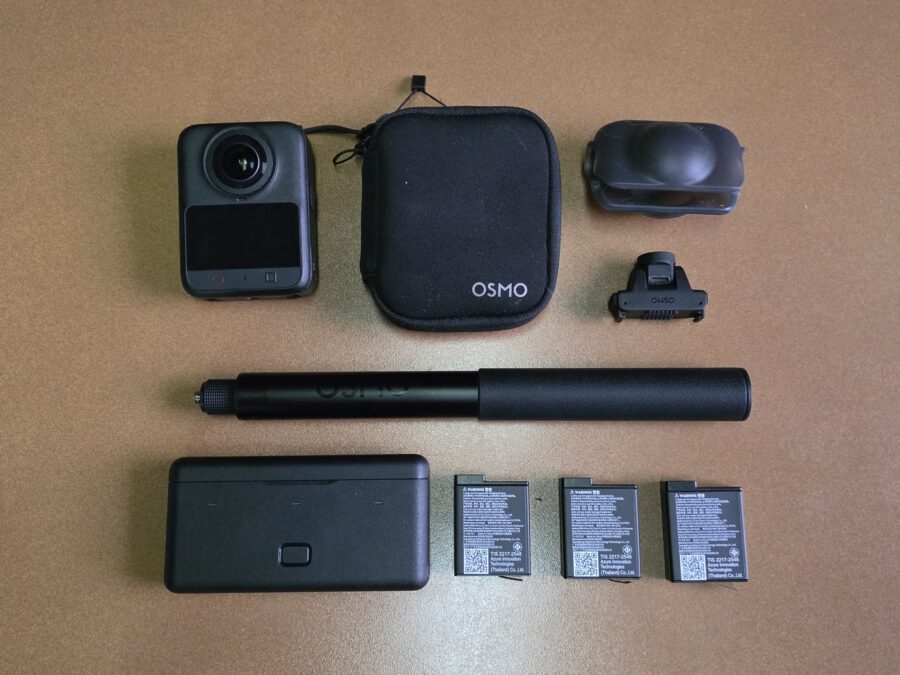
Inside the box are the DJI Osmo 360 II review unit, camera protective pouch, Silicon Lens Cap, 1.2m Invisible Selfie Stick, Dual-Direction Quick-Release Adapter Mount, 3 Extreme Battery Plus Batteries, and a 3-slot charger.
The Build and Design
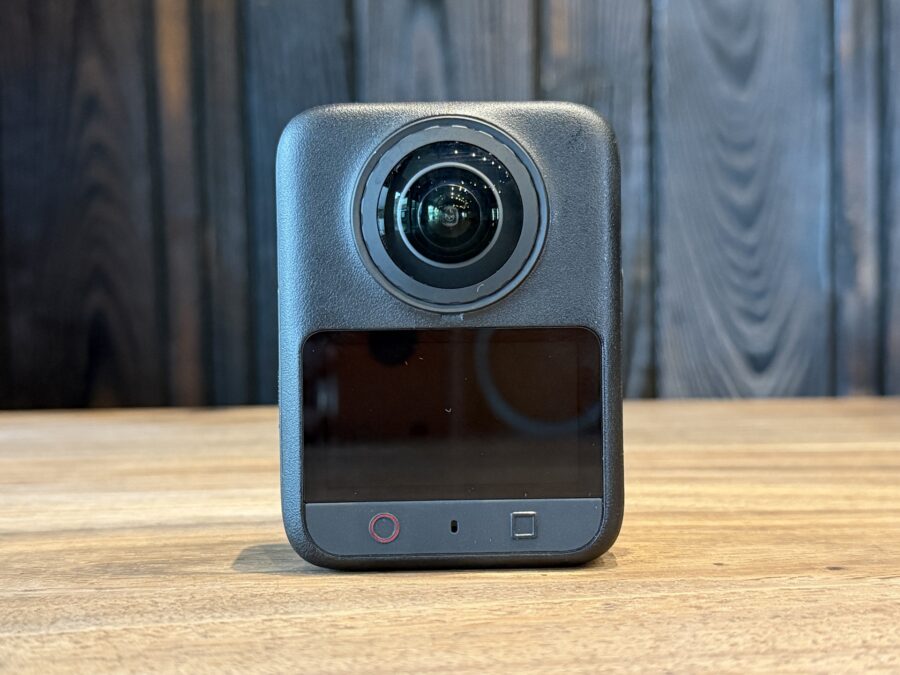
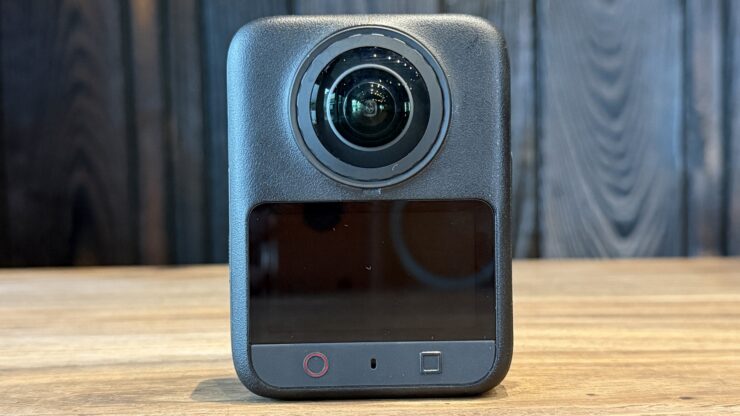
There are minimal changes in the design of the DJI Osmo 360 II. Everything looks the same in the front: the 360 camera, 2.06 inches Touchscreen, the shutter/record and function buttons. What’s different here is the red circle of the shutter/record button which clearly signals its function for taking photos and videos.
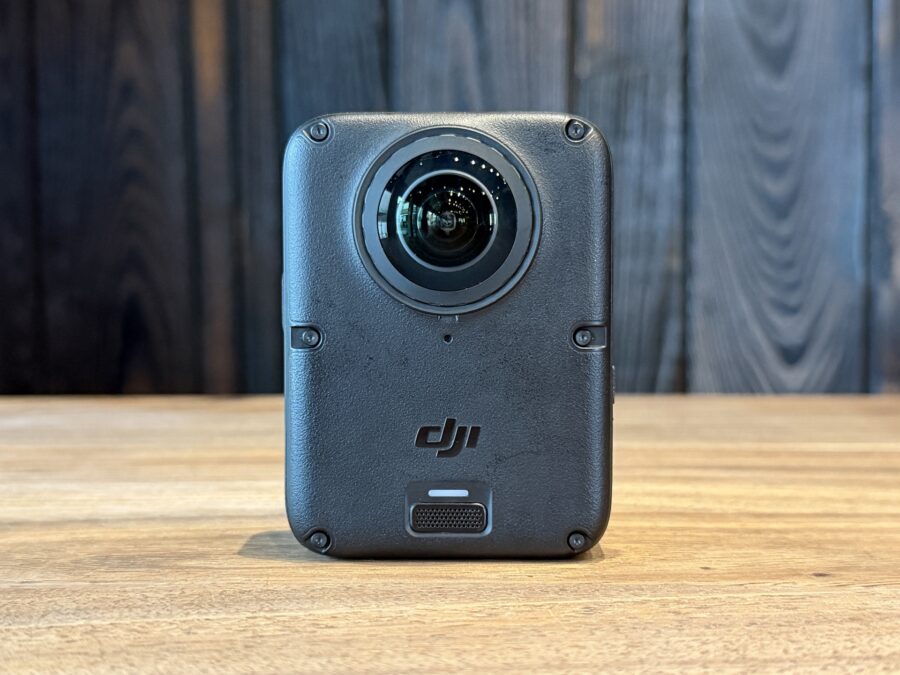
At the back are the rear portion of the 360 camera, NFC sensor, and a windproof microphone. I noticed the 360 II has 6 screws on the rear. Upon searching about these screws, I found out that these are now present for repair purposes.
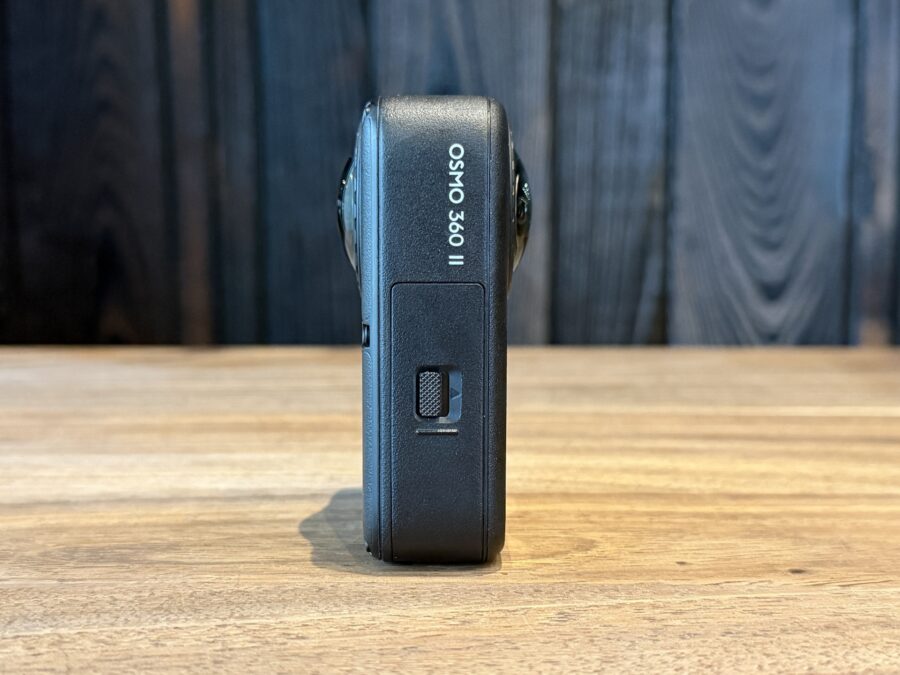
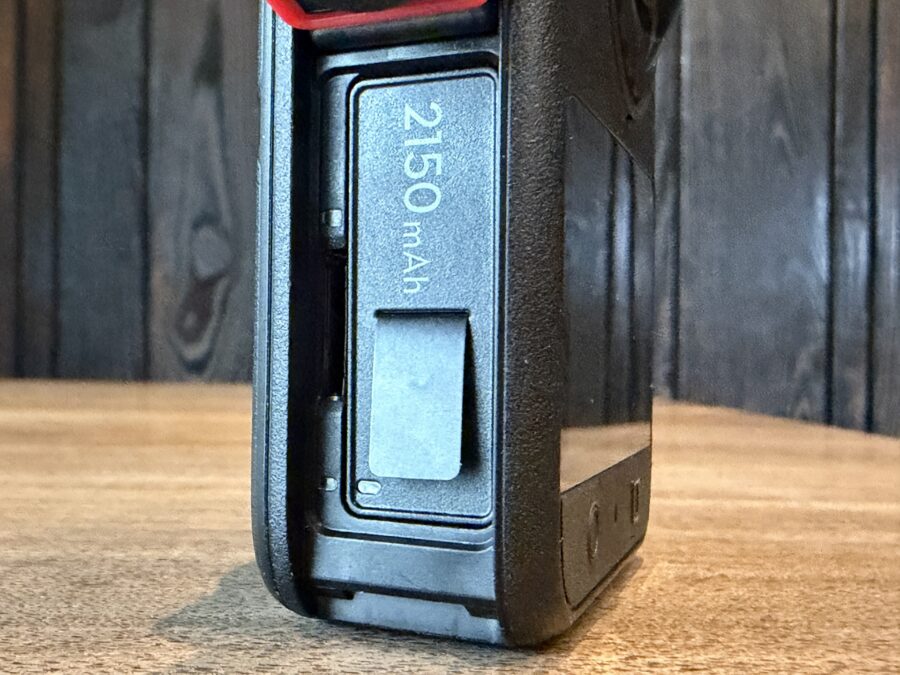
On the left side of the Osmo 360 II is the battery compartment. The 2,150 mAh is a slight upgrade from its previous version’s 1,950 mAh capacity. It also stores a MicroSD card up to 1GB.
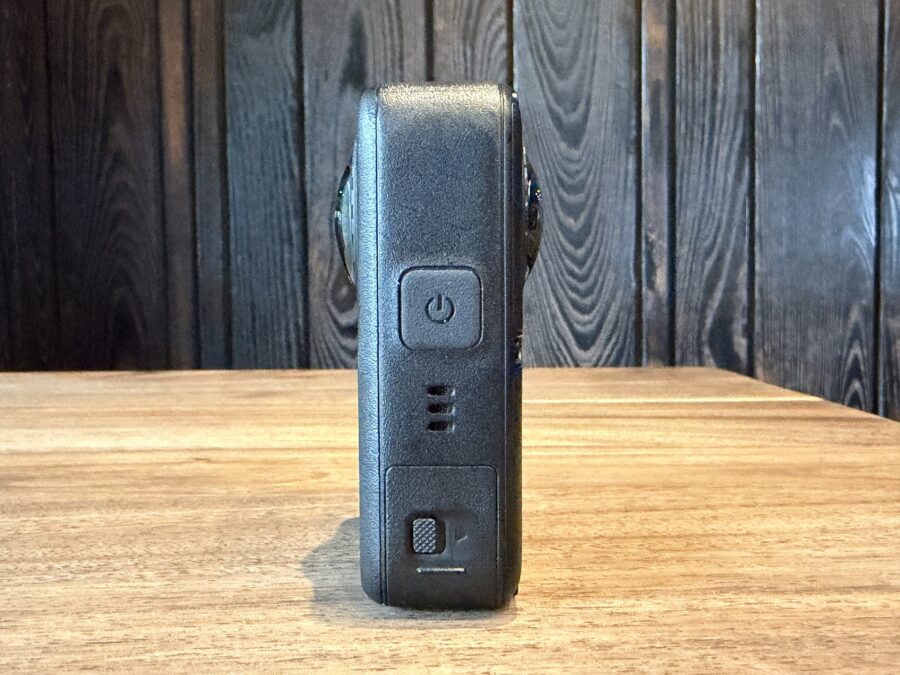
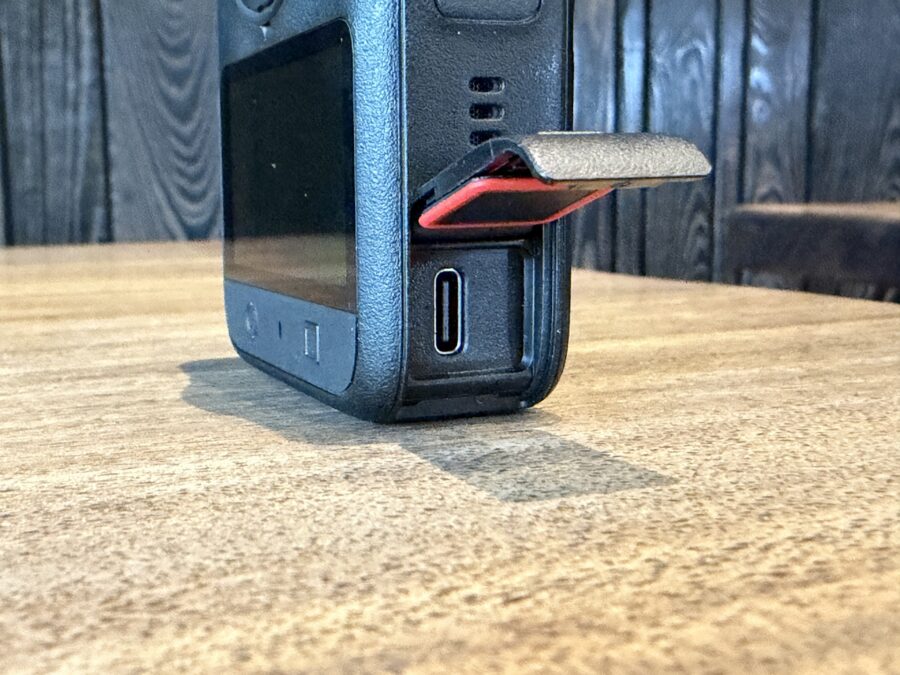
On the other side is the power button, speaker grille and a Type-C USB port.
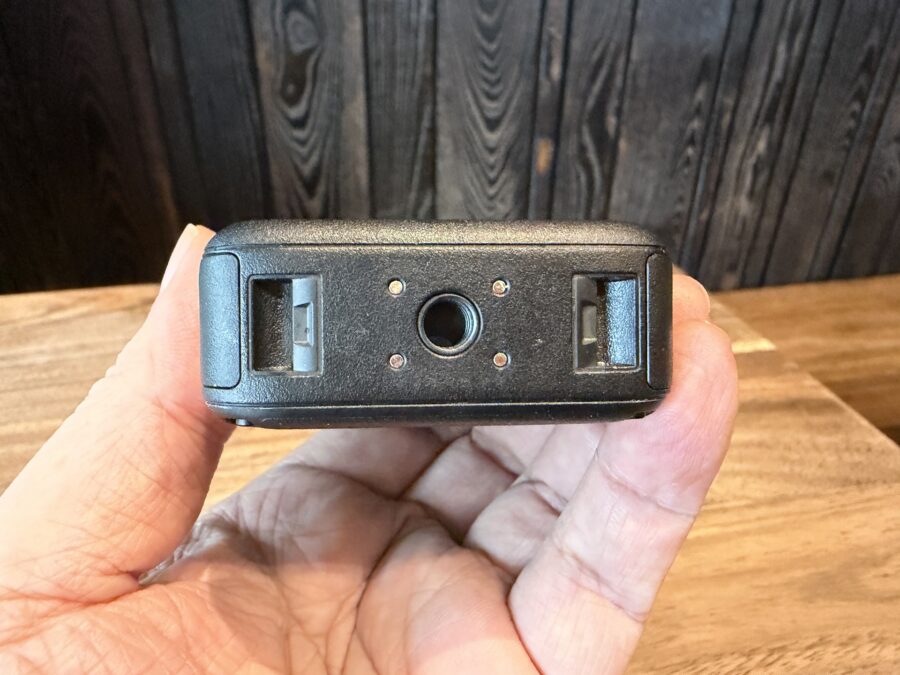
Finally, at the bottom is a screw hole for mounting selfie sticks and tripods, and a magnetic quick-release slot.
The Osmo 360 II’s size encourages me to bring the camera everywhere I go, allowing me to instantly take a panoramic photo or video. It has an IP-68 rating which means it can be submerged into water up to 10 meters for those moments that needed a 360 video taken in a pool.
The Cameras
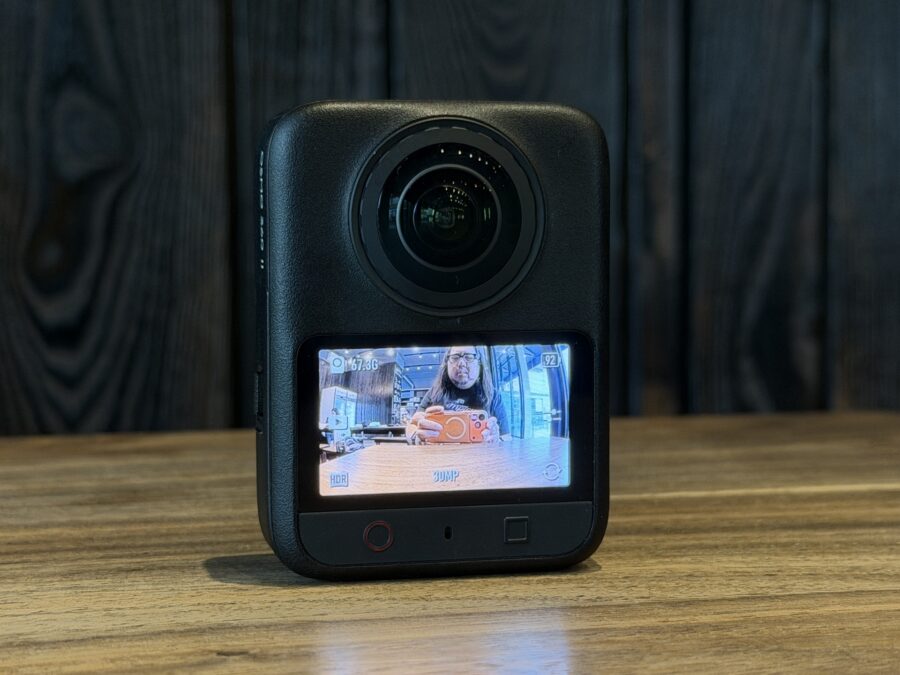
It is still equipped with two 1/1.1-inch square-sensor cameras that capture 180-degree photos and videos, which can then be stitched together into 360-degree content using the DJI Mimo app. Speaking of lenses, a common complaint among Osmo 360 users is they scratch easily. Thank goodness DJI listened to their concerns and they made the Osmo 360 II lenses user-replaceable with ultra-hard scratch resistant coating.
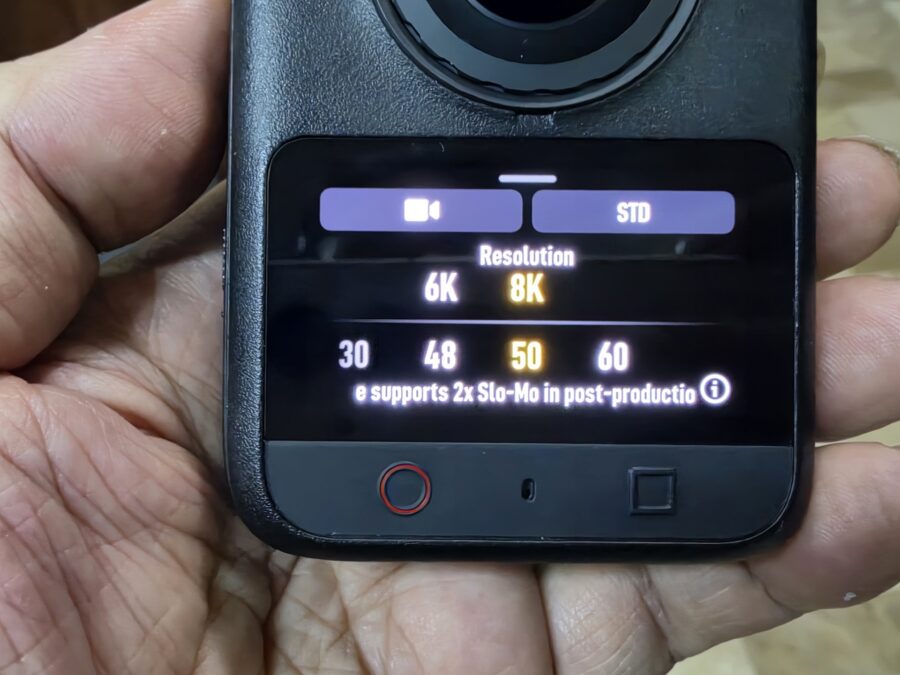
There is a slight but important update on the cameras of the DJI Osmo 360 II. It can now record 8K at 60fps which increases the dynamic range and better reframing.
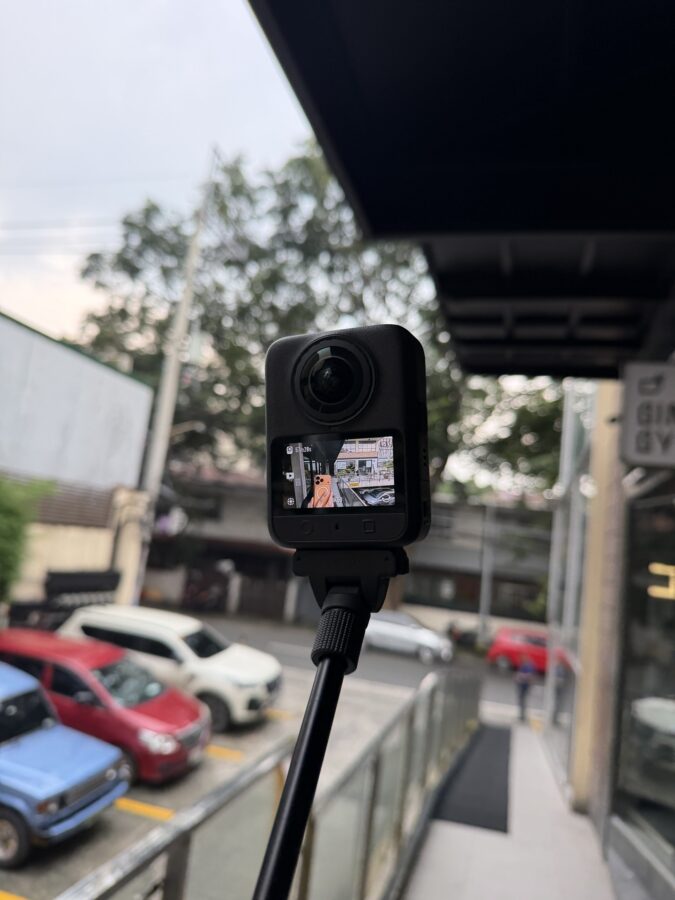
I brought the DJI OSMO 360 II with me wherever I went. At first, it wasn’t used as much compared to my DJI Osmo Pocket 4P (review coming soon.) I would only use it simply for 360 spherical overhead videos until I learned a few tricks. This made me appreciate the camera even more.
I was impressed by the videos the Osmo 360 II produced. One of the clips recorded at the park captured the clouds and blue sky at the same time, while those taken inside an event looked pretty good without SuperNight 2.0.
Here are some sample 360 videos compiled in TikTok:
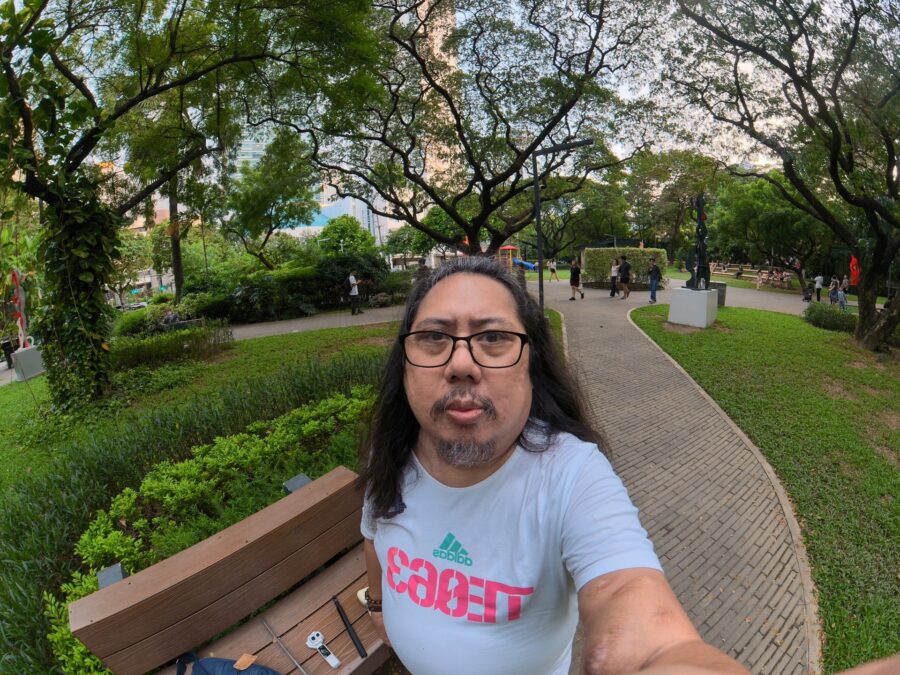
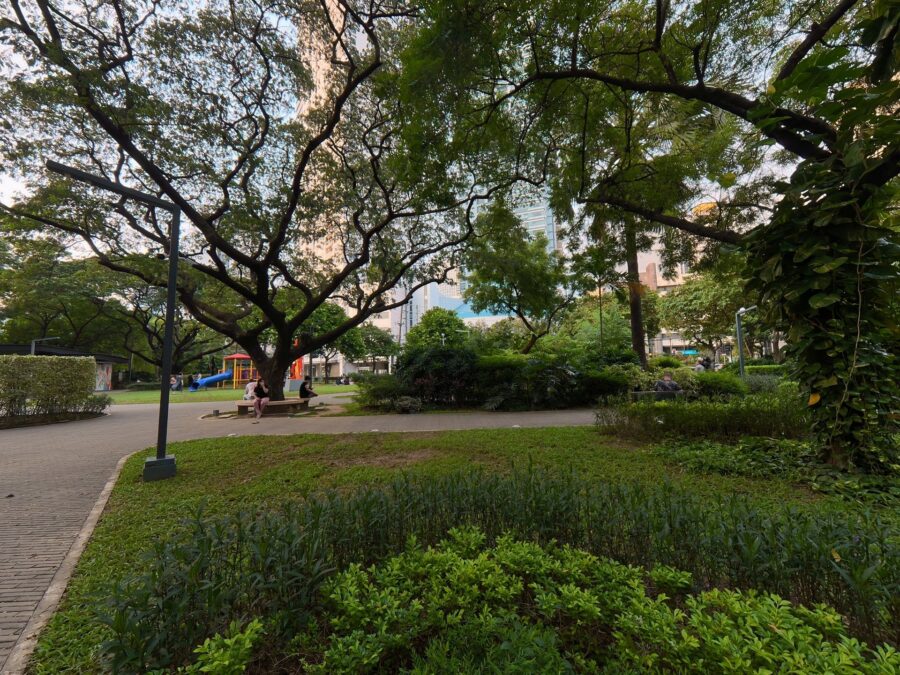
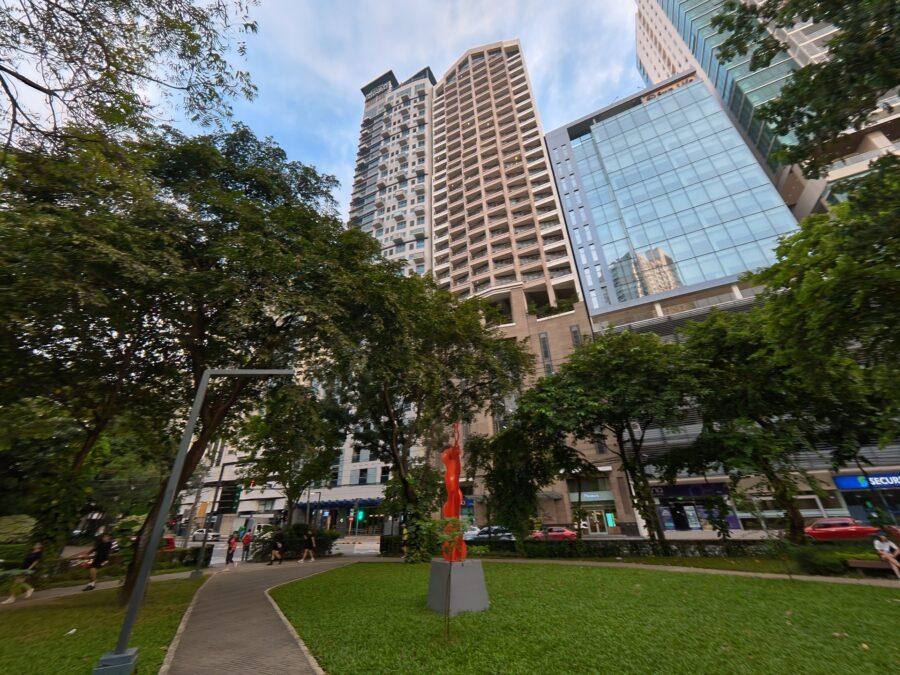
The DJI OSMO 360 II can take photos with its single ultra-wide lens up to 30 Megapixels, and panoramic photos at 120 Megapixels. Photos were equally good. It could pass as a regular camera albeit without an optical or digital zoom. Details are sharp, natural-looking colors with pleasant greens and sky tones.
Here are some sample photos:
The Software
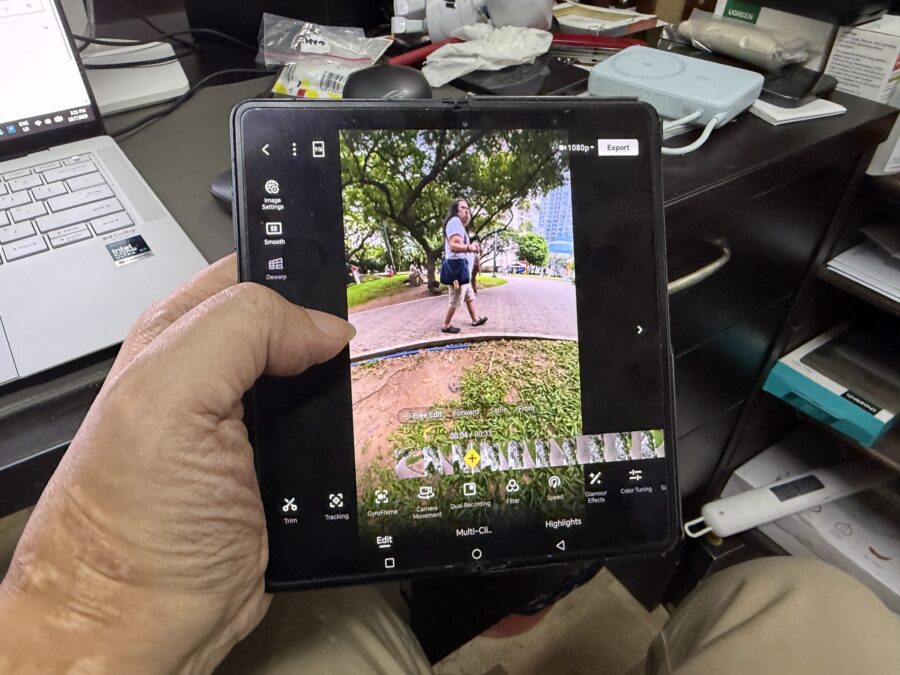
The DJI Mimo app has been my best friend for quite some time now. It lets me edit and color-grade videos taken by my Osmo Pocket 4P. With the DJI Osmo 360 II paired, the app helped me become creative on how the clip will be framed. If it didn’t come out right, no problem. I simply went back to the original 360 file and try another angle. The Mimo app has a lot of camera movement presets to choose from that are usually done by highly-paid cameramen in Hollywood.
Post-editing a 360 video changed my perception about 360 cameras being useless. I was dead wrong. I saw my automotive media colleagues use their DJI Osmo Mobile 360 II cameras on reviewing their cars. Framing the video clips gave them additional footage that cannot be done with an ordinary camera. Another advantage of having a 360 camera like the Osmo Mobile 360 II is a single 360 video clip can extract multiple entirely different perspectives and camera angles. It saves time taking different angles before you can call the photo or video shoot a wrap.
DR’s CONCLUSION
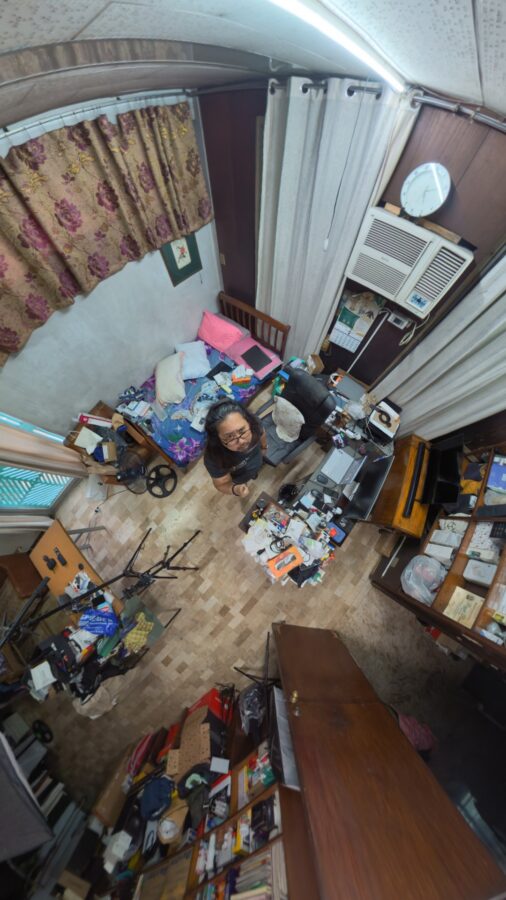
As I’ve said, experiencing the DJI Osmo 360 II changed my perspective about 360 cameras. I thought they’re just used for taking fancy 360 photos/videos for social media. But when used properly especially during post production, it can add some creativity and magic to your content.
I might get one in the future and learn more about it and adapt it to my own videos, whether for product reviews or personal projects. Whether you have the same reason as mine or simply want to have a fun camera that produces fun footages to share with your family and friends, I recommend buying the DJI Osmo 360 II.
Purchase the DJI Osmo 360 II at DJI Philippines: https://www.dji.com/ph