
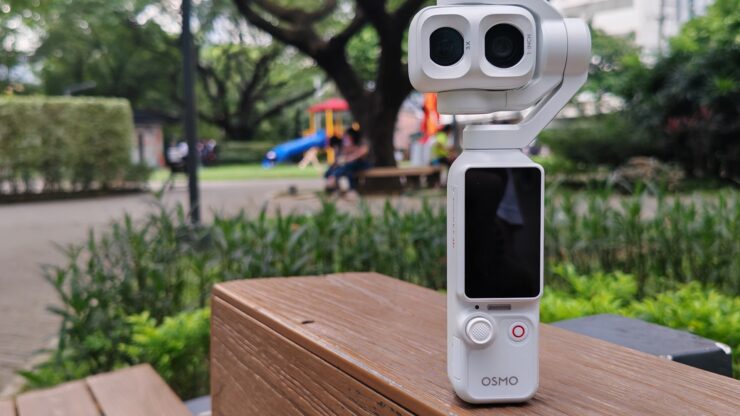
A few months ago, I reviewed the DJI Osmo Pocket 4, which was my first time reviewing a camera from the Osmo Pocket series. I have already returned the Pocket 4 when I realized I needed a pocket camera in my life. I was about to buy the Pocket 4 when DJI Philippines suggested that I should get the DJI Osmo Pocket 4P. They said I wouldn’t regret it.
After using the DJI Osmo Pocket 4P for more than a month, it’s time for me to share my review.
By the way. we are reviewing its new color way Pearl White with all accessories also on white.
Table of Contents
The Unboxing
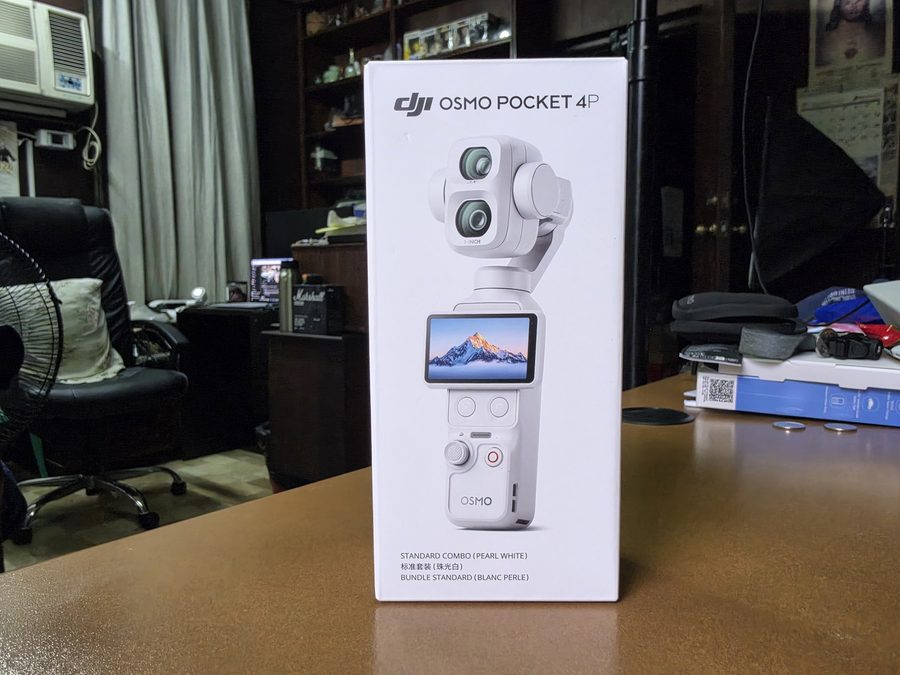
I received the Standard edition which I think suffices for my needs
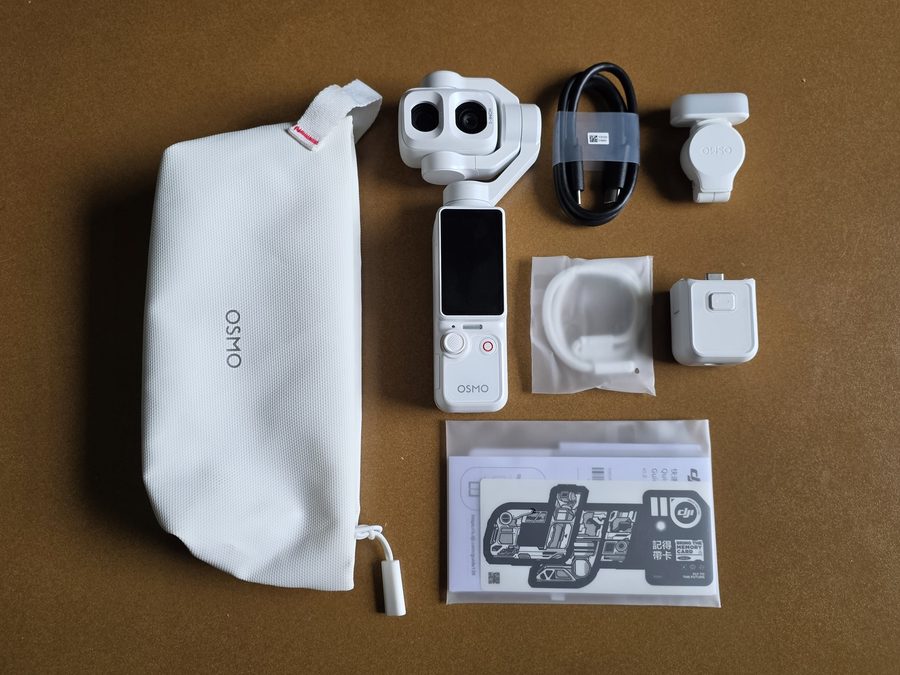
Inside the box are the DJI Osmo Pocket 4P, extended handle, fill light, strap, type-C USB Cable, Carrying Pouch, DJI Mic Mini 2 Transmitter with charging cable, Osno FrameTap with charging cable, mini tripod, and a carrying bag.
In the Pocket 4, there was a gimbal protector included to protect the camera. Personally, it was okay for me to use carrying pouch knowing the camera will not move. However, there is no protection for the Pocket 4P. I had to buy a protective case from an online store.
Here’s a TikTok Video of the DJI Osmo Pocket 4P Unboxing
The Built and Design
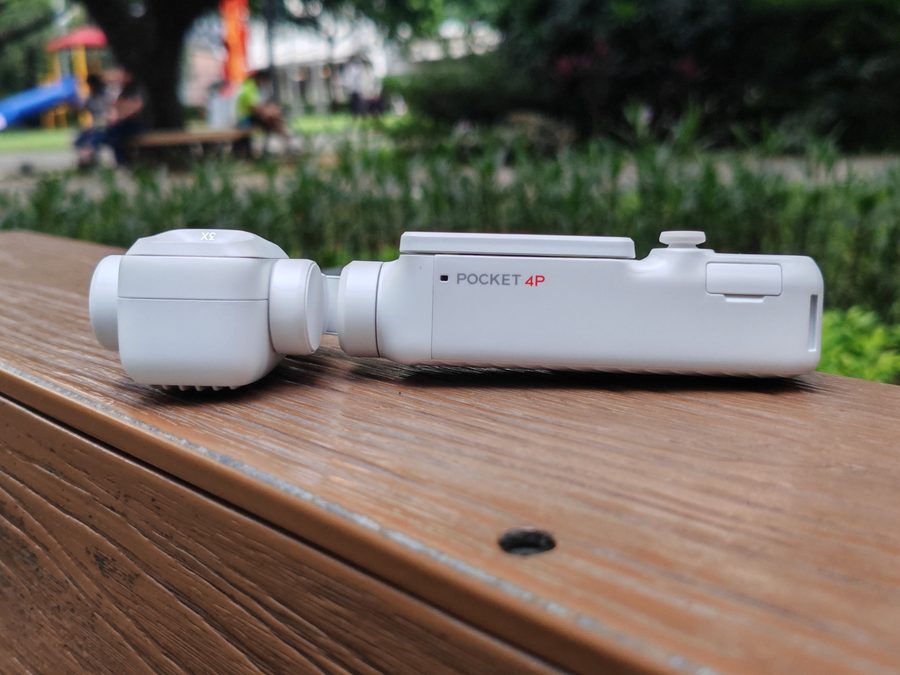
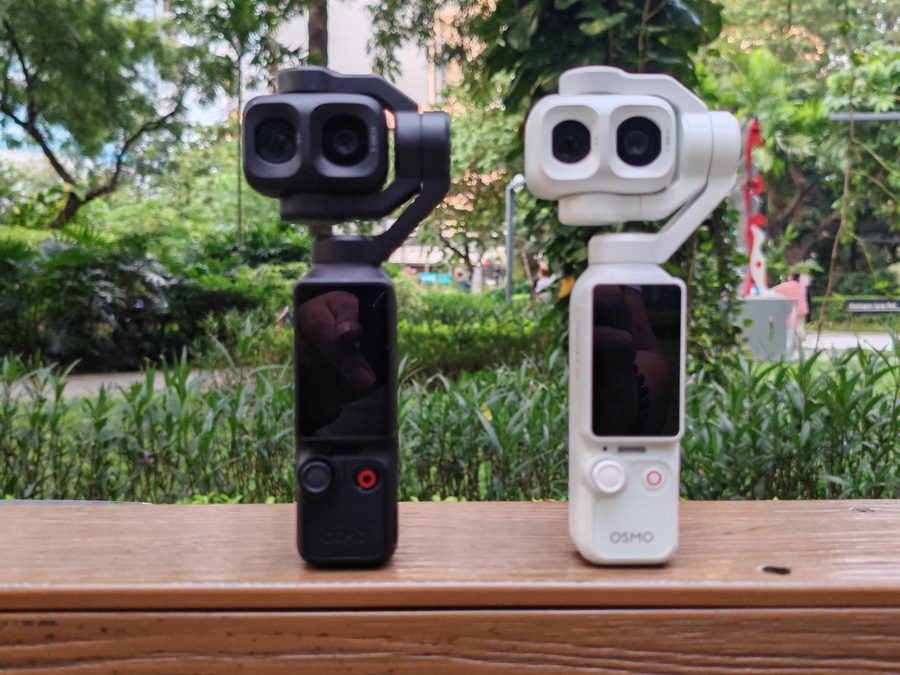
The built quality and design is the same as the Pocket 4. On the left side is Micro SD Card slot which can accommodate up to 1TB.
The front is a 2.0 inch touchscreen that can be rotated for taking landscape photos or videos. When the screen is rotated, it will reveal two buttons, one for zoom and one for your preferred shortcut settings. Below that is the 5-way directional joystick and the record/shutter button.
Found at the bottom is the USB Type-C port. The extended handle can be attached to let you hold the Pocket 4P comfortably or you can purchase third-party battery extenders to prolong the 4P’s battery life.
The Display
The settings of the DJI Osmo Pocket 4P can be accessed through the 2.0 touchscreen display. Swiping down the screen opens the control center, swiping up is for adjusting resolution, and frame rate, swiping left is for Beautify and Pro mode, and swiping to the right is to access the album.
If you’re using the Osmo FrameTap to control the Pocket 4P, you can still access the settings by swiping the FrameTap’s display.
The Cameras
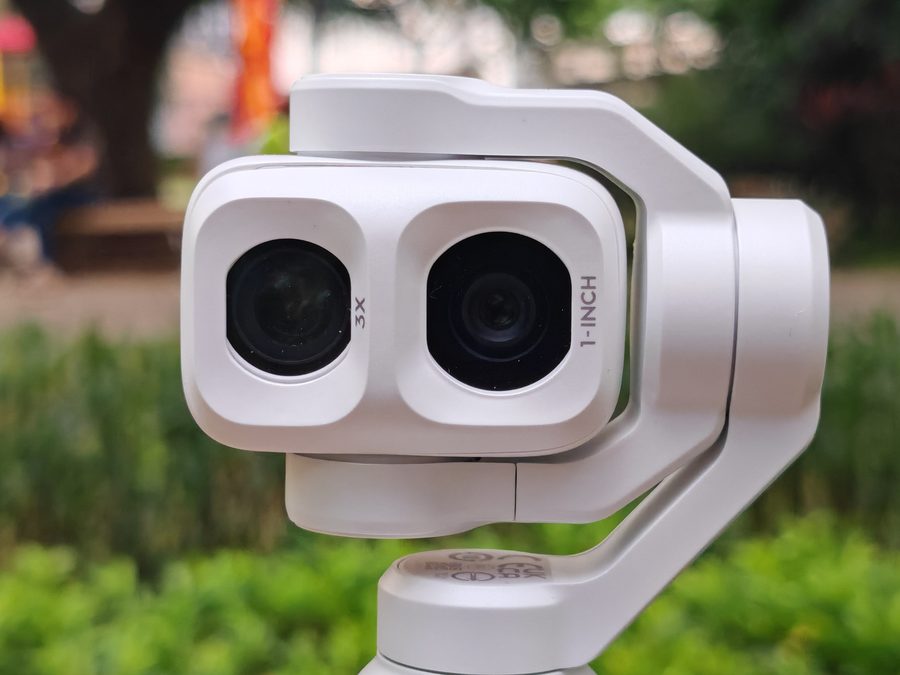
The cameras are the main upgrade from the DJI Osmo Pocket 4. The DJI Osmo Pocket 4P features a dual-camera system; 1-inch 20mm wide-angle and 1/1.28-inch 60mm telephoto up to 4K/240fps slow-motion. The idea of adding a telephoto is a godsend for Osmo Pocket users because they are limited by its wide-angle lens.
I am aware that digital zoom isn’t as sharp compared to a true telephoto lens, but it somehow looked okay for my taste.
The DJI Osmo Pocket 4P is not just for taking video, but can also be used for taking photos too. Here are some samples:
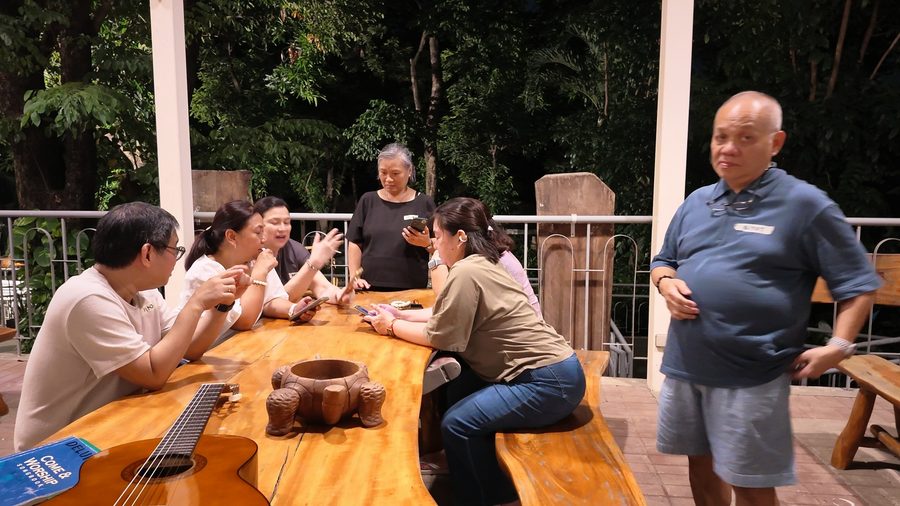
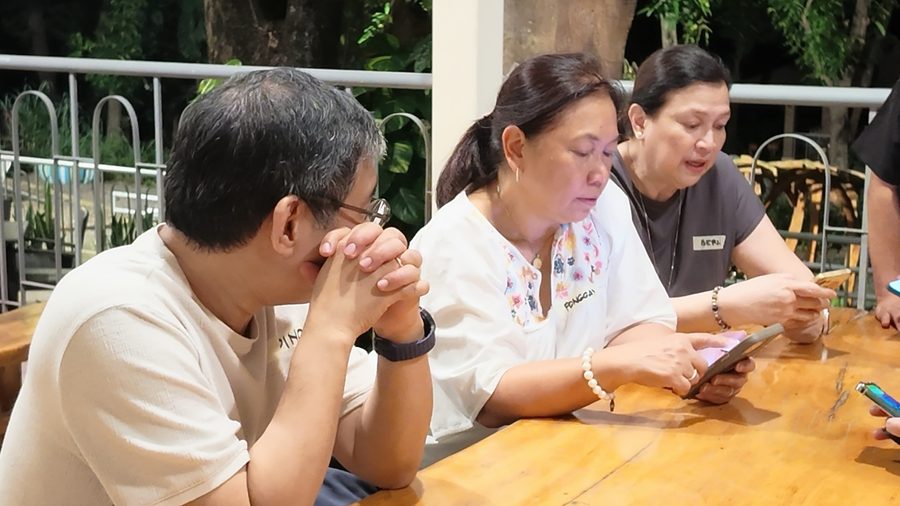
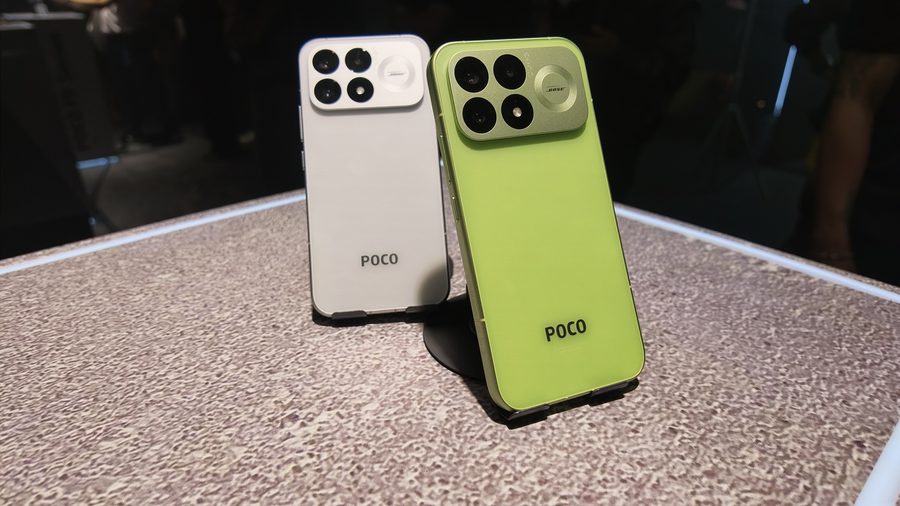
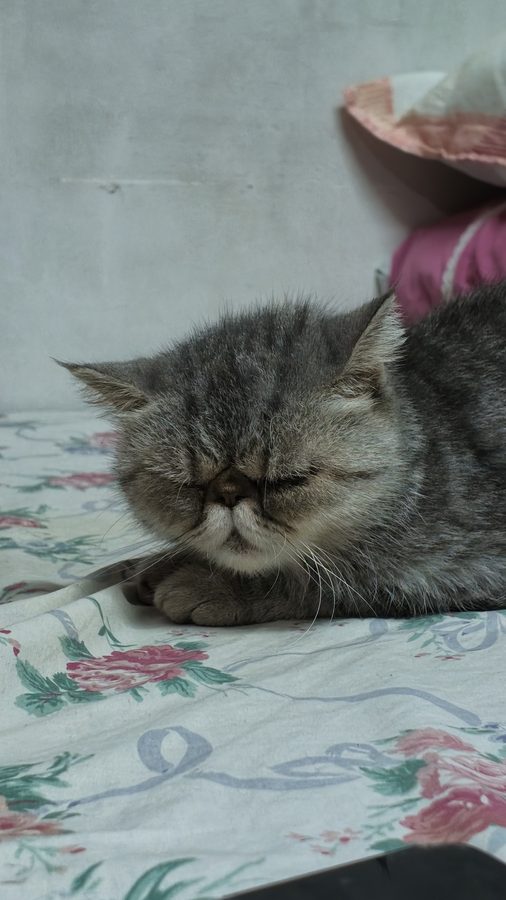
Photos are pretty good as long as there is good amount of lighting in low light environment.
Videos were also great but this time I tried using DLOG to play with the filters especially from DJI. No wonder even professional videographers are now bringing this device for shooting videos.
DJI Osmo Pocket 4P DR’s CONCLUSION
I am so happy I got the DJI Osmo Pocket 4P. The upgrades from the Pocket 4 are definitely advantages even for a newbie videographer.