
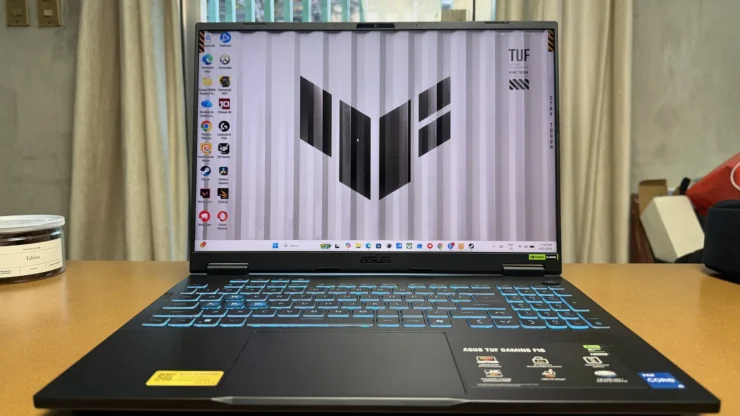
For years, TUF Gaming Laptops are well known for its affordability without sacrificing much on their performance. I was hoping the ASUS TUF Gaming F16 Laptop would stick to that perception and maybe offer more for the end-users to appreciate. We received the review unit of the TUF Gaming Laptop and here are my findings.
Table of Contents
TUF Gaming F16 SPECS:
| Model Name: | FX608JM |
|---|---|
| Processor: | 13th Gen Intel Core i5 Processor |
| GPU: | NVIDIA GeForce RTX 5060 |
| Display: | 16-inch, FHD+ 16:10 (1920 x 1200, WUXGA), IPS-level, Anti-glare display, sRGB:100.00%, Adobe:75.35%, Refresh Rate:165Hz, |
| RAM | 16GB Dual Channel DDR5 5600MHz (2 x SO-DIMM slots) Max system capacity 64GB |
| Storage | 512GB PCIe 4.0 NVMe M.2 SSD (2 upgradeable slots) ; Max: 2TB |
| Battery | 90Whr; 280W Charger |
| Accessories Included: | TUF Gaming Backpack |
| Price | Php 89,995 |
The Unboxing

The TUF Gaming F16 was delivered to us in an eco-friendly recyclable packaging. This has been the standard packaging since ASUS started to promote sustainability among their products in 2023.
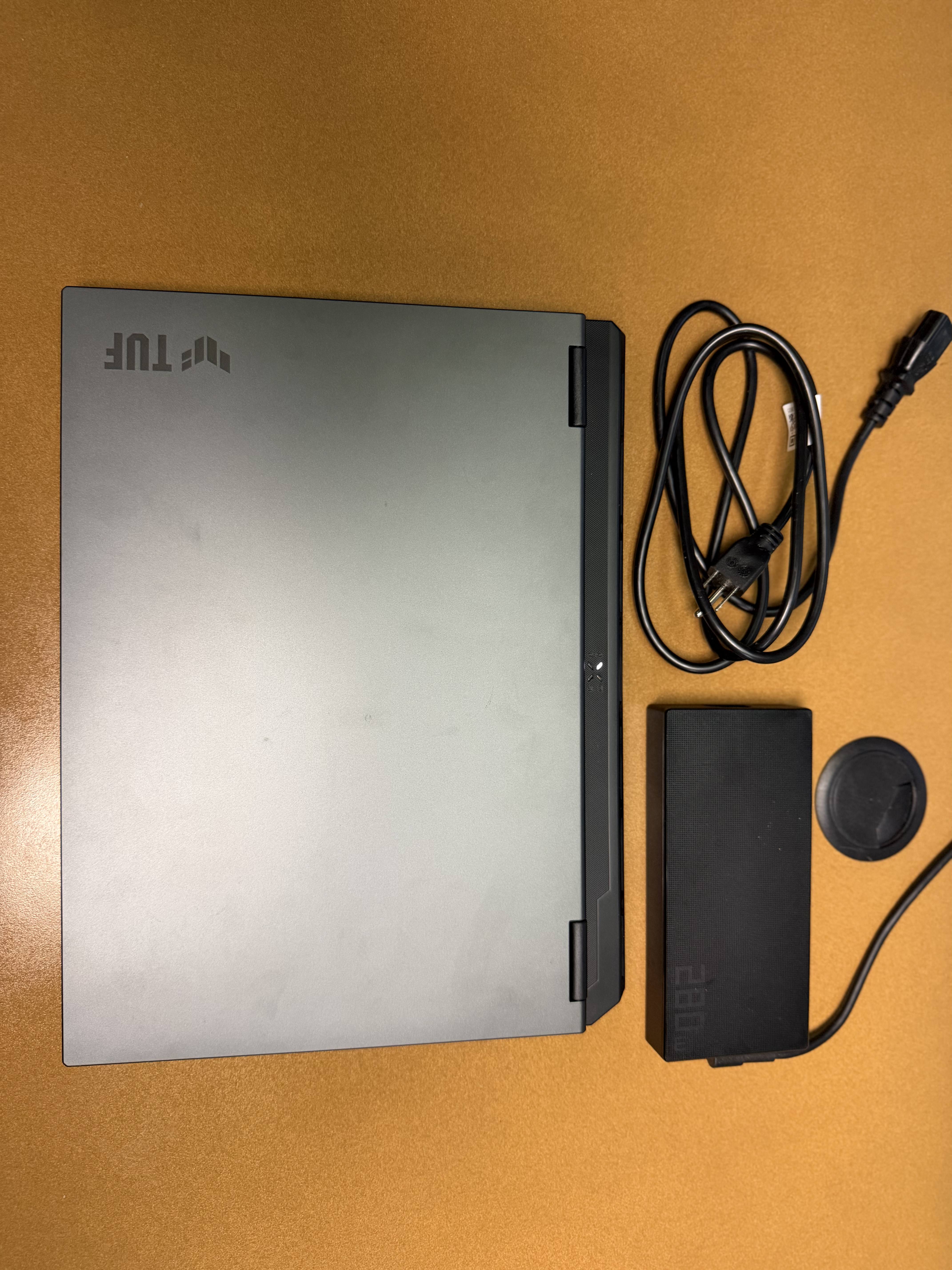
Unboxing the packaging reveals a TUF Gaming F16 2025 Gaming Laptop and Charging Brick. Not in the photo is the ASUS backpack.
The Built and Design
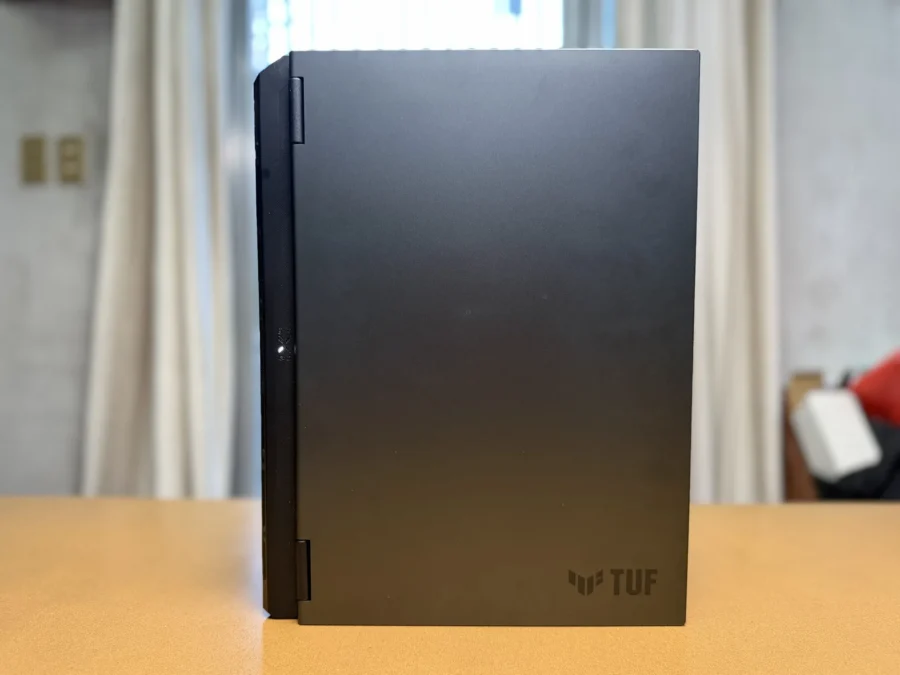
The looks of the TUF Gaming F16 is like any other TUF Gaming laptops available in the market. It looks rugged and restrained from its flashy ROG counterpart. Speaking of rugged, the F16 passed the MIL-STD-810H standards for durability, heat and cold environments among others.
The lid is made of aluminum with a Jeager Grey color. This discreet aesthetic would favor some users who would use this laptop at work – one who would look professional during work hours then becomes a hotshot gamer at night.
It must be wiped occasionally though because the laptop tends to be a fingerprint magnet.
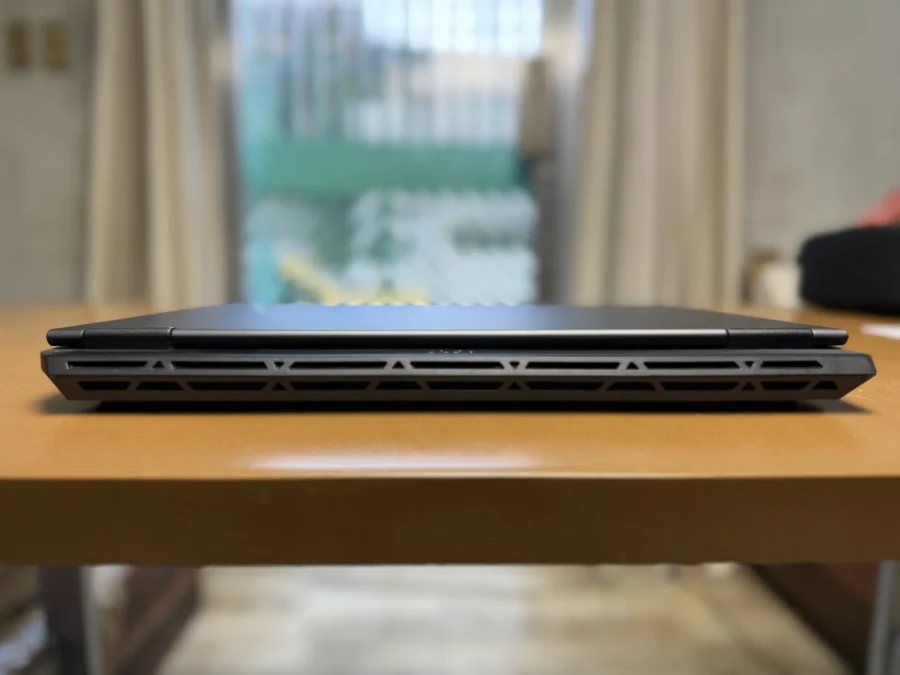
At the back is a large rear exhaust vent, which provides the dual benefit of efficient airflow.
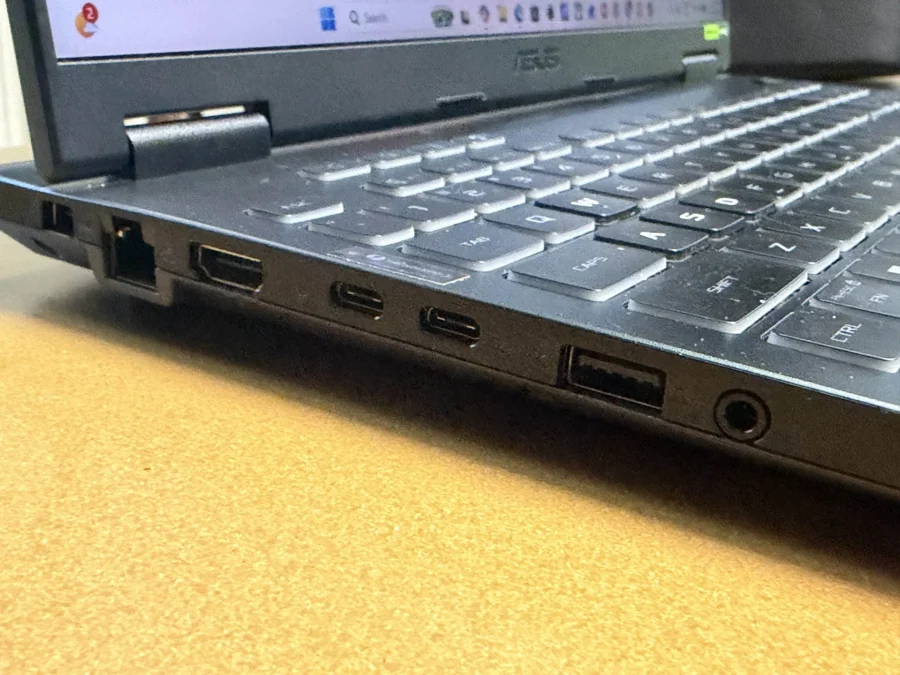
The F16 is just 17.9mm thick when the lid is closed. I am surprised there were plenty of ports available. Ports on the left side are the DC power jack, RJ45 ethernet, HDMI 2.1 FRL, Type-C USB Display Port/Power Delivery, Thunderbolt 4, Type-A USB 3.2 Gen 2, and a 3.5mm audio jack.
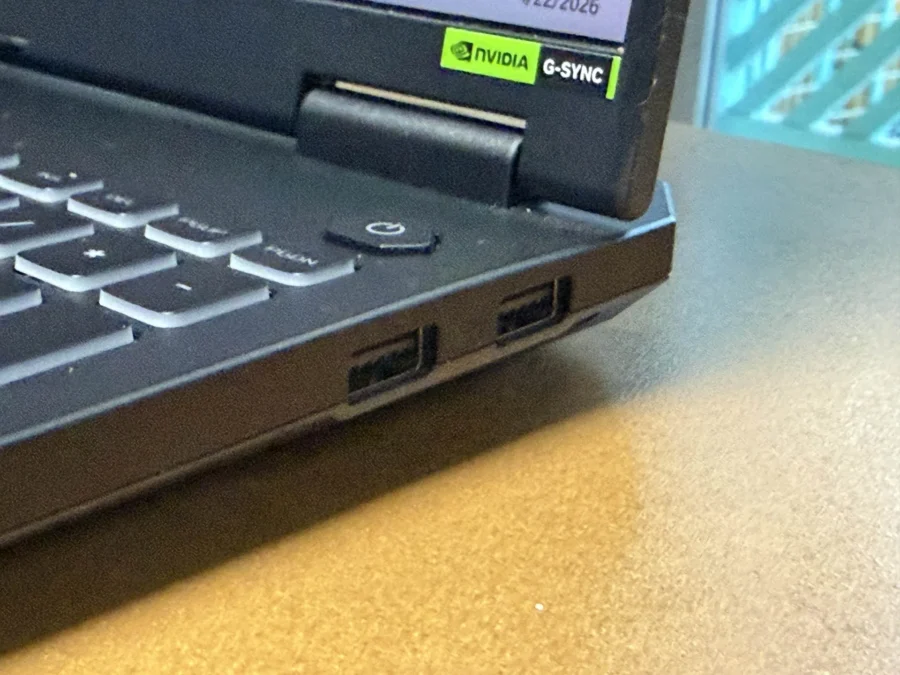
On the other side are two more Type-A USB 3.2 Gen 2 ports. I wish ASUS also included an SD Card reader.
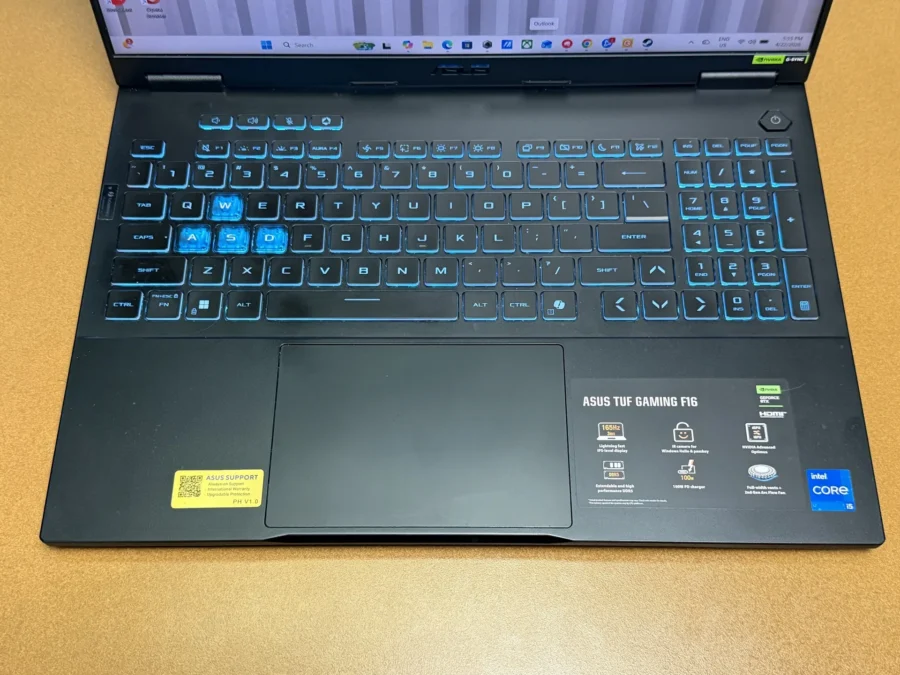
A full-sized keyboard is revealed upon opening the lid of the TUF Gaming F16 2025. Since it is a 16-inch laptop, it makes sense to also include a number pad. I rarely use it because I am used to typing numbers on top of the keyboard. It has RGB lighting but only uses a single-zone setup. This can be customized by opening the Armoury Crate, which has a dedicated button on top of the keyboard.
Key press is responsive and I was able to adapt quickly after using a standard laptop keyboard for several months. Not the best among all laptops I’ve used, but it was certainly good enough.
ALSO READ: What is My ROG 2026 Wishlist?
The Display and Sound

The TUF Gaming F16 has a 16-inch 1920 x 1200 FHD+ IPS display with a refresh rate of 165Hz. Aspect ratio is 16:10 and it has an anti-glare layer, so you won’t have any problems with reflections from direct lighting. There is also a 1080p IR Camera on top which supports Windows Hello.
The F16’s display supports an immersive sRGB at 100.00% and Adobe at 75.35%. We don’t have the hardware to test but we suppose that this should work for amateur multimedia editors.
The 2.5K IPS display looks better now than what it was back then. Colors were striking and they pop out when playing games. The same can be said when I watch videos on the F16. While there are faster refresh rates than the 165Hz refresh rate, it was still ultra-responsive thanks to G-SYNC.
Speakers are loud and clear. I can even determine the direction of footsteps in VALORANT.
The Performance
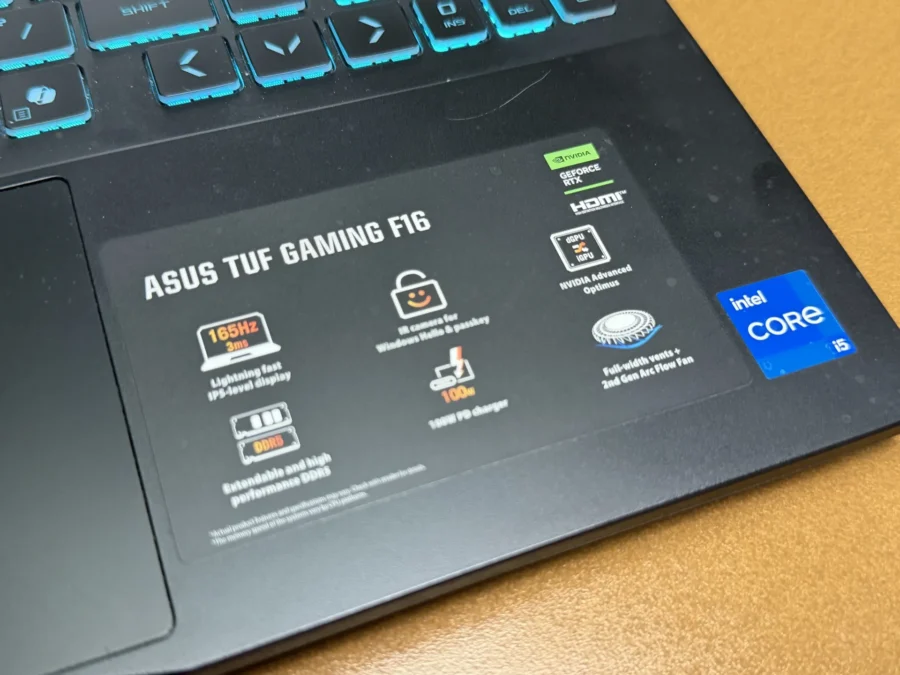
My TUF Gaming F16 2025 review unit is powered by a 13th Gen Intel Core i5 processor, while its GPU is an NVIDIA GeForce RTX 5060. Storage is at 512GB and Memory is 16GB, which are upgradeable up to 2TB and 64GB. Other variants of the F16 can reach up to Intel Core Ultra 9 and RTX 5070 if users need more power to play their AAA games.
If I were to upgrade, I would at least upgrade to 1TB SSD. The 512GB storage that came with this unit left me with 36.6GB after installing games like Cyberpunk 2077, VALORANT, and Overwatch 2 plus the multimedia files I’ve edited on Davinci Resolve. 16GB for me is enough for now.
I tested the performance of the F16 with our usual benchmark software. Here are the results:
| Benchmarks Tests | Silent Mode | Performance Mode | Turbo Mode |
| Geekbench Single-Core | 2123 | 2194 | 2185 |
| Geekbench Multi-Core | 8738 | 9603 | 9816 |
| Cinebench R23 (Single-Core) | 929 | 677 | 268 |
| Cinebench R23 (Multi-Core) | 6423 | 12256 | 12945 |
| PCMark 10 | 6749 | 7185 | 7284 |
| Steel Nomad | N/A | N/A | 2270 |
I’ve been using the TUF Gaming F16 as my main work laptop for more than a month and I am very satisfied with its performance. I did a lot of video editing, and it never stuttered even when the files were heavy. Same thing with opening almost 40 tabs on Google Chrome whenever I do multiple research projects I am handling. I never had problems in multi-tasking, and it never slowed down either.
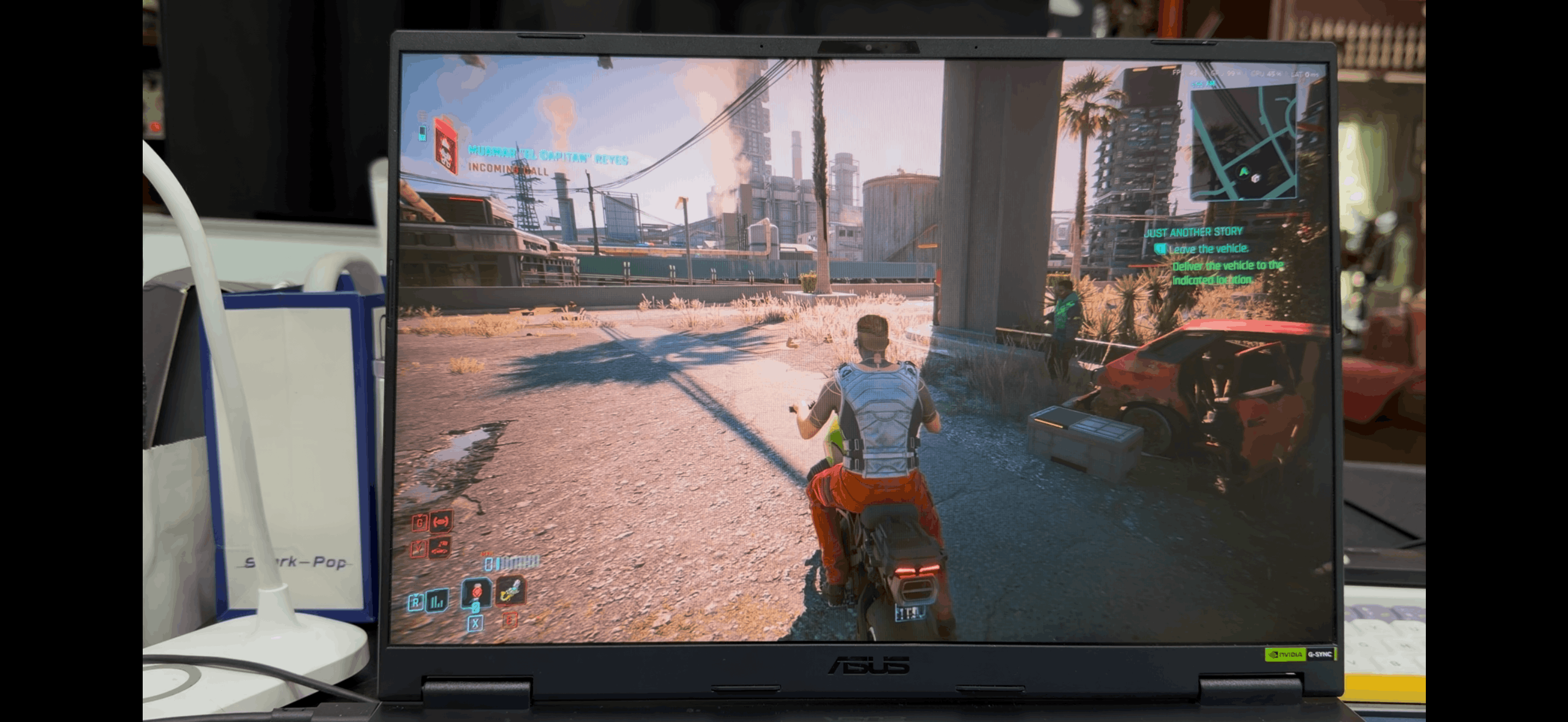
Triple AAA games played in the F16 were smooth and vivid. In Overwatch 2, I set its Graphics to Epic and the fps were from 140 to 160. The same can be said for VALORANT were fps ranging from 230 to 300. Meanwhile, Cyberpunk 2077 ranged from 40 to 93 fps on Ray Tracing Ultra.
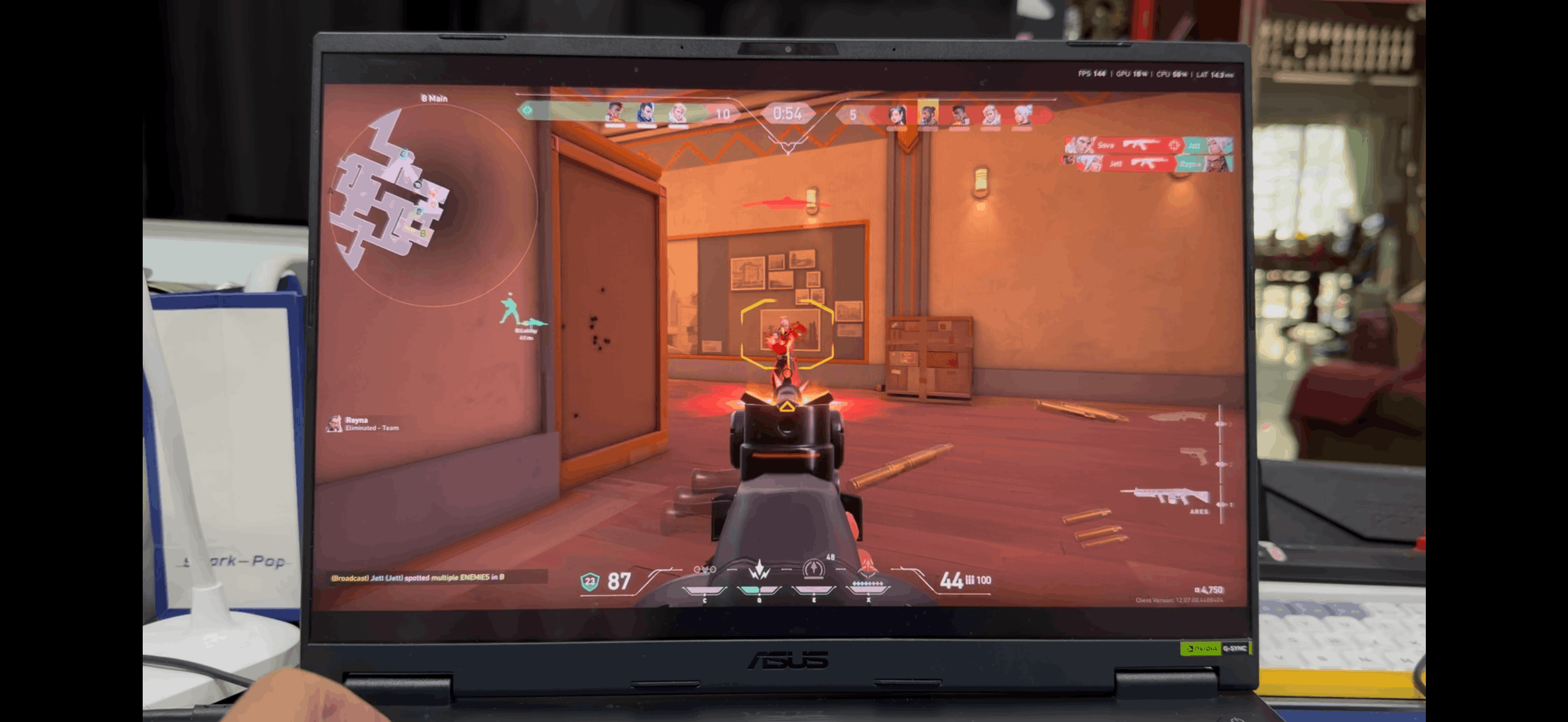
These games were played under Performance Mode in Armoury Crate and not a single time I experienced hiccups during a game. Gameplays were smooth, Fan noise was very minimum, and I barely felt any heat. I barely used Turbo mode like what I used to do years ago because, personally, Performance mode on the F16 already suffices.
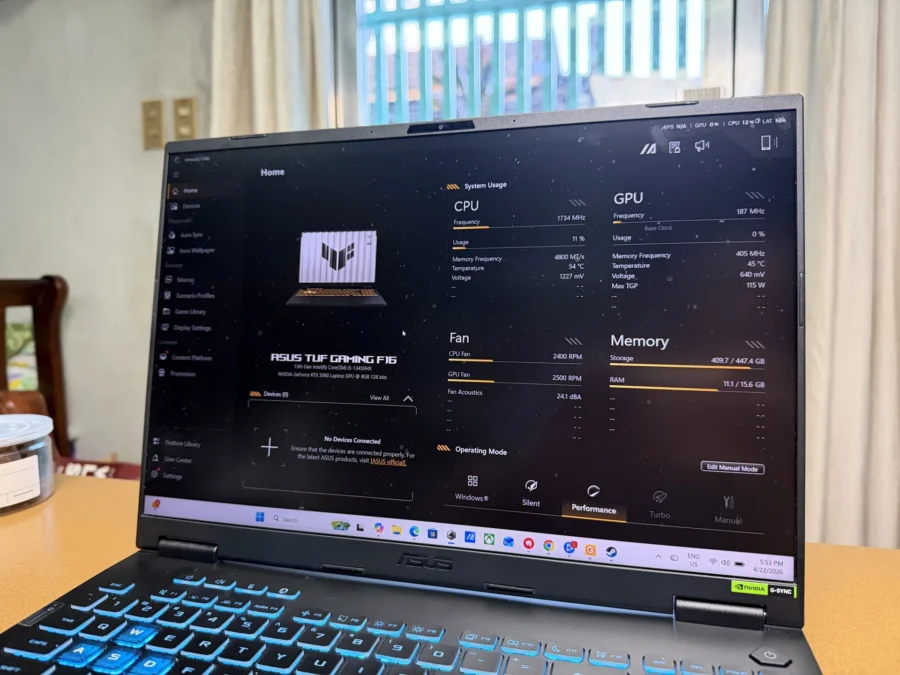
I haven’t seen Armoury Crate for like four years, so I was glad to see it again. It even has a dedicated button now located on top of the TUF Gaming F16’s keyboard. This is where I am able to check my system usage and tweak its settings to let me play games according to my preferences.
The Battery Life
The TUF Gaming F16 has a built-in battery rated at 90Wh. I did a YouTube video playback test, and it lasted for 4 hours and 50 minutes. In actual use, working with emails, documents, spreadsheets, etc. would last around 4-5 hours in Silent mode. On the other hand, gaming without connected to the plug on Performance mode lasted me barely an hour. That’s expected to happen, so make sure to plug in whenever you want to play games.
A large 280W power brick can quickly charge the gaming laptop up to almost 50% in less than 30 minutes.
DR’S CONCLUSION
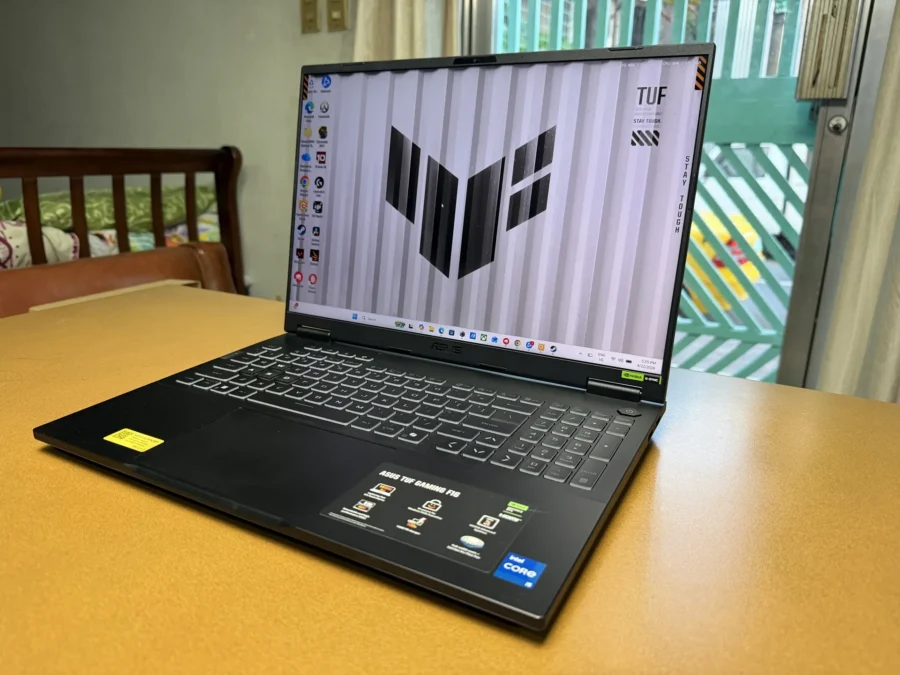
The TUF Gaming F16 is a solid Gaming Notebook that isn’t as flashy as its ROG counterparts. I can live with that if it helps me get my work done and play AAA games afterwards without any nuisance. After a month of using it, I can say it did with flying colors. For its price, I think it’s worth it.
ASUS Quality and Service, featuring 2Y International Warranty and 1Y Accidental Damage Protection: https://www.asus.com/ph/microsite/4aguarantee/index.html?utm_source=media&utm_medium=pr&utm_campaign=26q1_asuswarrantypr_ph