
Ever wished your laptop could help clean up a blurry photo, transcribe a meeting while you stay focused, or make it easier to find information across your files? Today’s AI PC s are enabling a growing range of experiences like these, bringing AI closer to where your work and data live.
Most of us have used an AI tool in a browser. But a new generation of laptops is taking AI a step further – running it directly on your device, not in the cloud. The result is fast, smarter, and more privacy-focused everyday computing. And it’s available right now, across a wide range of laptops and budgets.
Table of Contents
“But AI Already Works on My Laptop, Right?”
Fair point. If you can open a browser and use an AI chatbot, technically yes.
But here’s the difference: Many browser-based AI sends your data to a remote server, waits for a response, and sends it back. That takes time, requires an internet connection, and means your files, photos, and conversations are leaving your device.
AI PC is built to run AI directly on the laptop itself. That means:
- Your webcam can look better on video calls, without you touching a setting
- Your photos can get cleaned up or edited with a single click, processed entirely on your device
- You can search your files by describing what’s in them, not just the filename
- Meeting transcripts and summaries can happen live, even offline
- Writing tools suggest edits as you type, instantly
The more AI becomes part of the apps and operating system you use every day, the more it matters that your laptop is built to handle it.
What Actually Makes an AI PC Different
At its core, an AI PC has a dedicated processor built specifically for AI tasks, called an NPU – Neural Processing Unit. Most laptops today have two main processors: a CPU for general computing and a GPU for graphics. An AI PC adds a third: the NPU, which handles AI workloads on its own.
Think of it like a specialist joining your team. Your CPU is the generalist handling everything from opening apps to loading websites. The NPU is designed specifically for AI workloads, which can allow many AI tasks to run more efficiently and with lower power consumption than if they relied solely on the CPU.
The practical difference you’ll notice in an AI PC:
- Long battery life: AI features run on the NPU instead of maxing out your main processor – so your battery can last longer.
- Fast AI experiences: Responses feel instant because they’re processed on-device, not sent to a server and back.
- Enhanced privacy: For AI workloads that run locally, sensitive information can remain on the device rather than being sent to the cloud.
- Cool and quiet: Efficient AI processing can help reduce power consumption, which can contribute to cooler and quieter operation.
AI Features You’ll Actually Use
AI PCs aren’t about novelty. They’re about making the things you already do a little easier and more efficient.
Here’s what that can look like day-to-day:
- For anyone on video calls: Video conferencing apps like Zoom and Microsoft Teams with automatic background blur, lighting correction, and eye contact enhancement – running quietly in the background with minimal impact on battery life.
- For photo and video editing: Tools like Topas Photo AI Denoise Images for photo upscaling, de-noising and sharpening – ultra-fast on a laptop with a dedicated NPU.
- For students and note-takers: Live transcription, meeting summaries, and AI-assisted writing tools such as those from Microsoft CoPilot + that can work even without Wi-Fi.
- For everyday file management: New AI-powered search experiences can make it easier to find files, photos, and information using natural language.
- For creative work: An increasing number of creative tools support local AI acceleration for image generation, editing, and content creation workflows.
AI PC Recommendations by Lifestyle
The good news: AI PCs are no longer reserved for expensive flagship models. There’s now a strong option for every type of user, form factor, and price point.
AMD Ryzen AI processors power the next generation of Copilot+ PCs with a high-performance combination of CPU, GPU, and NPU capabilities, including up to 60 TOPS of NPU performance. Built on AMD “Zen 5” and “Zen 5c” CPU cores and AMD RDNA 3.5 graphics, they deliver fast, responsive AI experiences for productivity, content creation, and development workloads, while maintaining exceptional power efficiency with multi-day battery life in select systems – enabling users to take advantage of AI-accelerated applications wherever they work.
For Students
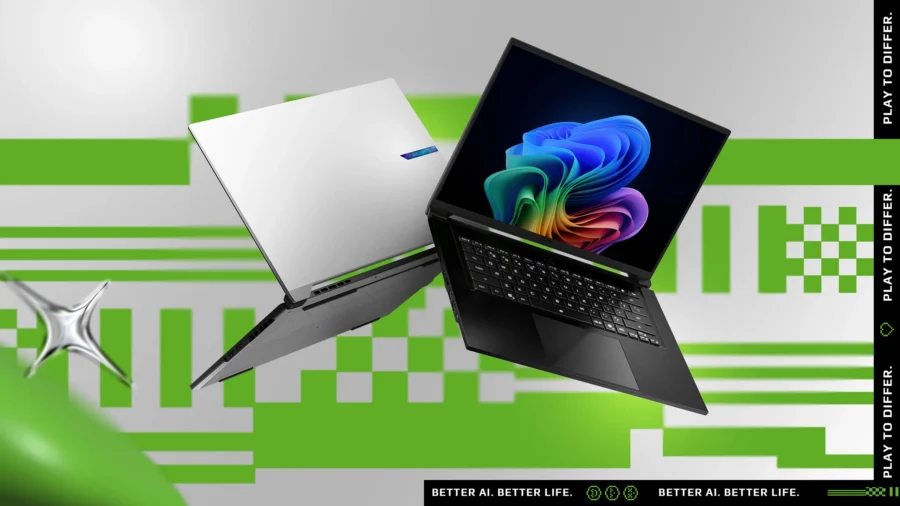
GIGABYTE AERO X16 with AMD Ryzen AI 7 350 helps students unlock incredible productivity and creativity, bringing new AI PC experiences to life, and to the next level.

Acer Nitro 16S AI with AMD Ryzen AI 7 350 merges powerful AI performance and portability, enabling the ultimate in private, responsive, and intelligent laptop computing.
For Everyday Users
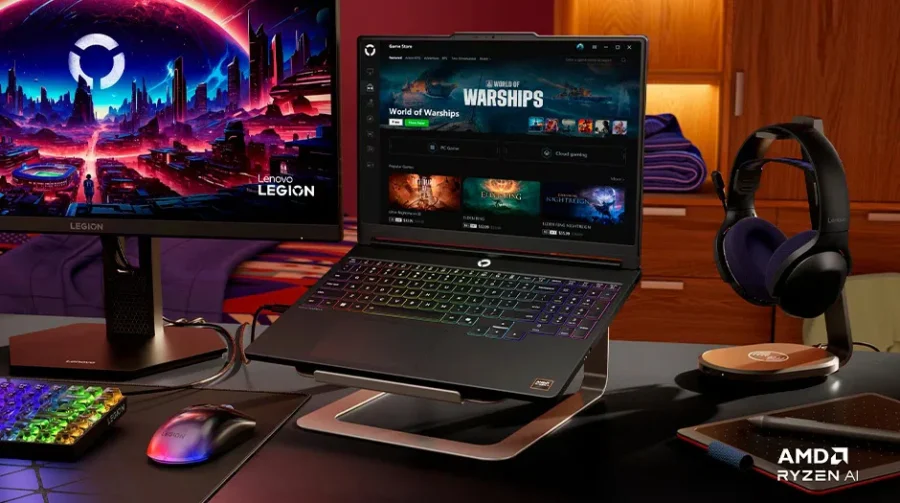
Lenovo Legion 5a with AMD Ryzen AI 7 450 delivers intelligent performance for seamless multitasking, immersive gaming, and AI-enhanced experiences. Extended battery life keeps you productive and entertained on the go.
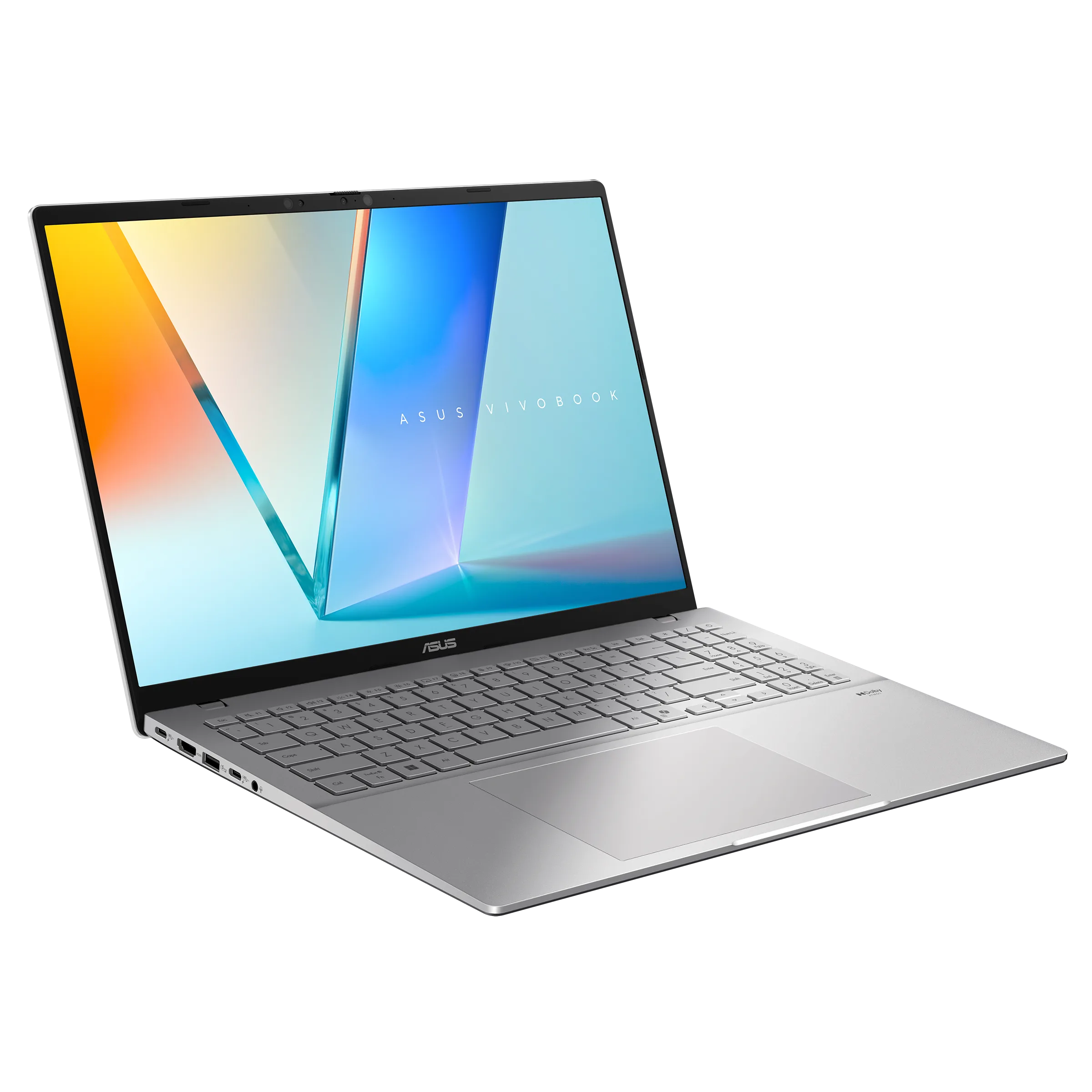
ASUS Vivobook S16 with AMD Ryzen AI 7 445 elevates everything with a perfect blend of style and performance, offering exceptional AI-driven assistance to boost your productivity, speed up content creation, and enhance your web browsing.
For Professionals
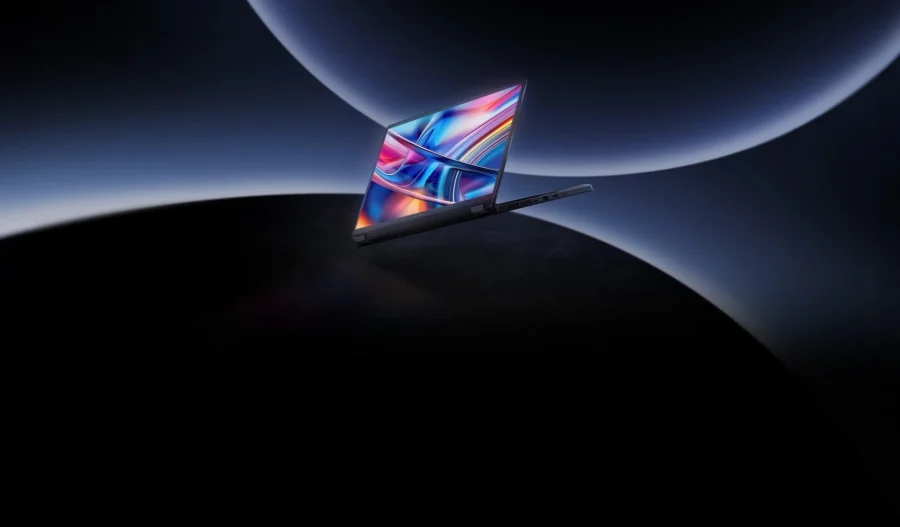
ASUS ProArt PX13 with AMD Ryzen AI MAX+ 395 unlocks uncompromised performance, delivering AI acceleration and smooth performance – giving creators freedom to work faster and smarter.
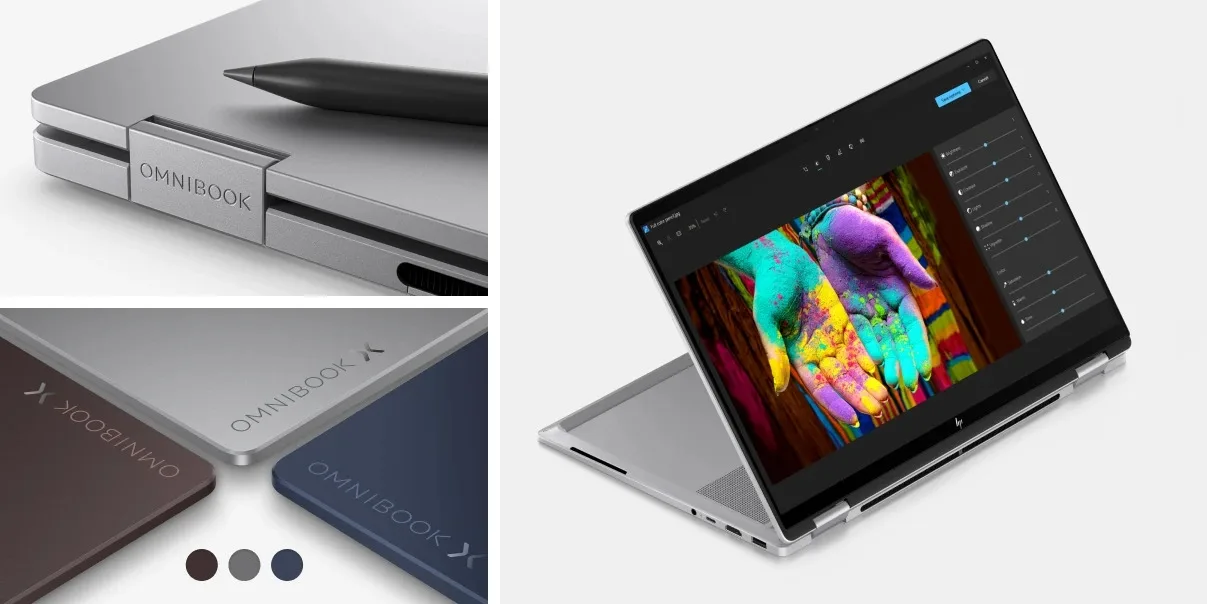
HP OmniBook X Flip 2-in-1 with AMD Ryzen AI 9 465 is built for those who refuse to compromise, keeping pace with the most creative ideas and the heaviest workloads.
The Bottom Line
The question isn’t whether AI will be part of your next laptop. At this point, it almost certainly will be.
The real question is whether your laptop is actually built to handle it – with dedicated hardware that makes AI features fast, privacy-focused, and easy to use while helping improve power efficiency.
AI PCs aren’t replacing traditional laptops. They’re what laptops naturally become as AI becomes part of everyday life. And with AMD Ryzen AI powering a growing range of options across every budget, there’s never been a better time to make the upgrade.