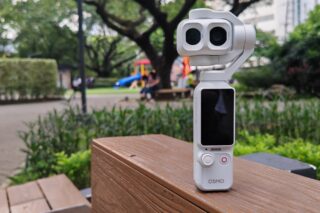

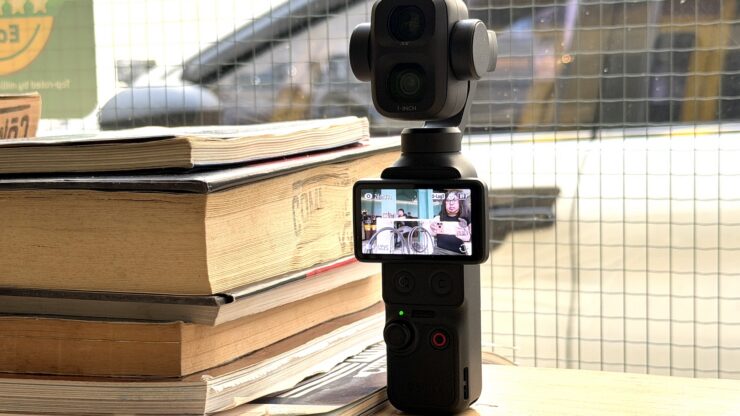
I wasn’t interested in owning a DJI Osmo Pocket 4P, nor any pocket or action camera. I am already fine using smartphones with capable cameras. That changed earlier this year when I was invited to the launch of the DJI Osmo Pocket 4. After hearing good remarks from my colleagues in the tech industry, I thought I should give it a try too.
DJI Philippines read my mind and sent me the Pocket 4 review unit and I loved it! I couldn’t believe a small camera that takes photos and videos can be this small and pocketable. I brought it along with me to Cebu to document a National Congress I attended and my fellow community members were really happy and impressed with the videos I took with it.
I had to return the Pocket 4 so I brought my DJI OSMO Mobile 7P with me to COMPUTEX 2026 in Taipei last June. It was the same setup I did last year with my iPhone 16 Pro Max, only this time I used it with my iPhone 17 Pro Max. The pair still worked fine like before, until I saw other media colleagues from all over the world used their Osmo Pocket cameras to cover the major IT event. Seeing them use their Pocket 3 and Pocket 4 cameras made me envious. They can shoot for the whole day without dealing with the weight of mirrorless cameras and their accessories, which they didn’t bring during this trip. I bet they already know their pocket cameras can already do the job.
After hemming and hawing for quite a couple of months, I decided to get one for myself. I thought of getting the Pocket 4 but went all-in with the newer and better DJI Osmo Pocket 4P.
Table of Contents
Using the DJI Osmo Pocket 4P as my Main Camera
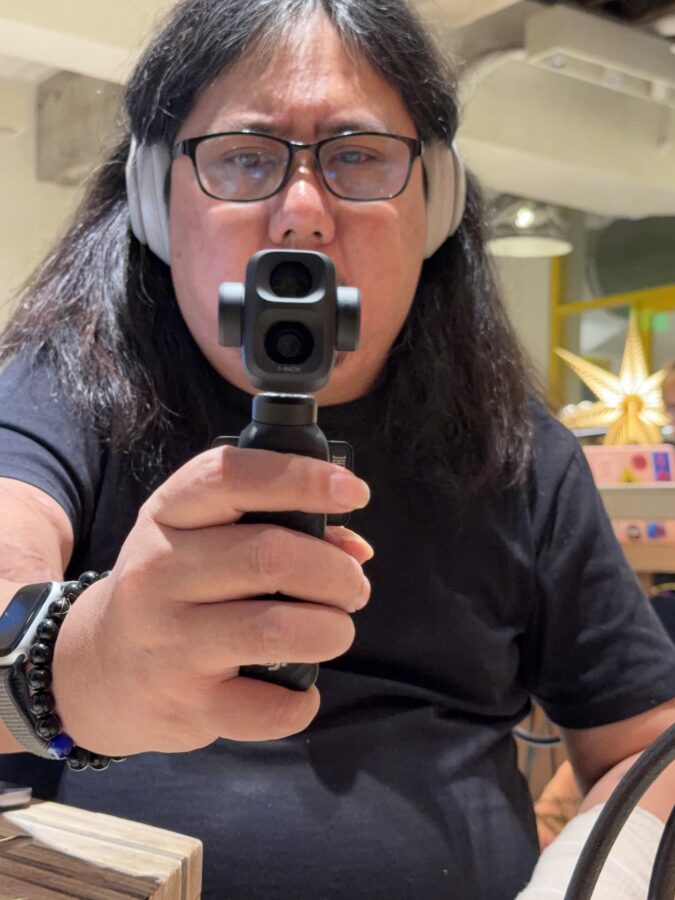
The DJI Osmo Pocket 4P immediately became a part of my gear bag. Instead of my iPhone 17 Pro Max, I use the Pocket 4P for recording short clips as well as taking photos. I used it solely for creating product reviews that were published on TikTok and YouTube. Like the iPhone, I can also take cinematic videos with my Pocket 4P.
There are several reasons why I used this more than my iPhone. The DJI Osmo Pocket 4P has a built-in gimbal which ensures my videos look professionally smooth while I’m moving or panning the camera. Auto-tracking is excellent because the Pocket 4P follows the subject without me moving. It now has a telephoto lens, a new useful feature in the Osmo Pocket series. I can take closer photos by zooming in without moving closer to the subject.
Since it’s a stand-alone camera, there are no distractions like notifications which disrupt my flow of creating content. I am able to take photos and videos remotely either with the DJI FrameTap or a smartphone with DJI Mimo app installed. With its small size, I am able to capture videos in areas my iPhone couldn’t.
After a month of use, I realized I can maximize the potential of my DJI Osmo Pocket 4P.
Color-Grading D-Log Videos
I’ve watched a lot of DJI Osmo Pocket 4P videos and all of the tech reviewers and camera enthusiasts mentioned using D-LOGs. Honestly, I never bothered about editing RAW photos so why should I with D-Logs? I thought it would just prolong my work process.
What I learned eventually was that color grading D-Log footage is better than recording videos in a standard profile. It captures significantly more dynamic range and gives you total creative control in post-production. Sometimes, some videos taken in Standard mode looked ugly and the way to fix it is through color-grading. I finally realized its importance when I viewed my past videos.
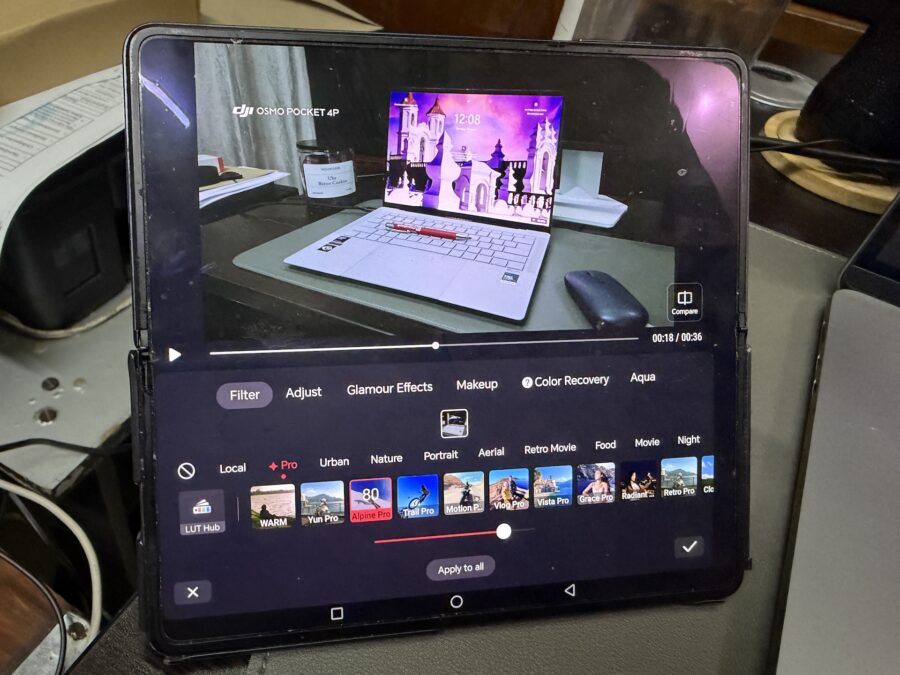
Nowadays, I’m shooting with D-Log for telephoto and D-Log 2 for the main lens then color-grade the videos in my laptop using Davinci Resolve. I also do color-grading short clips on my Foldable phone using the DJI Mimo before posting them on social media.
DJI and Third-Party Accessories
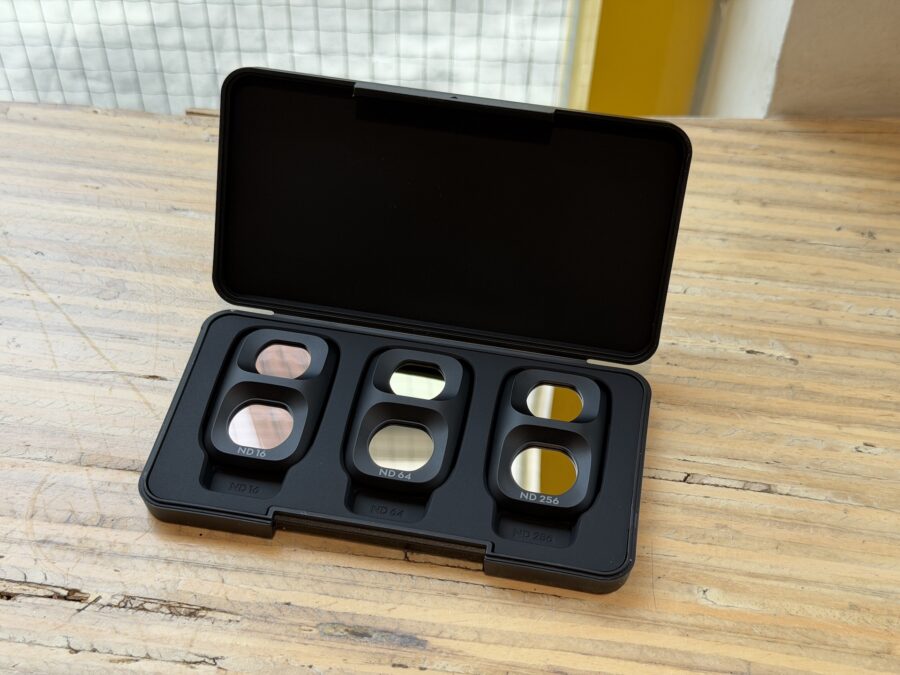
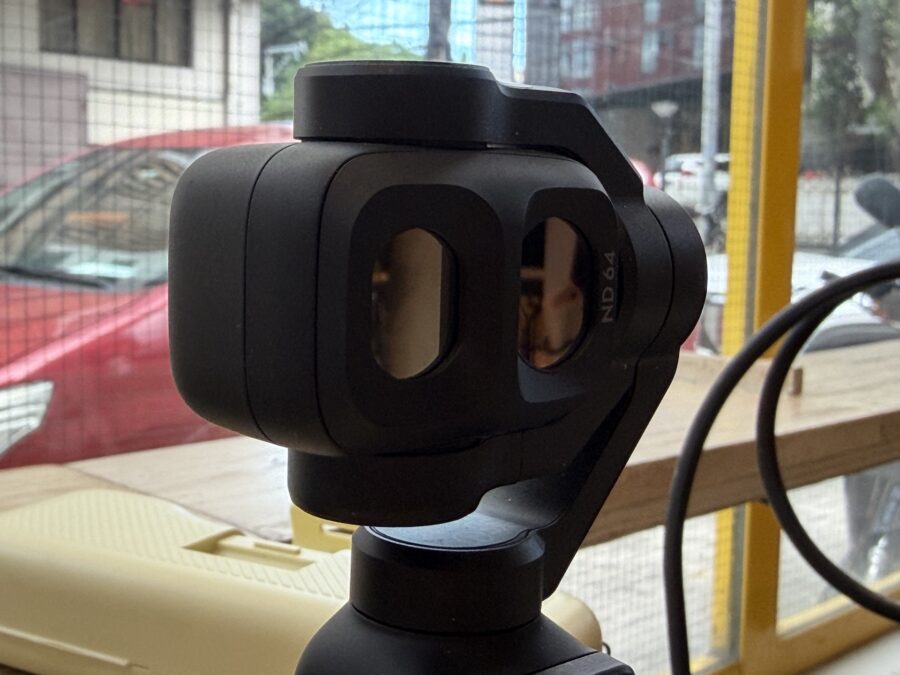
Like my other colleagues in Tech Media who own a DJI Osmo Pocket 4P and other models, I have also invested in accessories to help me create videos. I recently got the DJI ND Filters Set for bright or harsh lighting conditions. I have totally forgotten the usefulness of filters, which I used back in the early 90s for my Nikon SLR camera. One sample video I took months ago was taken at noontime and it turned out really bad, there was no way I could fix it by editing. There are three filters for the DJI Osmo Pocket 4P: ND 16, ND 64 and ND 128.
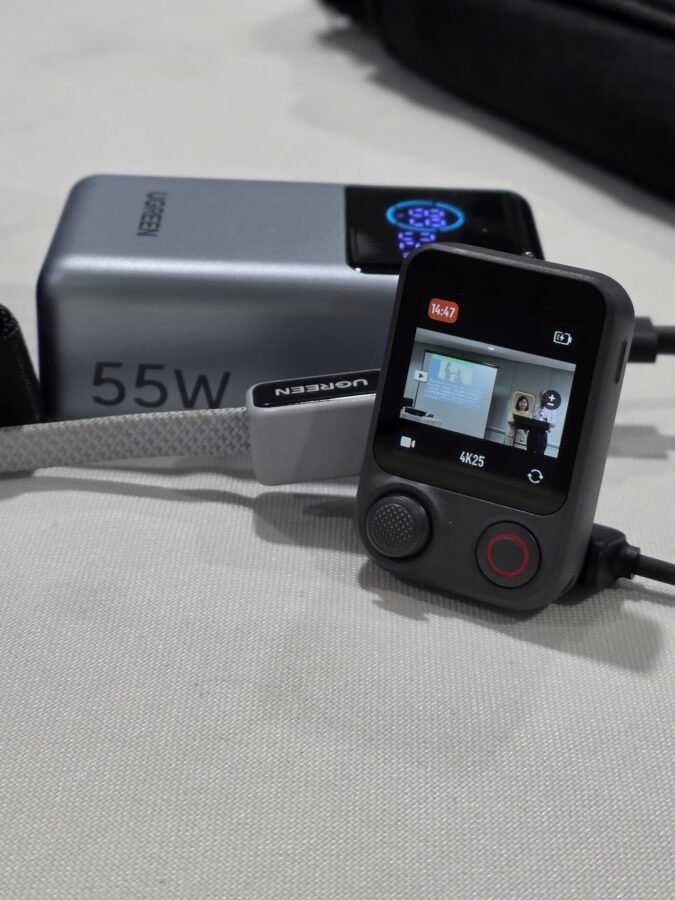
The DJI Pocket 4P Creator Combo comes with accessories like an extended handle, and a mini tripod. I initially didn’t need the extended handle, but now I keep it connected to my DJI Osmo Pocket 4P all the time so I can attach it to the mini tripod and get better handling. There are times though I needed a longer tripod, which is why I purchased an Ulanzi Tripod that can be extended up to my chest level for A-rolls or for overhead shots like product unboxings. Lastly, the DJI FrameTap helped me in certain situations. Last Saturday, I had to record videos of two talks in two separate rooms simultaneously. I set up my Pocket 4P on the main room paired with the FrameTap while I record the second video in the other room. I was able to monitor and end the recording of the other video while I was still recording on the second video.
The DJI Ecosystem Advantage
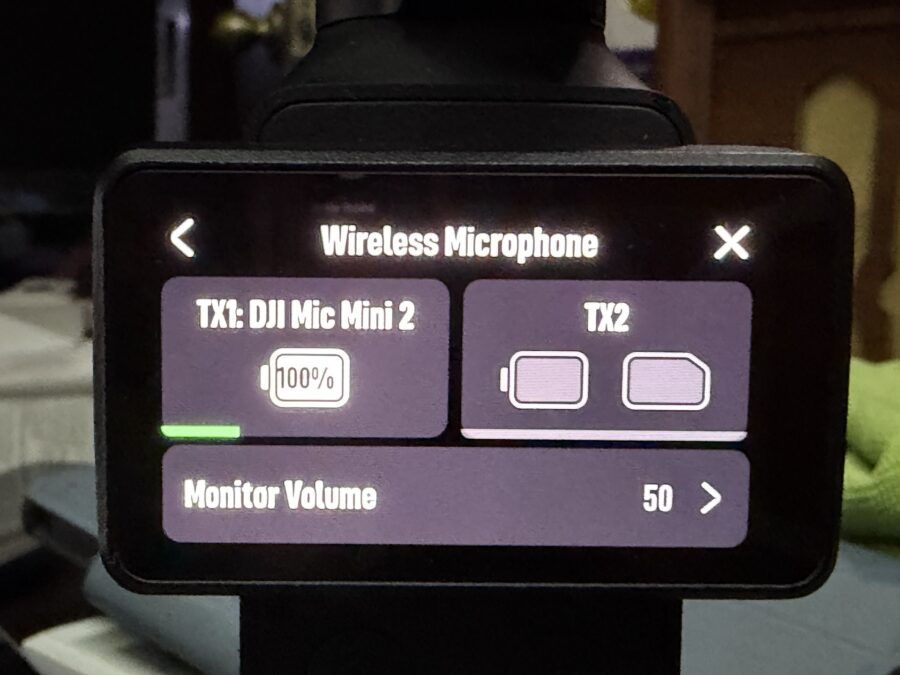
I’ve been using DJI products for the past two years. The reason for this is because I understood the advantage of being in a DJI Ecosystem.
I have the DJI Mic Mini and the Mic Mini 2. Both of these mics automatically connect wirelessly with my DJI Osmo Pocket 4P. No need to set up, which minimizes the process especially if I need to interview a person on the fly.
The DJI Mimo app is where most of my DJI gear is connected to. I use it to calibrate my Osmo Mobile 7P, access settings of my DJI Mic Mini and Mic Mini 2, access and edit photos and videos of my DJI Osmo Pocket 4P and other DJI cameras I was reviewing that time.
I also have a DJI Mini 5 Pro and I plan to use D Logs too for drone footage in the near future. Since it supports D-Log M, it would be easier for me to edit with my Pocket 4P if I need to use both cameras for making a video.
Make More Memories Cinematic
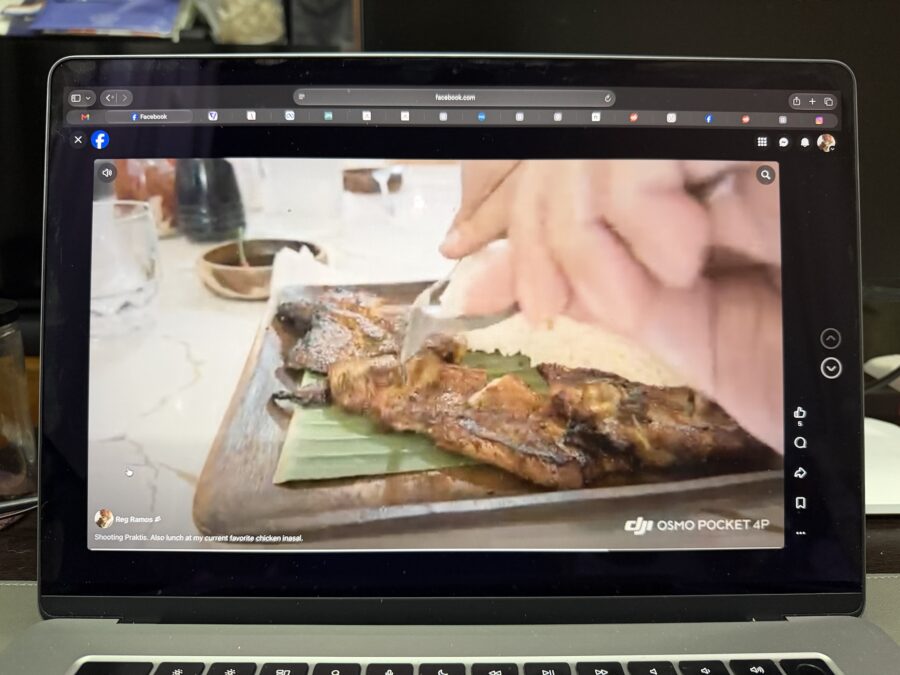
Having the DJI Osmo Pocket 4P made me remember my 12 year-old self in November 1990. I saw a newspaper ad of a Japan-branded palmcorder, one of the first palm-sized palmcorder which records videos in a smaller size. I fantasized having one and making a mini-series of videos about our neighbors’ three cats: Ming, Meng and Meeeeng. It remained a fantasy because Camcorders were very expensive in those days.
Now that I have my own cats, Suki and Spotify, I have recorded videos of them with my Pocket 4P. I loved how they turned out–it was like watching them in a movie.
“Why do movies look different?” It’s been my question for more than a decade when I noticed the differences between them and the videos taken by a phone. I got these answers, and with the DJI Osmo Pocket 4P, I am now learning to do cinematic videos. I usually allot time for myself every weekend to practice my camera movements, play various settings with the Pocket 4P’s cameras and try out different settings during editing.
Why do I want to do these things? I think it’s now my new hobby. As a middle-aged Tech Guy, I want to spark my creativity again and see far how my videos can go. I also want some of my personal journeys to be cinematic, because as a creator it would let me show the emotions I was having at those moments.
Thank you DJI for sparking my creativity.