
In the previous article, I covered the starting parts for building your own Local AI Agent Computer. To refresh our memories, building our own Agent Computer is one way to avoid paying one or more AI subscription when trying to develop or create something with AI.
Table of Contents
Building a Custom AGENT COMPUTER Instead – Continued
The next set of components continue with the Agent Computer build. To refresh our memories, I’ve discussed the importance of RAM for a Local AI setup, along with its dependence on your CPU choice and motherboard type. GPUs choice will dictate how much the local AI would perform. While storage, power, and chassis choice will figure out how they will support the entire build. And again, let ASUS and I share the components for setting up your Agent Computer.
GPUs Powering the Bulk of AI Workloads
Graphics Processing Units handle the bulk of processing AI workloads all thanks to how the cores were designed. GPU cores are loaded with thousands of pixel shaders (aka: NVIDIA as CUDA Cores and AMD as Unified Shaders) that originally handle loading pixels of images rendered parallel to each other leading to fast load times of things we see on screen. People realized that having this ability of GPU cores can be used for other heavy compute purposes, hence AI workloads are passed onto the GPU.
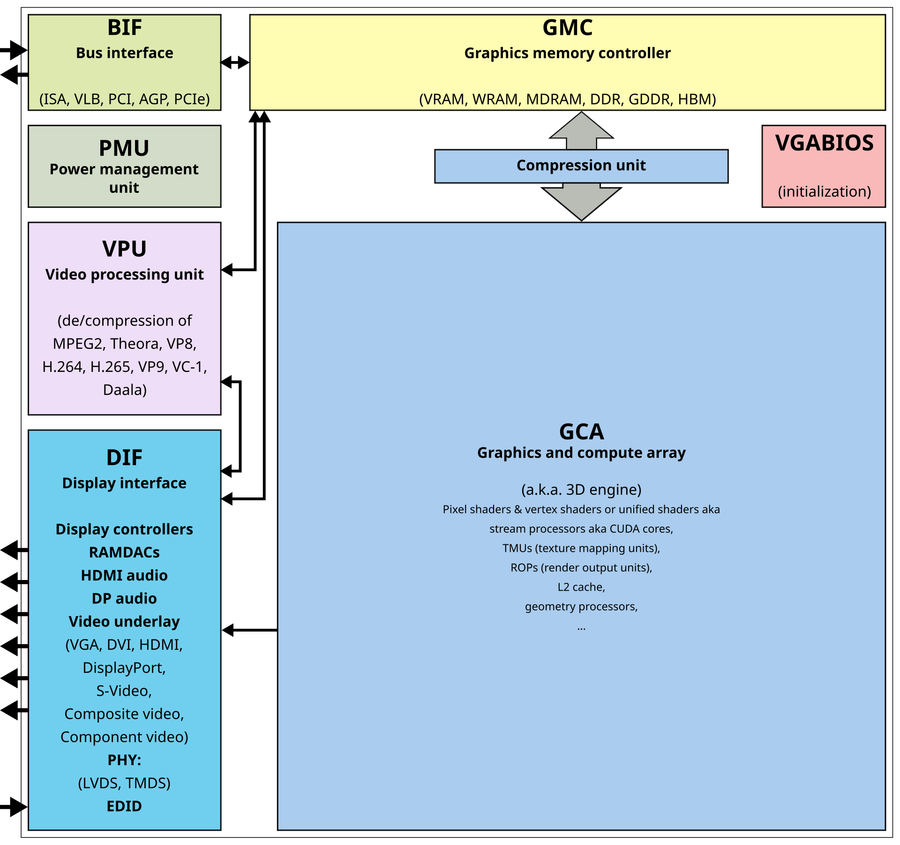
Having more shaders is important. But there is a balance with that number, and other features such as Ray Tracing Cores, and Compute Cores to the overall price of the Graphics Card. Having a lot means AI processes much faster, but they may tend to be on the less power-hungry side too. A graphics card with more cores will tend to suck in more power (and exhaust extra heat). Also more cores equals higher price due to additional complexity in producing one. And there’s the other aspect, Video Memory (VRAM).
VRAM Size is Important More than Ever
But for our purposes, picking the right GPU is one important step in building the Agent Computer for local use. We know that Local AI models love eating up system memory when loaded, it’s also the same deal with the GPU. GPU’s memory is used by the AI model to store the necessary context for it to run its processes (thinking, organizing, solutioning, etc). The bigger the video memory size, the more details it can remember and carry to run its operation.
Choosing the Right Graphics Card for Your Needs
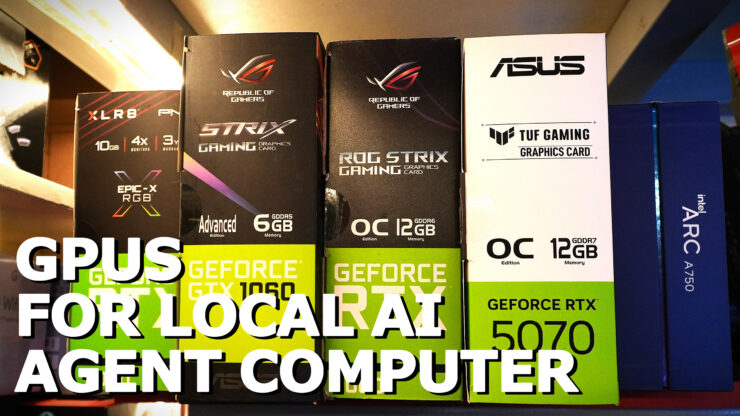
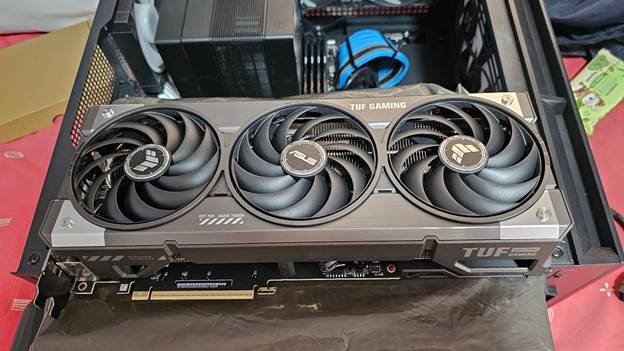
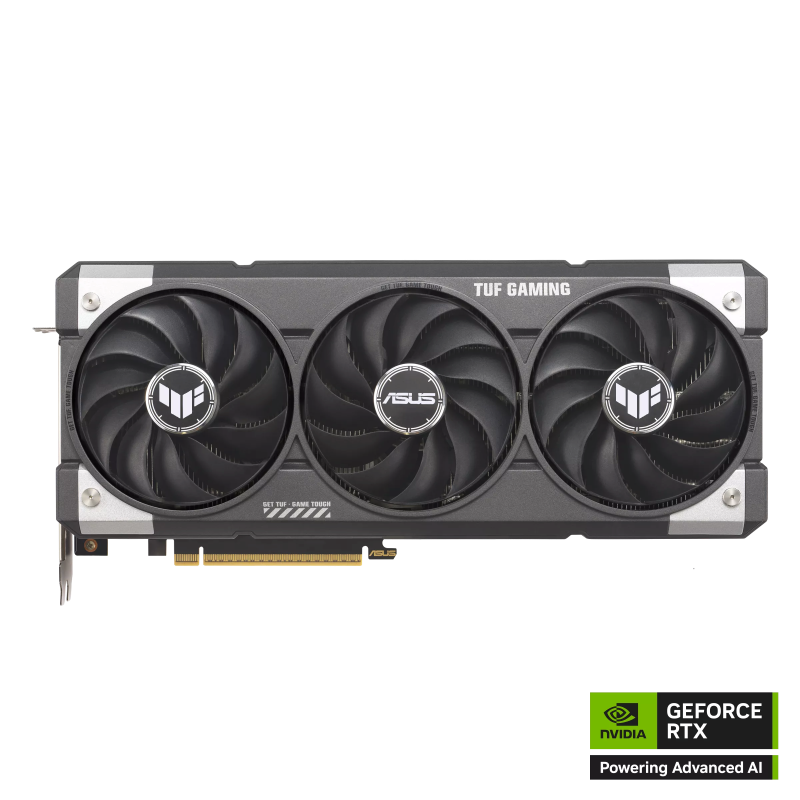
Now we know how GPU Cores and Memory drive AI workloads, let’s review what can fit in an Agent Computer build. In my personal machine, I run a TUF Gaming RTX 5070 12GB graphics card. An Agent Computer’s ideal GPU setup is supposed to have at least 16GB of VRAM. There’s a TUF Gaming RTX 5070Ti 16GB model, but cost for that is quite high, and in my preference, I needed a Graphics Card that is right in the middle of the pack that can be used as a control for reviewing other graphics cards with ample memory and gaming comfortably. Hence the TUF Gaming RTX 5070 was my pick at the time.
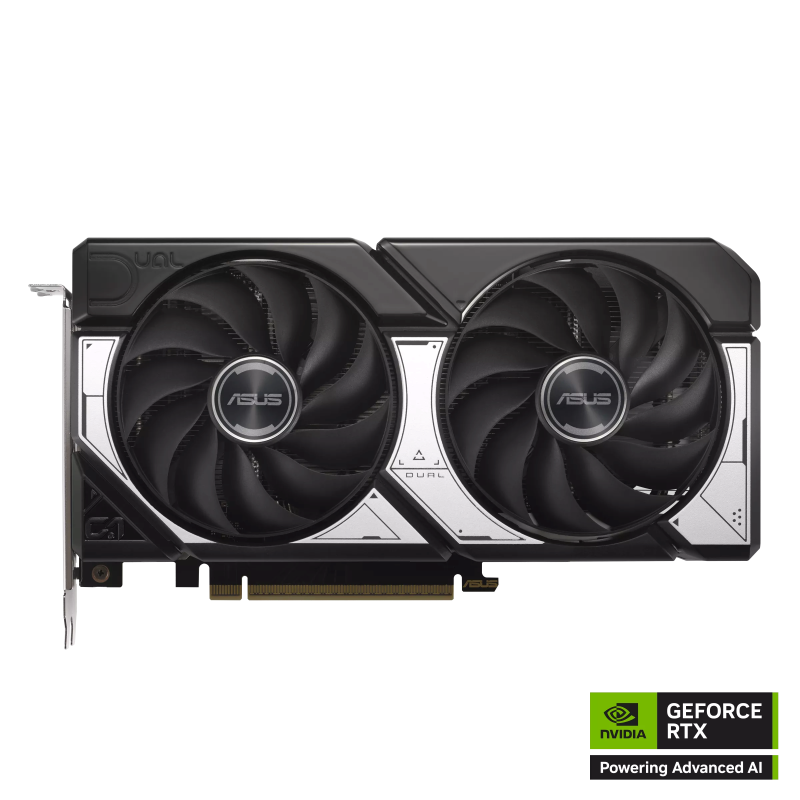
But if starting out and the need for a dedicated graphics card that has the video RAM capacity, performance for the budget crowd trying to get into developing w/ an AI Agent as a tool, then a GeForce RTX 5060 Ti 16GB should do the trick. It has a decent amount of performance compared to the RTX 5070 on paper. And it sips on power, not as hungry as the RTX 5070 and up so running long AI tasks shouldn’t be too much of an issue.
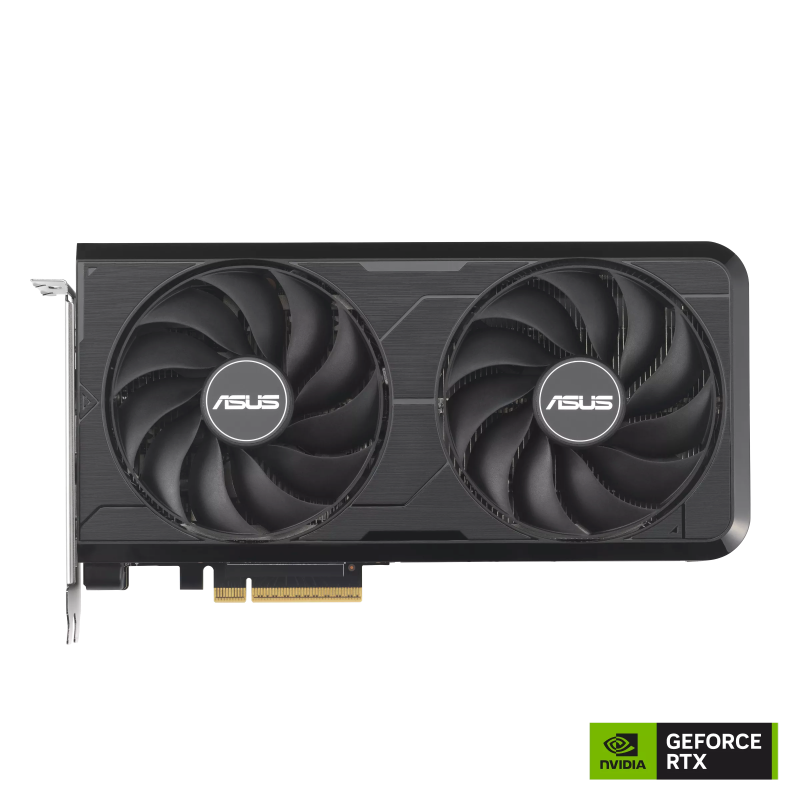
Plus, there are 2.5-slot thick models from ASUS with the ASUS Dual RTX 5060 Ti 16GB and ASUS PRIME RTX 5060 Ti 16GB. If you need a thinner model, there’s the ASUS Dual RTX 5060 Ti EVO 16GB at 2.1-slot thickness in the event the PCIe x16 slots are closer together and you’d choose to add another 5060Ti to get a 32GB setup.
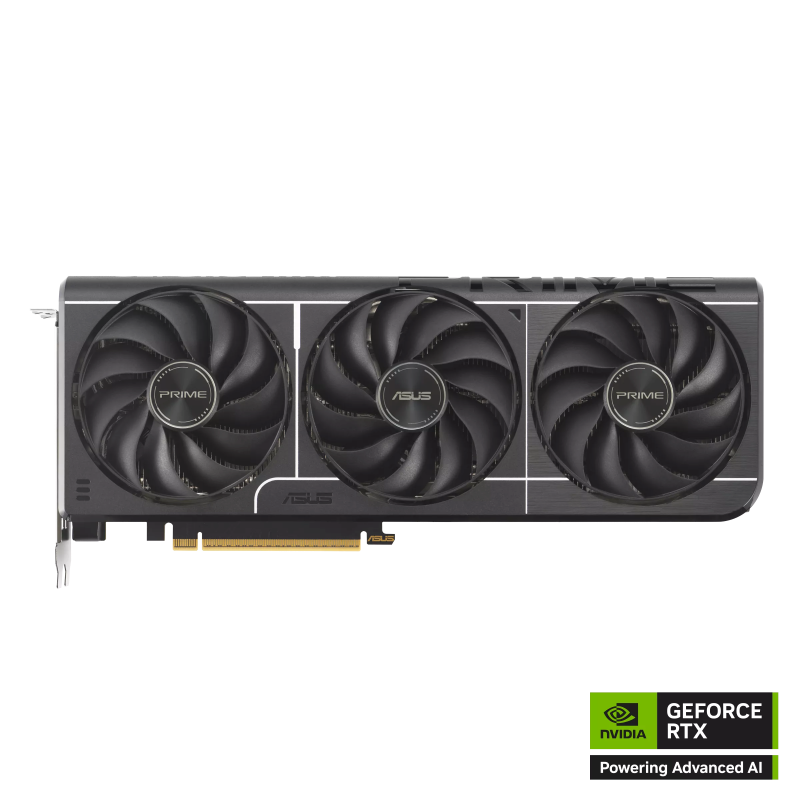
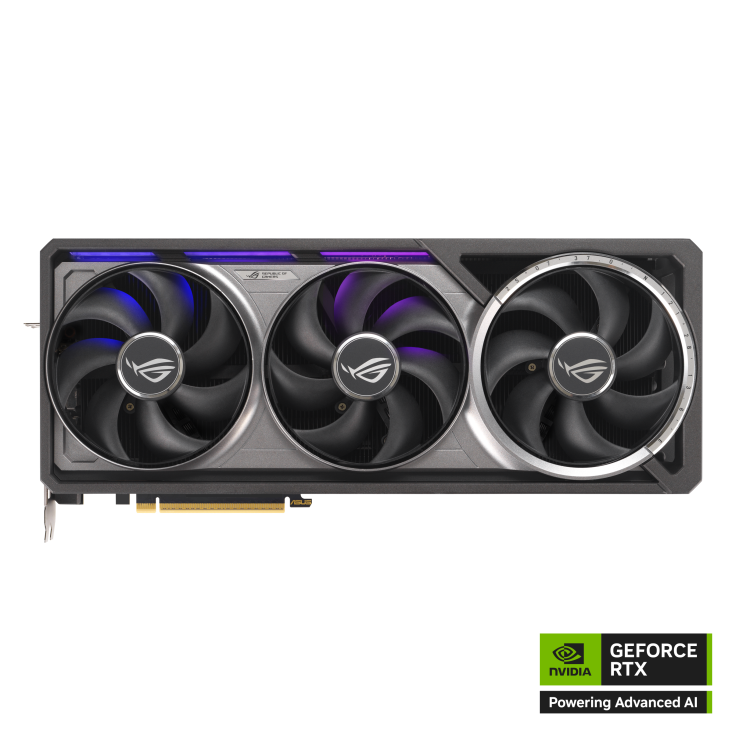
But if build budget is of no concern, then the recommended GPUs include versions of the TUF Gaming RTX 5070 Ti, TUF Gaming/ ROG ASTRAL RTX 5080 and if really, really have the budget for both GPU and paying for electric bills, the ROG ASTRAL RTX 5090, which has 32GB onboard. But the downside for higher end graphics cards would be having the use of thicker GPU coolers to efficiently handle heat. This should however make an Agent Computer perform at a higher level.
There is of course “PRO” version of these GPUs, like the NVIDIA RTX PRO 6000 running on NVIDIA Blackwell which will cost several PCs. Cheaper models running on NVIDIA Blackwell include NVIDIA RTX PRO 4000 Blackwell 24GB, and NVIDIA RTX PRO 2000 Blackwell 16GB, which offer a lower priced equivalent. Though in comparison, these line up with the mainstream enthusiast graphics cards mentioned above. A downside for these PRO versions except for the RTX PRO 6000 is the use of blower style cooler design, which are noisy.
Storage for the AI Models
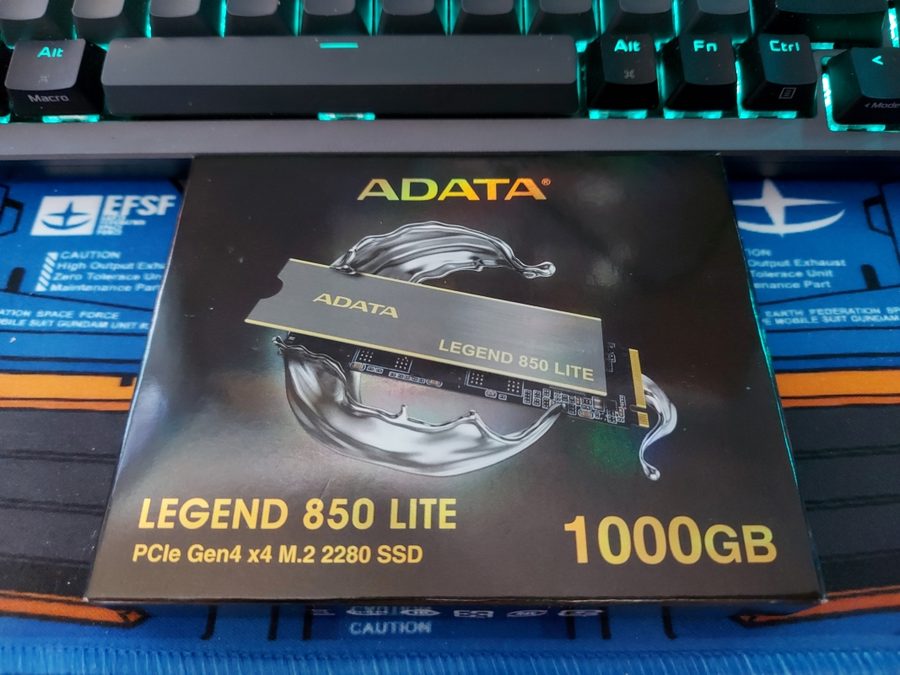
For storage, it’s a default to go for NVMe SSDs nowadays, not only are they faster in speed than the old SATA interface, but they’re also compact in size as well. Recommended size typically starts at 1TB as there are different AI models to use out there. These models range from 4GB in size to around 50 to 60GB. Their size depends on how much pretrained data they contain and how complex their system’s made up.
Power to the System
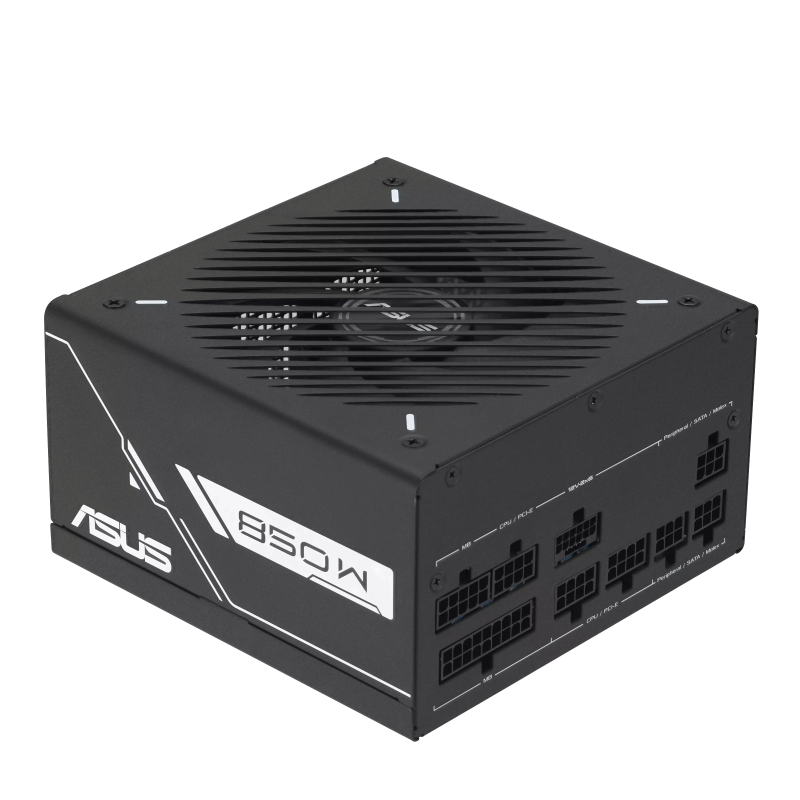
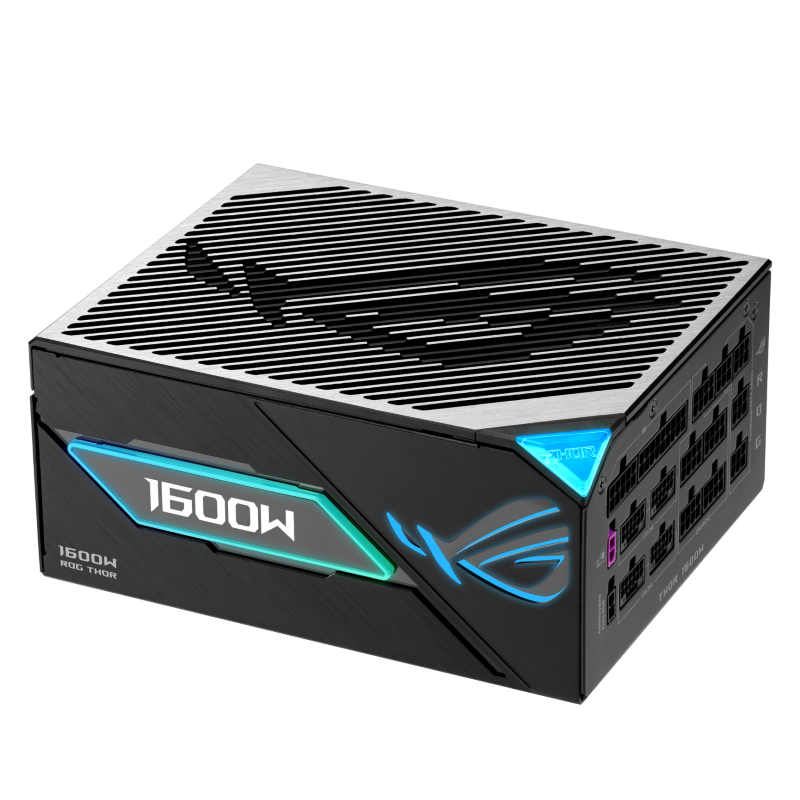
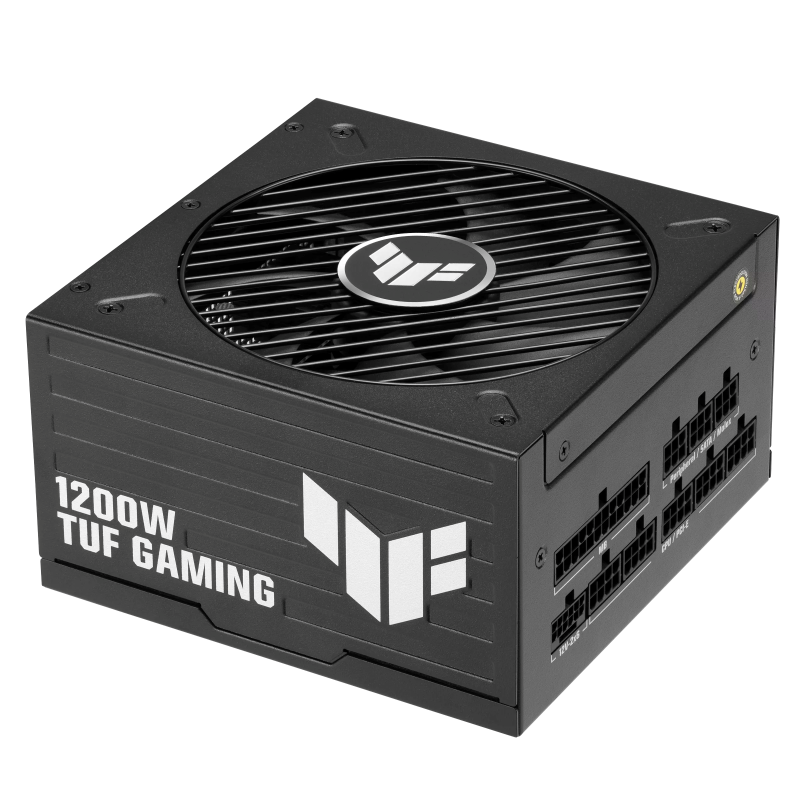
Power supplies should also be taken into consideration. Power Supplies provide the necessary power for all systems to run smoothly, and this goes especially for graphics cards. For an Agent Computer, being able to stably give consistent power is important to consistently run AI workloads. Being able to support two graphics cards is also important for higher wattage power supplies as well.
Choosing a power supply is dependent on the chosen CPU and Graphics card. Usually I would advise looking at a power supply calculator to get an idea. ASUS’ power supply calculator site is one such that provides a calculation for both CPU and GPU running on stock and suggested power supply for running on overclock.
Power Supply quality as well is important as getting a poorly built one or an older model that has an older design can sometimes cannot properly regulate or sustain power on the latest RTX Graphics cards. Thankfully, ASUS and ROG power supplies have reliable builds with certifications from 80 Plus and Cybenetics.
Ranging from ASUS Prime, TUF Gaming and ROG there is a wide selection for each budget line. Be sure to look at models that have RTX 50 certification that will support the ATX 3.1 specification, that is the 12VHPWR connector that NVIDIA RTX 50 series graphics cards now use.
Desktop Case: Support One or Two Graphics Cards, or More? (and Cooling)
And then comes the last part of hardware selection for your Agent Computer: Desktop Case and Cooling. As we have compiled our parts for an Agent Computer, we will need a desktop case to install on. Basing it on our choices before, we’re looking at different sizes. From compact ITX case or mATX cases to mid-size ATX cases to Full ATX cases, choices are quite many. And that also calls for adequate cooling.
For straight out work use, I’d advise against using anything that has RGB on it. It can be distracting but the final choice rests on you if you want a machine that stands out, particularly if it’s a personal development machine.
mATX Builds
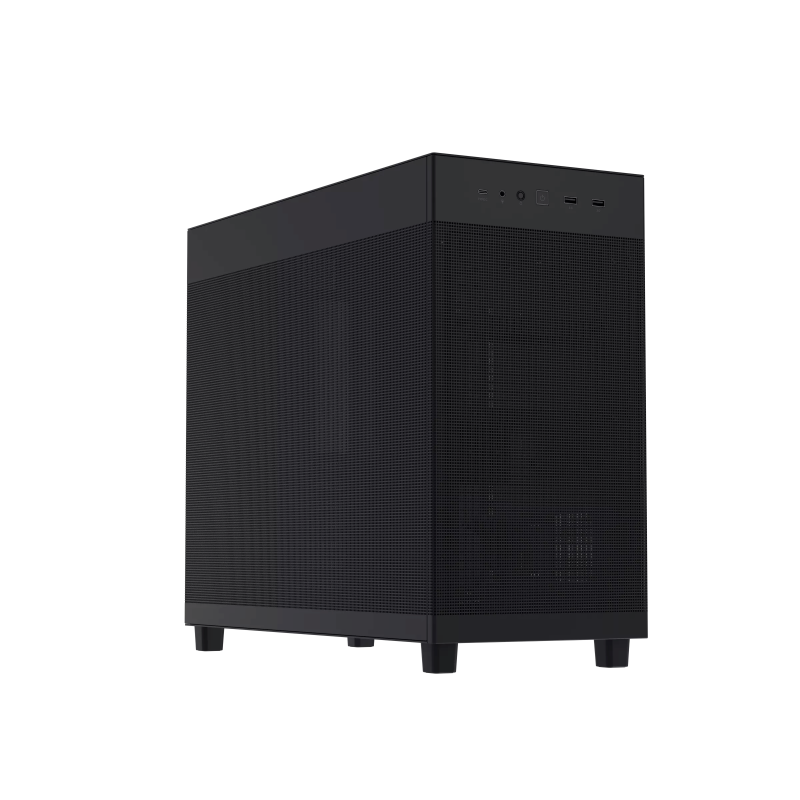
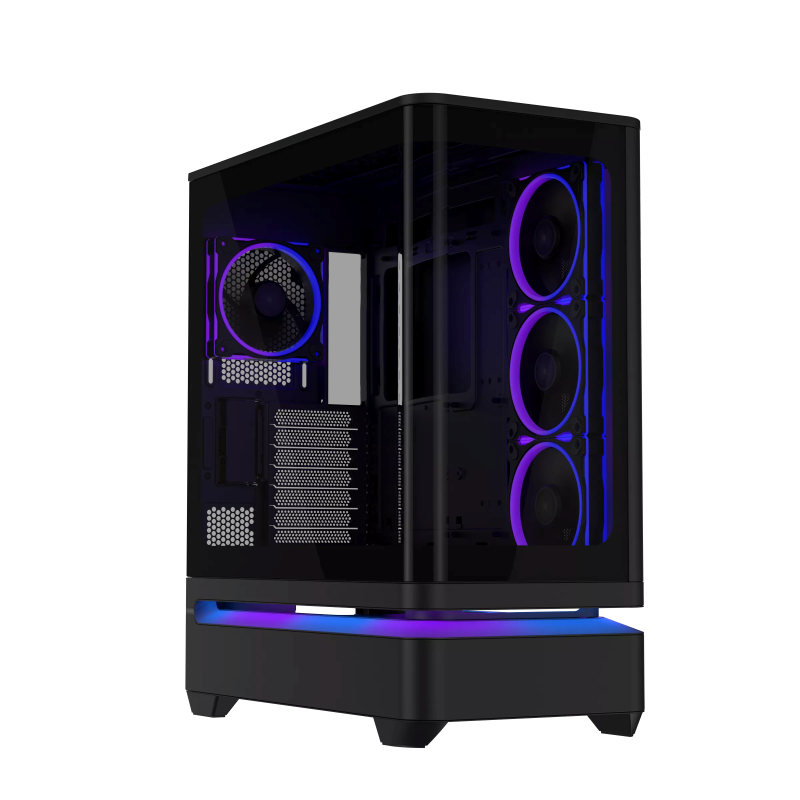
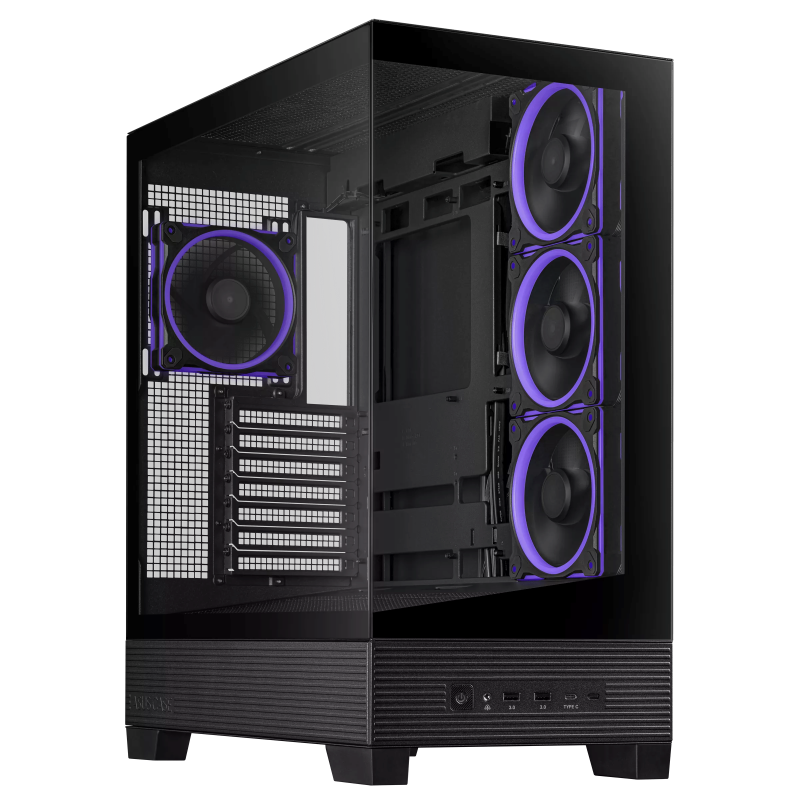
If setting up a desktop space saving machine then chances are you’ve picked an mATX board with a single GPU (preferably a RTX 5060 Ti 16GB at least), perfect sized desktop cases would be the ASUS Prime AP201 in mesh or tempered glass (if you have some lighting and fancy liquid AIO or air cooler w/ LCD screen). Should you want a popular case design, you can opt for the ASUS Prime AP202 case that features a bottom intake setup and side intake/exhaust) with curved tempered glass.
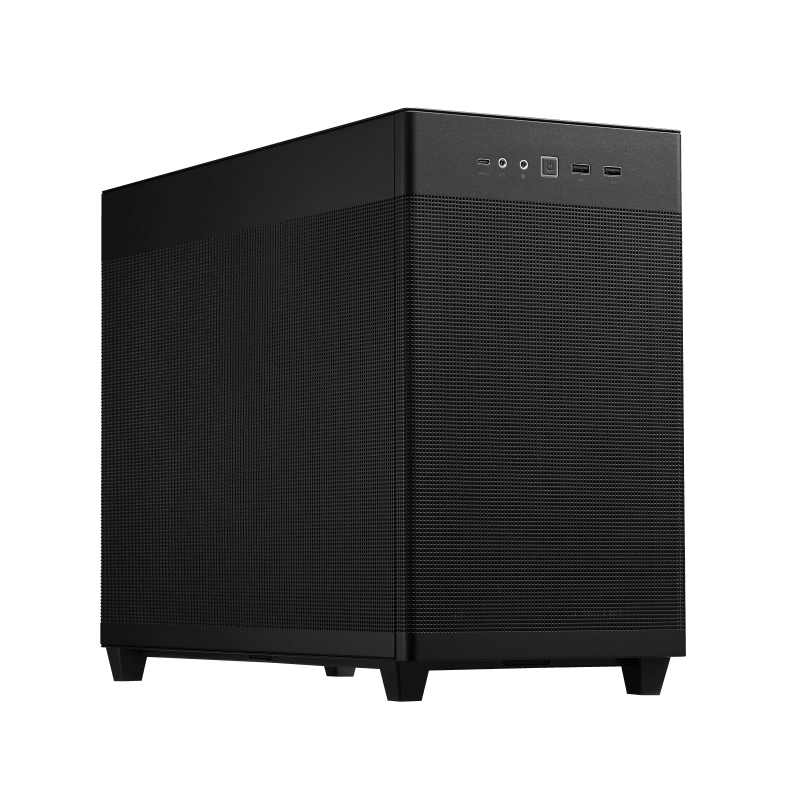
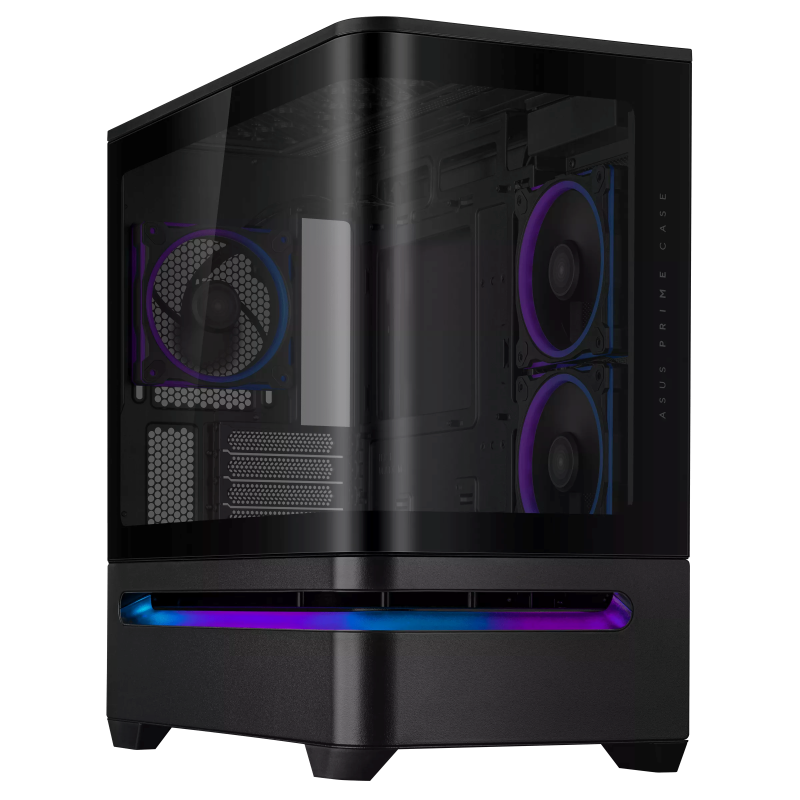
But you can oversize it with a mid-size ATX case should you really go for a dual GPU setup on mATX motherboards. It’s possible to build that way as the height of the ATX case will allow us to install the second GPU comfortably.
ATX and EATX Builds
For ATX and EATX motherboards there are two types of desktop cases to use. ATX desktop cases are split into two sizes: mid-size and full-size. Simply put, a full-size ATX case supports both ATX and EATX motherboards, more so for EATX boards as these can support multiple graphics cards easily. They are also quite big, eating up desk space.
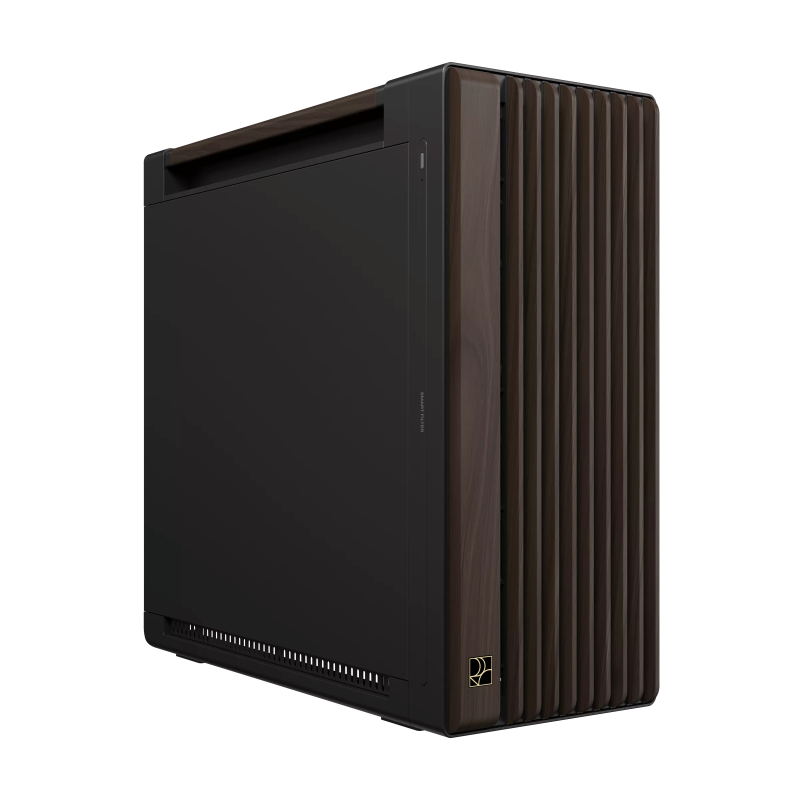
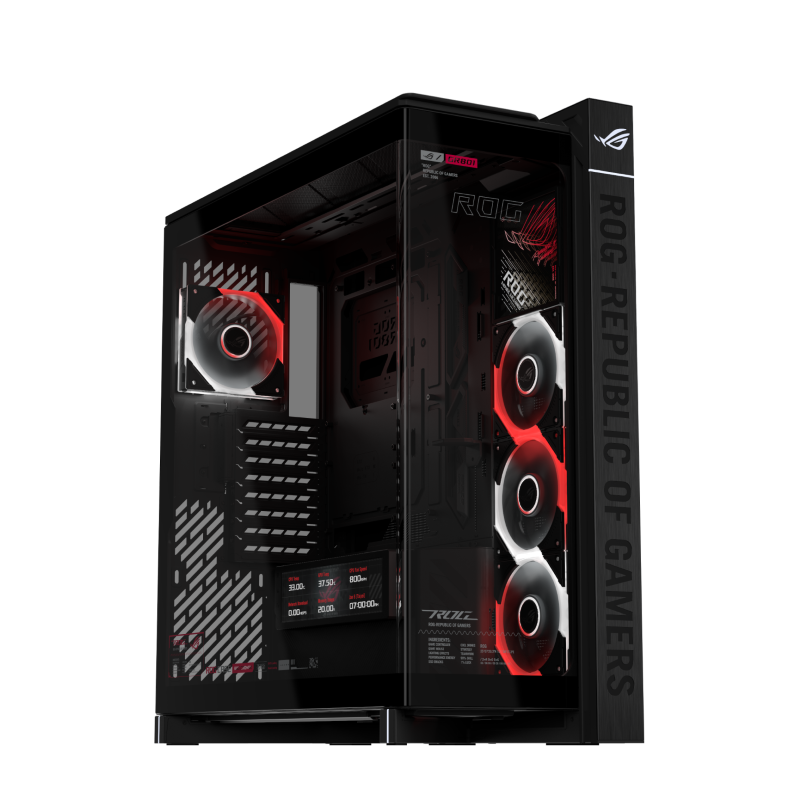
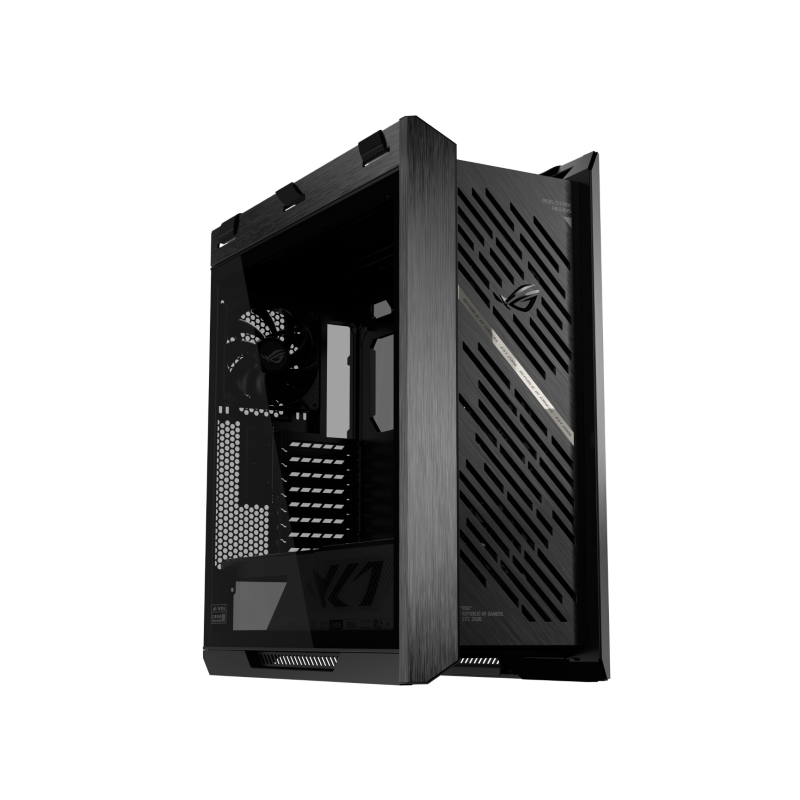
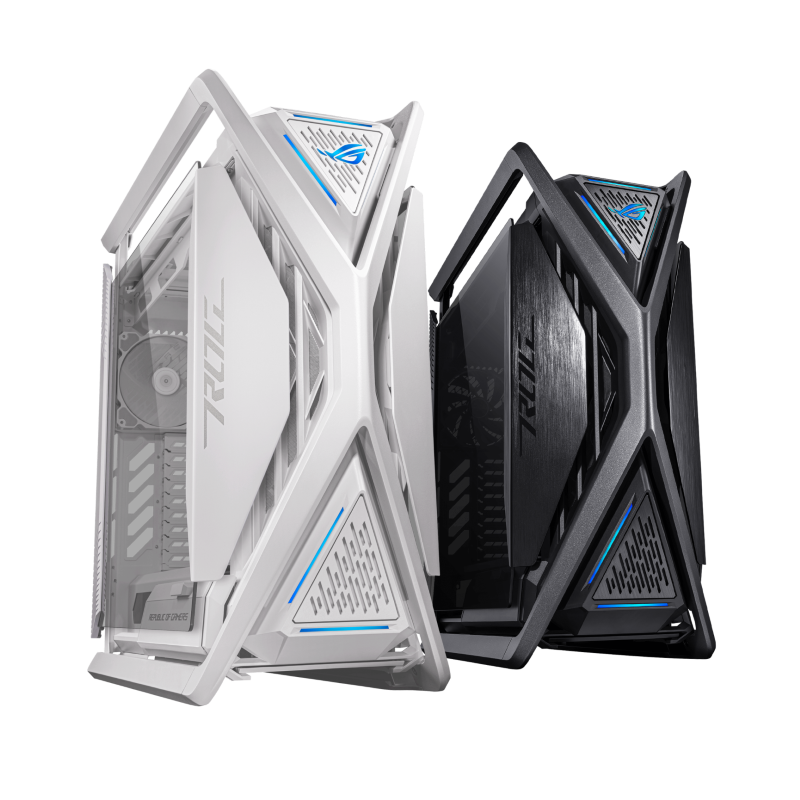
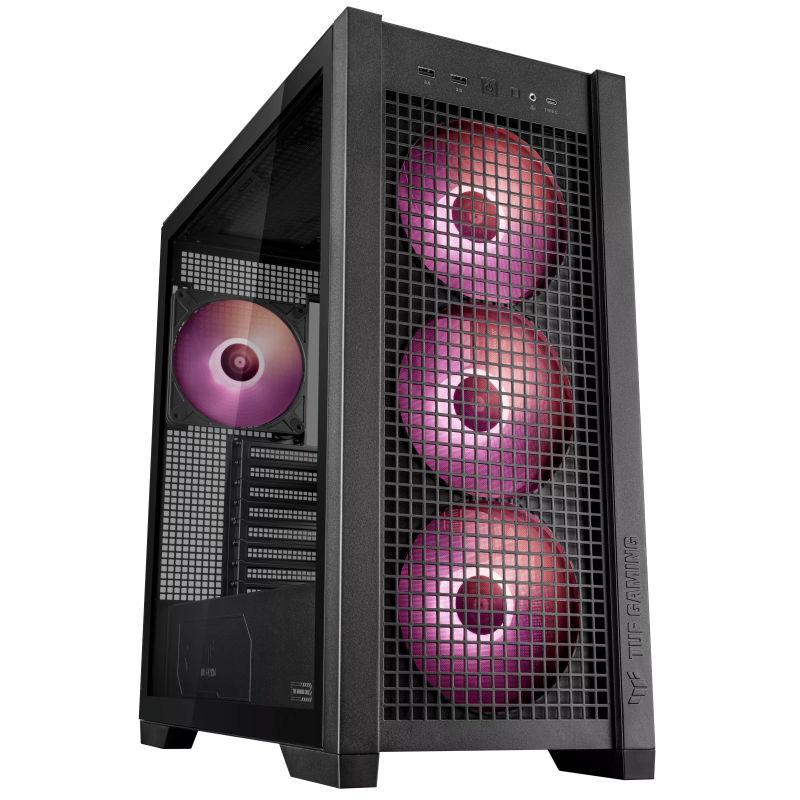
Consumer models like the ROG Helios II, ROG Cronox (and its ARGB model) and ROG Hyperion should all be able to carry ATX and EATX motherboards and two or three GPUs (four if the GPUs’ height are all 2 slots on an EATX board). Other models include the TUF Gaming GT302, and ProArt PA602 that can carry EATX motherboards with ample space for around two graphics cards.
But the more common size consumers would end up having is the mid-size ATX case, which will fit at least one graphics card and a second depending on how the ATX motherboard’s PCIe x16 slot is configured, as some have the 2nd slot on the bottom most part of the board. The ROG Strix Z790A-D4 has it slightly higher, allowing for a 2-slot graphics card to snuggly fit on my existing mid-size ATX case.
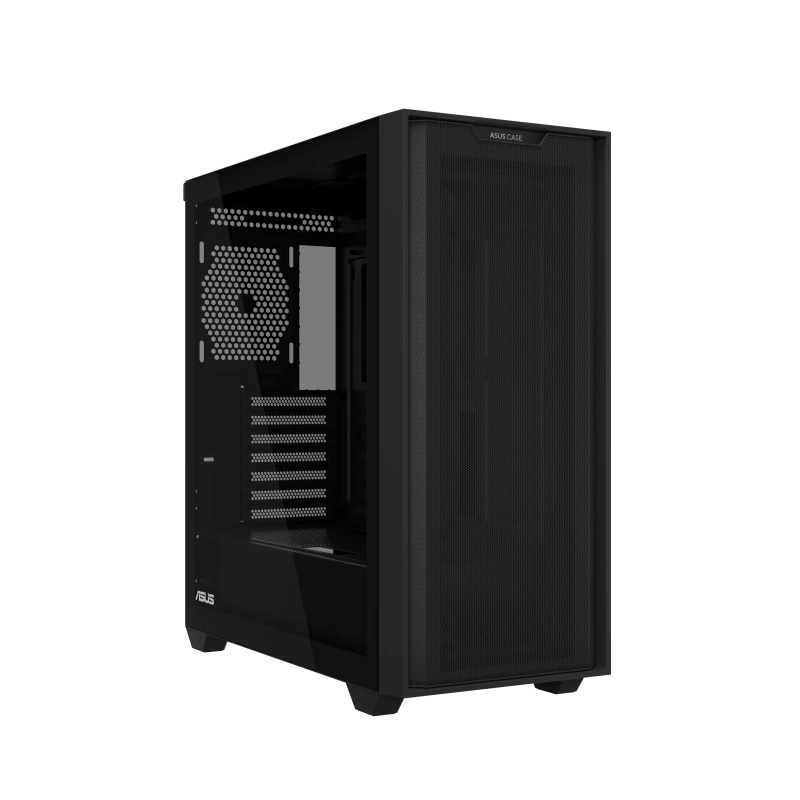
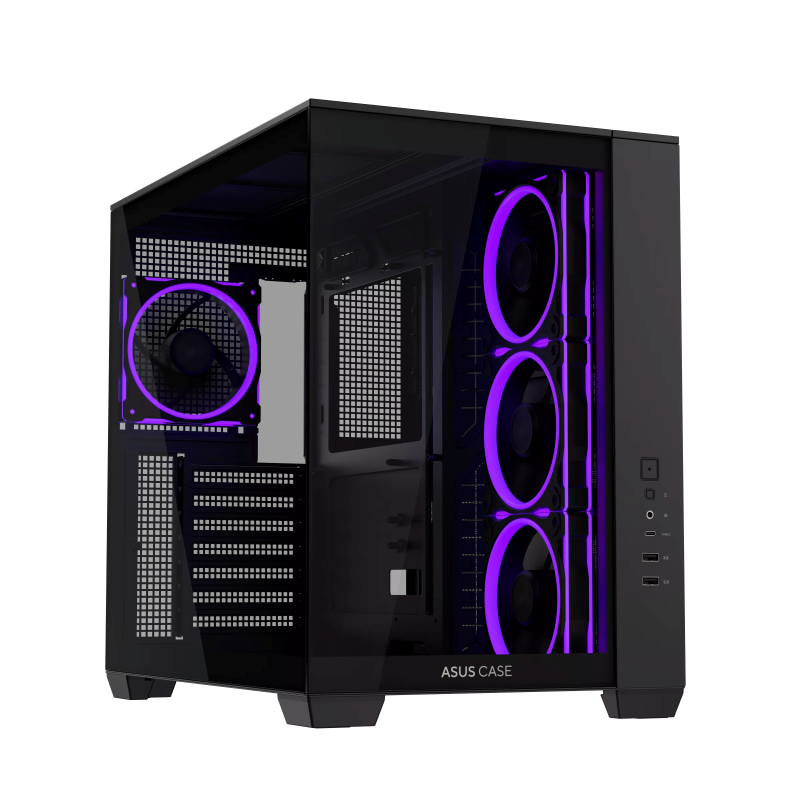
So, if you’ve lucked out on getting an ATX motherboard with the 2nd PCIe x16 slot way at the bottom, better adjust to getting a full-size ATX case if you’re looking to get a second GPU. Models from ASUS that are mid-size ATX are the ASUS Prime AP303, the ASUS Prime AP304 an upcoming ATX version of the AP202 with curved glass and bottom intake, and the ASUS A33, A32 Plus, and A31 which are the brand’s no-nonsense mid-size ATX case with single (A33, A31) and dual (A32 Plus) chamber configuration and tempered glass.
Cooling choices
For cooling, these desktop cases should be able to carry any cooler your heart desires, from air coolers to liquid all-in-ones to custom cooling. For air coolers, I would recommend something that can carry the selected CPU’s TDP and adjust to a more powerful model if you’re having the CPU overclocked. For reference you can read our reviews of several air coolers here, here and here. For liquid All-in-One coolers, there’s several to choose from ASUS including their Prime, ProArt and ROG lineup.
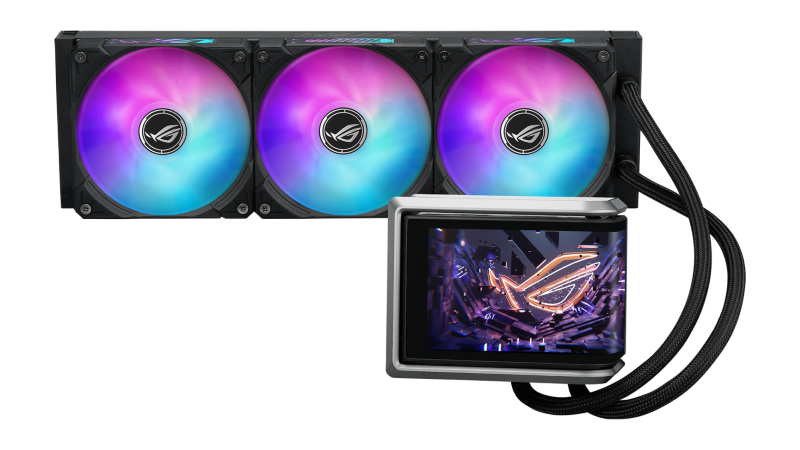
My rule of thumb for liquid cooling is to ensure that the liquid AIO is maintained regularly and kept monitored for any temperature change, as liquid AIOs are not perfect and can be subject to bacterial growth and clogging. The same should go with custom liquid cooling with monitoring for clogs, growth and leaks.
Case fans provide ample cold air for CPU air coolers and liquid cooler radiators (in an exhaust configuration) and exhaust hot air coming from a CPU air cooler. We can choose between RGB or non RGB for aesthetic purposes too.
Summary of Graphics Cards, Storage, Power and Case
We conclude this article to summarize the second batch of parts for setting up an Agent Computer. For an Agent Computer to fully work, a proper choice of graphics card with enough VRAM is needed. While the ASUS Agent Computer listing indicates that GPUs with 16GB VRAM are the minimum, we can still use models with 12GB VRAM with some spill over to system RAM. But if starting new, best to start with 16GB.
We then discussed the recommended size of storage. Best size would be at 1TB as we might leverage multiple different AI Models, and these models usually have 4GB or more to some having 50-60GB size due to how complex or how trained they are. We also discussed the power supply needed to efficiently and reliably power the Agent Computer. And finally, we covered the appropriate desktop case size for the selected components that will go in, as they dictate how much space is needed that a desktop case can provide.
For the next and final article in this series, I’ll discuss the setup of a local Agent Computer used for software development, and creative work. It should give an idea how much we can pull out of the selected hardware for our own Agent Computer use. I’ll break down some technical jargon on local AI Models we can download based on configuration; plus different inference engines/local AI runners/local AI agent platforms we use to host them locally.
PS: a note for those with an existing PC to convert into a local Agent Computer, you can modify your build by just adding or updating components. If you’re still on a DDR4 motherboard and have an extra two more slots, then just get more RAM to hit 32GB or 64GB if sporting two 16GB sticks. And as for GPUs, like I’ve tried, you can run AI locally with around 12GB of VRAM. But if you’re coming right off an older, lower VRAM GPU like having 6GB or 8GB, getting a 5060Ti is a good entry point. Or if looking to extend the existing VRAM and have ample space in your desktop case, probably a second GPU!